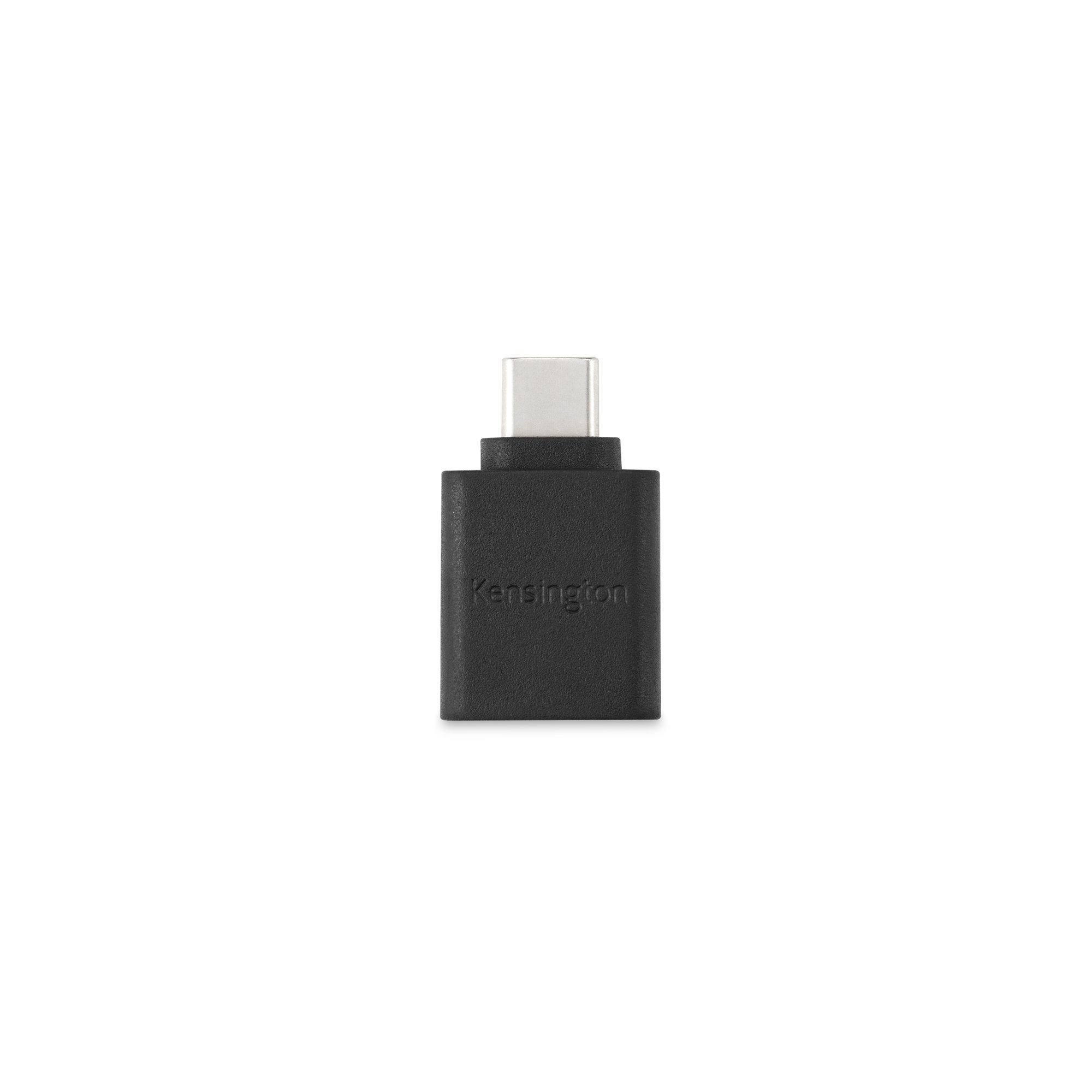

CA1010 USB-C to USB-A M/F Adapter allows users with older USB-A devices (thumb drives, headphones, charging cables etc.) to connect with newer USB-C devices (laptops, wall chargers etc.) - all while retaining support for performance features such as high-speed data transfer and fast charging. Plug & Play installation means it’s ready to go with no need for additional power source or driver downloads. Supports speeds up to 5 Gbps - 10 times faster than USB 2.0. Up to 5V/3A charging capability depending on the host device. Features premium construction, two-year limited warranty and compatibility with a range of devices and operating systems.
Features
Simple USB-C to USB-A M/F Connectivity provides easy connection between USB-A devices and newer USB-C devices - without losing important usability features.
Extensive Compatibility works seamlessly with a wide range of devices and operating systems (Lightning-based iPhones supported when using a Lightning to USB-A cable).
Plug & Play installation with no need for an additional power source or driver downloads.
Super-Fast Data Transfer supports speeds up to 5Gbps - 10 times faster than USB 2.0.
Supports up to 3A Fast Charging - up to 5V/3A charging capability depending on host device.
Premium Construction features halogen-free material and durable metal-injection moulded connector.
Two-year limited warranty gives users peace-of-mind knowing they’re covered by Kensington reliability.
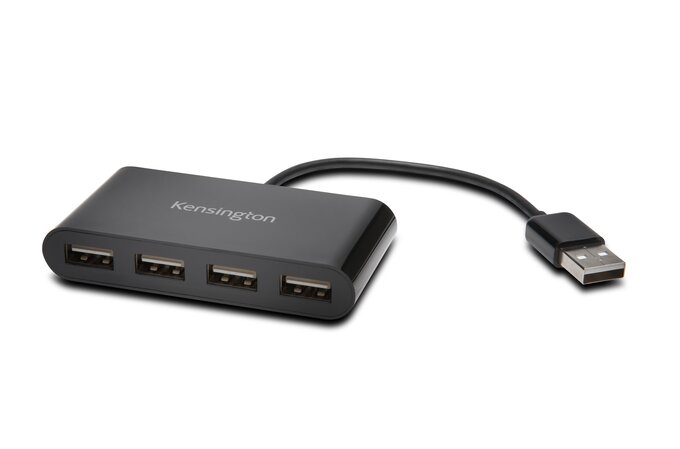
4-port hub
Expand your device's productivity capabilities by plugging your peripheral accessories into any of four available USB 2.0 ports.
Plug & play operation
Simply plug the expansion hub into your device and it's automatically ready to go with no need for an additional power source or driver downloads.
Universal compatibility
The adapter is compatible with devices running Windows XP or above and macOS 10.6 or above.
Key Features:
Expand your connectivity with four plug & play USB ports
Hard wired USB cable so you can't forget it
Compact and lightweight, ideal for travel
Plug and play - no hook-up hassles - convenient and fast
USB Bus port powers - eliminating AC adapter and tangled wires
Datasheets / User Manuals / Quick Start Guides can be downloaded from our Documentation tab (above)
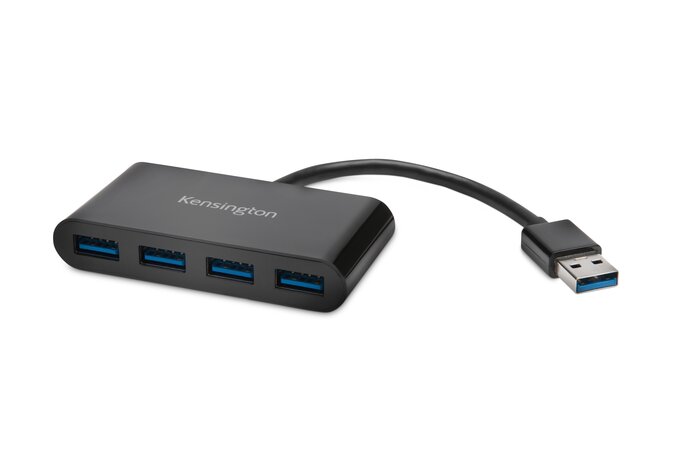
Key Features:
Add 4 USB ports for simple device expansion
USB 3.0 technology for transfer speeds up to 5 Gbps, which is 10x faster than USB 2.0
Plug & Play installation with no drivers
Compatible with systems running Windows XP or above and macOS 10.6 or above
Datasheets / User Manuals / Quick Start Guides can be downloaded from our Documentation tab (above)
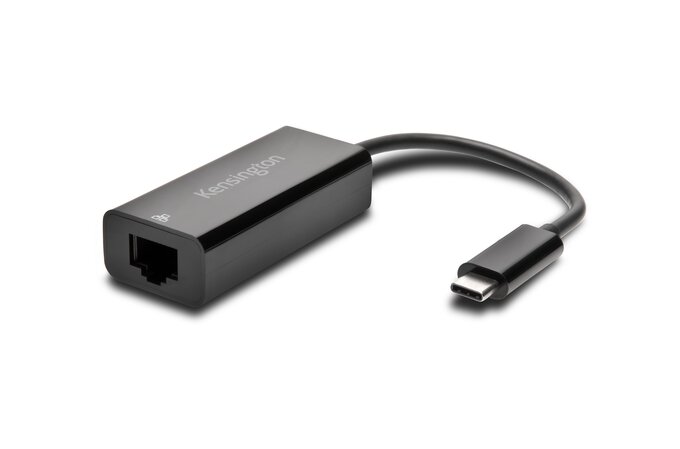
Wired Network Connection provides a direct and secure connection to the internet or LAN via a USB-C (male) connector for your device's USB-C or Thunderbolt 3 port, and an RJ45 (female) port for Ethernet
Gigabit transfer speeds supports 10/100/1000 BASE-T performance
Plug and Play Design uses native driver support to allow quick connections with Windows, Mac and Chrome operating systems, and USB-powered to eliminate the need for an external power source
USB-C and Thunderbolt 3 compatible to accommodate the latest laptops and evolving computing environments
Compact and lightweight making it an ideal travel accessory for on-the-go professionals
2 -year warranty and lifetime technical support provided by the leader in desktop productivity solutions
Datasheets / User Manuals / Quick Start Guides can be downloaded from our Documentation tab (above)
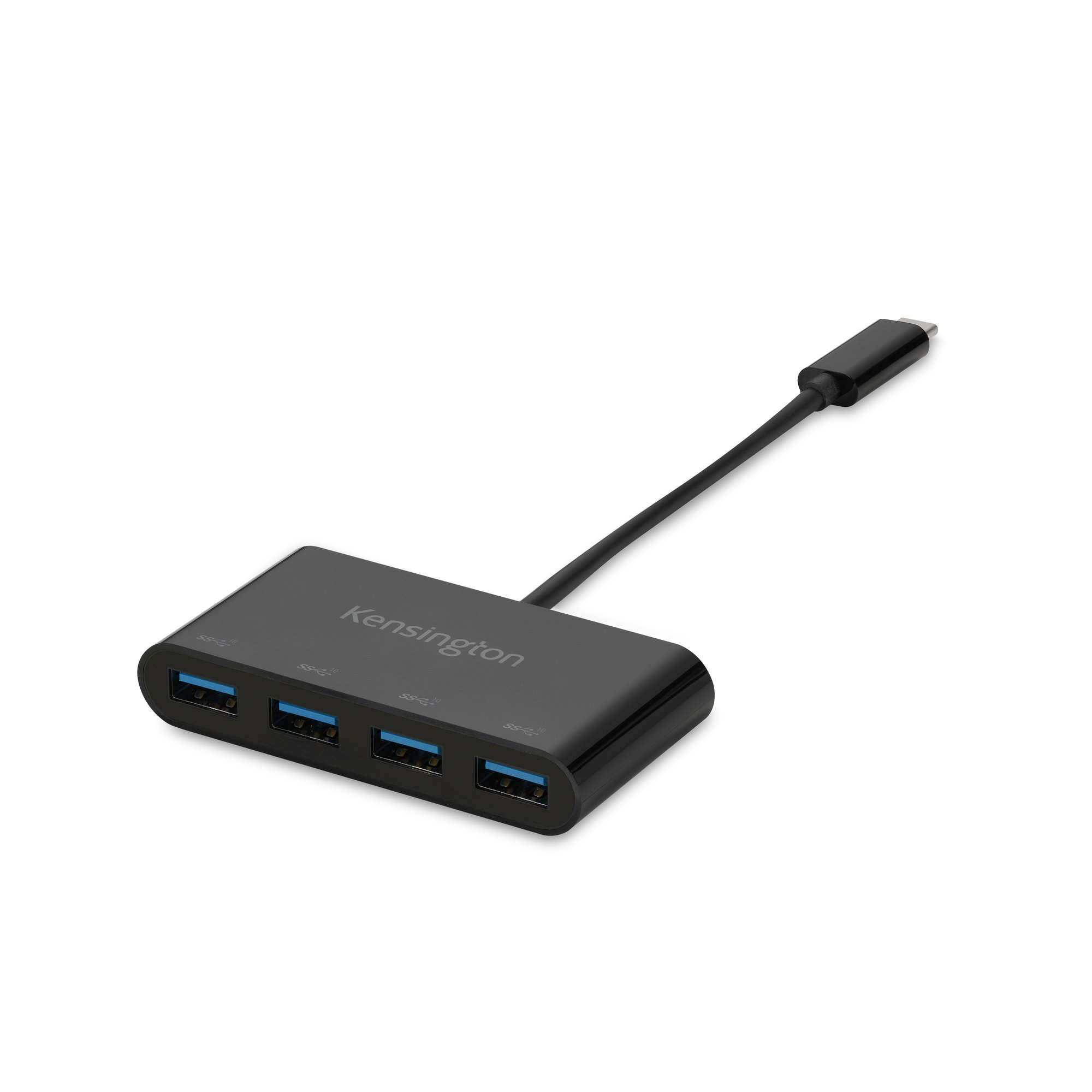
Providing data transfer speeds up to 10Gbps, the CH1200 USB-C® 10Gbps 4-Port Hub is a convenient and compact accessory for connecting up to four USB-A devices including thumb drives, headsets, mice and keyboards using a single USB-C® port on your computer or docking station. This is a simple plug-and-play solution with no drivers or downloads required. Using USB 3.2 technology, the hub supports transfer speeds up to 10Gbps, which is 20 times faster than USB 2.0. The CH1200 USB-C® 4-Port Hub is a high-quality accessory backed by a two-year limited warranty.
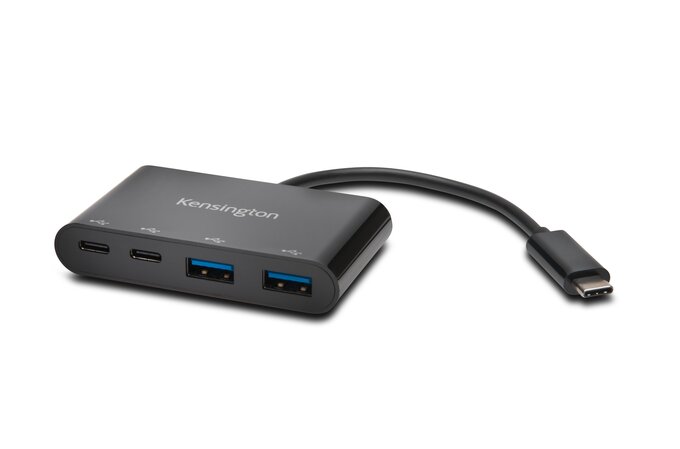
Key Features:
Hub offers 2 USB-A ports and 2 USB-C port for simple device expansion
USB 3.1 Gen 1 technology for SuperSpeed data transfer and syncing up to 5 Gbps, which is 10x faster than USB 2.0
Plug & Play installation with no drivers
Compact design makes the hub highly portable
Compatible with Windows 8.1 or above, macOS 10 or above and Chrome OS 44 or above
Hub does not support Power Delivery or DisplayPort Alternate Mode
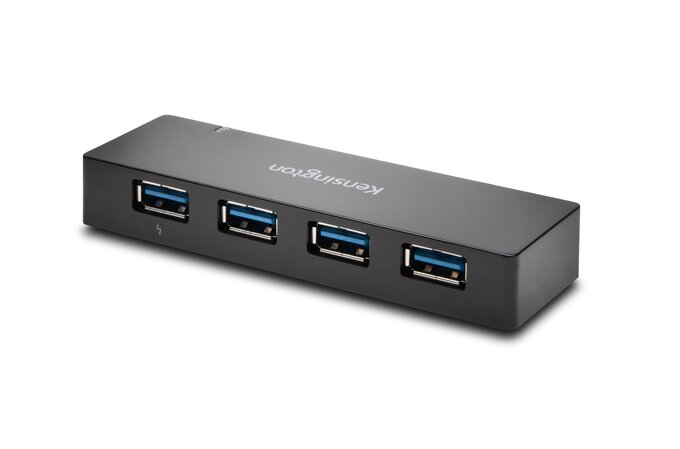
Expand your device's productivity capabilities by plugging your peripheral accessories into any of four USB 3.0 ports and then watch the battery on your smartphones and/or tablets charge up in the process with the available 1.5 Amps of power.
Expand your device's productivity capabilities by plugging your peripheral accessories into any of four USB 3.0 ports and then watch the battery on your smartphones and/or tablets charge up in the process with the available 3 AMPs of power.
Key Features:
Add 4 USB ports for simple device expansion
USB 3.0 for data speeds up to 5 Gbps, which is 10x faster than USB 2.0
1.5 AMPs are available to fast charge smartphones and/or a tablet when hub is plugged into a wall outlet for external power
Plug & Play installation with no driver downloads necessary
Compatible with systems running Windows XP or above and macOS 10.6 or above
Charging ports are compliant with USB BC 1.2 standard and compatible with BC 1.2 devices such as iPad® 4th gen, iPad Air™ and iPad mini (check your device specs)
Datasheets / User Manuals / Quick Start Guides can be downloaded from our Documentation tab (above)
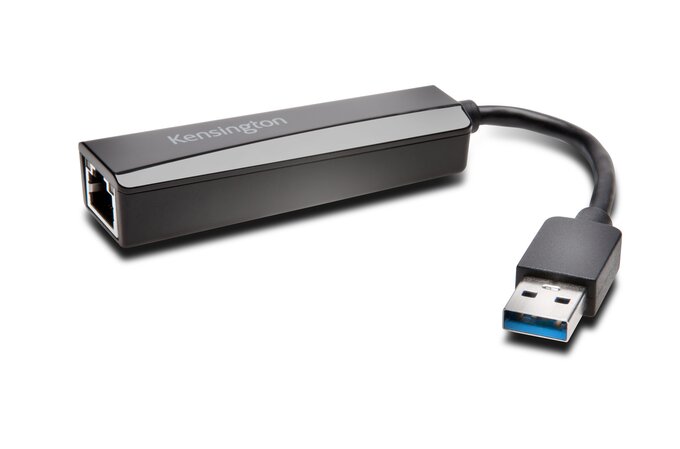
Key Features:
Add Ethernet port for wired Internet connection
Supports transfer speeds up to 5 Gbps, which is 10x faster than USB 2.0 (backward compatible with USB 2.0)
Simple plug & play operation after one-time driver installation
Powered via USB and connects to USB port of your laptop and provides an RJ-45 connector that supports 10/100/1000 BASE-T performance
Compatible with systems running Windows XP or above and macOS 10.6 or above
Requires WiFi connection to download driver
Datasheets / User Manuals / Quick Start Guides can be downloaded from our Documentation tab (above)