








.jpg)

The Universal Dual-Head Keyed Coiled Cable Lock allows you to secure any device while allowing a free manipulation of the object, using the same key to easily lock/unlock both lock heads.
This tool secures a large range of devices such as laptops, PCs, Macs, computers, monitors, printers, hard drives, conference-room speakerphones, apple tv, routers, projectors, digital TVs and so on. Of course, it is also compatible with our Ledge adaptors and Blade universal lock.
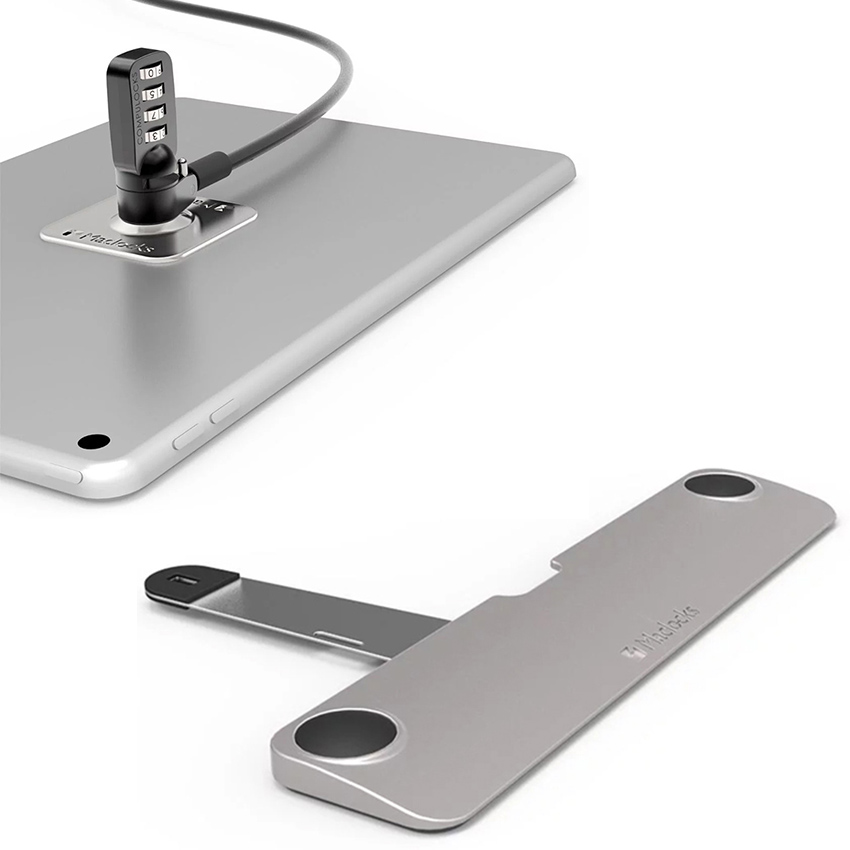
Both heads use the industry-leading T-bar lock for the highest level of protection. Whether you rely on the standard T-bar security slot or an Adhesive Security Plate, you can secure two devices together or one device that is attached to a desk or stand with the same key.
Key Features:
2 Keyed T-Bar Style Lock Heads
Coiled Galvanized Steel Cable Lock
Compatible with Standard Security Slots
Our cable locks are the perfect defence against theft or unwanted borrowing by creating a secure environment for all of your technology.
The coiled cable allows discreet use, keeping all excess cabling tightly wound. Made of galvanized steel and slimmer than most cable locks, it has low-profile 180-degree rotating cable connections and 180-degree rotating T-bar head locks making it easier to lock and unlock. This feature also allows the lock to rotate freely while still secured within the lock slot to help prevent theft.
Coiled Cable Lock Includes:
Coiled Cable Lock
2 Lock Keys
Dual Head Coiled Cable Keyed Lock CL02H Compatible with:
Universal Compatibility with standard T-Bar™ design lock slots
.jpg)
This powerful locking mechanism secures your new Mac Studio so you can focus on work.
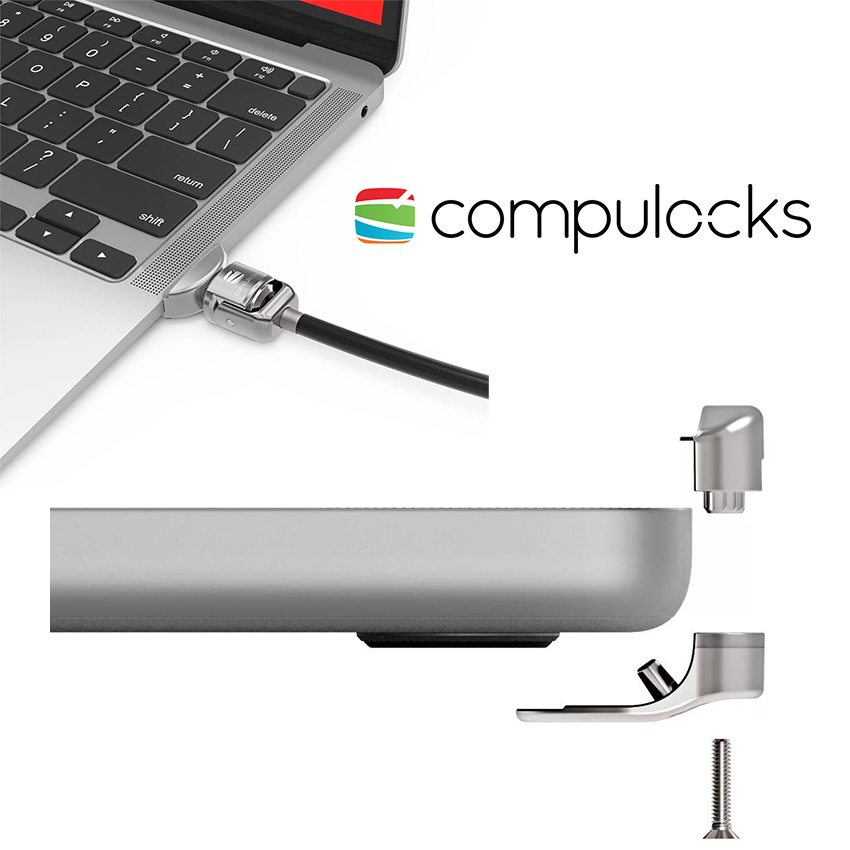
Ledge adapts the “Kensington slot” at the base of the Mac Studio to a regular side lock. This is an efficient, non-invasive and elegant solution that keeps the Mac Studio safe without the need to modify it in any way.
The Ledge Adapter comprises 2 parts - a T Bar plate that fits into the lock slot on the underside of the Mac Studio, and an adapter that accepts all standard T Bar cable locks. This lock allows you to safeguard the Mac Studio in a simple way without any damage or manipulation of the device.
Mac Studio Ledge Adapter includes:
Ledge Lock T-slot Adapter
Installation Hardware Kit
Mac Studio T-slot Ledge Lock Adapter MSLDG01 Compatible with:
Mac Studio |M1 Max chip| 2022
Mac Studio |M1 Ultra chip| 2022
.jpg)
Looking for a Mac Studio solution that will provide both security and efficient display?
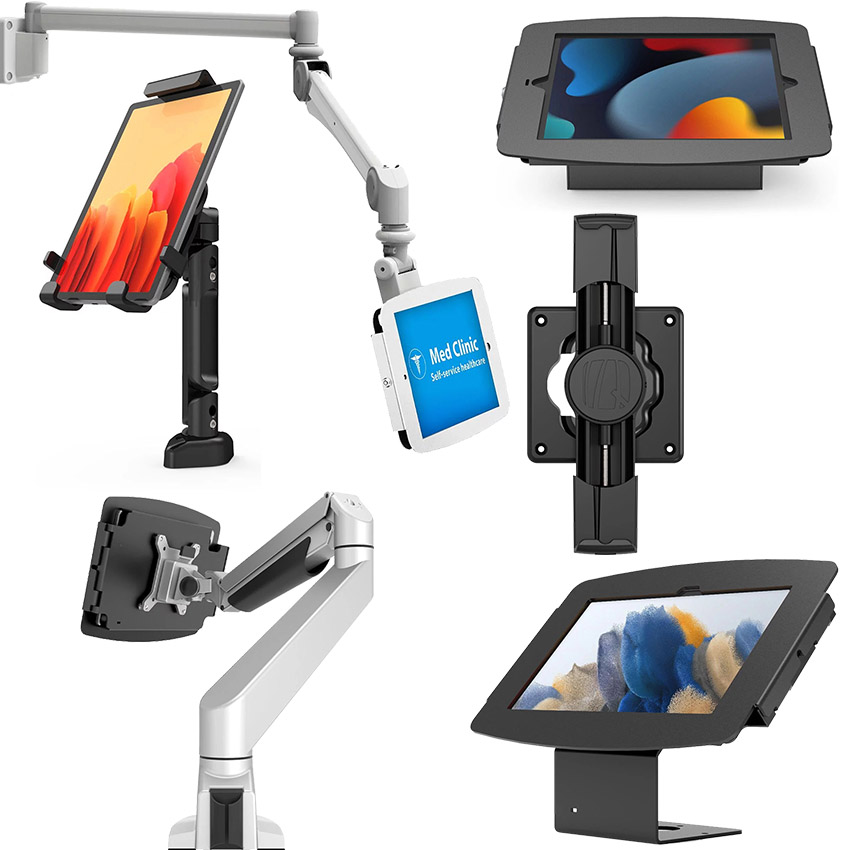
The high-grade aluminum Mac Studio Mount provides 100% protection for the device and is easily fixed to a wall or counter. The ventilated design with comfortable cable management is ideal for any work environment.
Key Features:
Easy to install on a counter or wall
High-grade aluminium enclosure
Secured with keyed lock
Ventilated designed with cable management
100mm x 100mm & 75mm x 75mm VESA Pattern
Mac Studio Security Mount includes:
Mac Studio Security Mount
X2 Keyes
Keyed Lock head
6mm x 15mm cable tie
Mac Studio Security Mount MSBKT01 Compatible with:
Mac Studio |M1 Max chip| 2022
Mac Studio |M1 Ultra chip| 2022
.jpg)
This powerful locking mechanism secures your new Mac Studio so you can focus on work.
Ledge adapts the “Kensington slot” at the base of the Mac Studio to a regular side lock. This is an efficient, non-invasive and elegant solution that keeps the Mac Studio safe without the need to modify it in any way.
The Ledge Adapter comprises 2 parts - a T Bar plate that fits into the lock slot on the underside of the Mac Studio, and an adapter that accepts all standard T Bar cable locks. This lock allows you to safeguard the Mac Studio in a simple way without any damage or manipulation of the device.
Mac Studio Combination Cable Ledge Lock includes:
Ledge Lock T-slot Adapter
Combination Locking Security Cable
Installation Hardware Kit
Mac Studio Combination Cable Lock with Ledge Lock Adapter MSLDG01CL Compatible with:
Mac Studio |M1 Max chip| 2022
Mac Studio |M1 Ultra chip| 2022
.jpg)
Elevate your workspace with the Mac Studio Stand. Securing the device above the table clears your workspace and provides an advantage no other product does: improved ventilation that helps prevent dust accumulation. Furthermore, it secures the Mac Studio against theft.
Key Features:
Improves ventilation for your Mac Studio
Fits perfectly in workspaces
Easily mounts to flat surfaces, walls and counter
Includes an additional lock slot for peripheral device
Use Dual Head cable lock to secure to the stand or cable lock to secure to a fixed point
Mac Studio Security Stand includes:
Mac Studio stand
Hardware Kit
Mounting Kit
Mac Studio Security Stand MSSTD01 Compatible with:
Mac Studio |M1 Max chip| 2022
Mac Studio |M1 Ultra chip| 2022
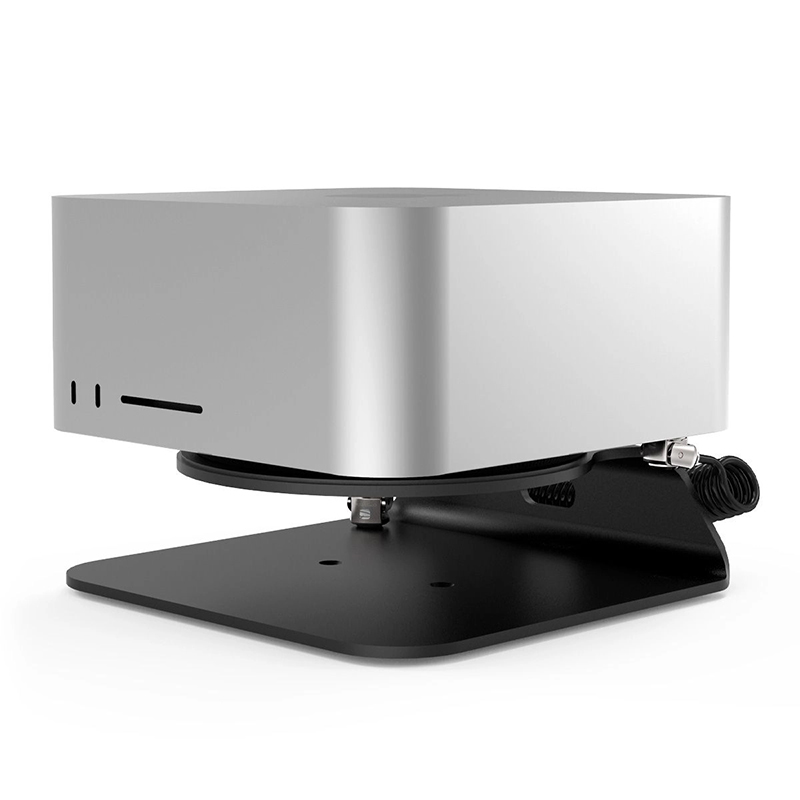
The Compulocks MSSTD01CL02H Mac Studio Security Stand with Dual Head Coiled Cable Keyed Lock provides a secure mounting option for Apple Mac Studio computers in workspaces where physical protection and convenient positioning are important. The black desktop stand can be fixed to suitable flat surfaces, walls or counters, while its ventilated construction allows airflow around the Mac Studio. The included dual-head coiled cable lock can secure the stand to a fixed point or connect the Mac Studio to the stand, helping deter unauthorised removal. An additional lock slot also provides an option for securing a peripheral device.
Key Features of Compulocks MSSTD01CL02H
Security stand for Apple Mac Studio
Includes dual-head coiled cable keyed lock
Desktop and wall mounting capability
Can be fixed to suitable flat surfaces, walls and counters
Ventilated construction allows airflow around the Mac Studio
Dual-head cable lock can secure the stand to a fixed point
Lock can also connect the Mac Studio directly to the stand
Additional lock slot for securing a peripheral device
Mounting kit and hardware kit included
Dual-Head Cable Security
The supplied coiled cable lock gives the stand two practical security arrangements. It can connect the Mac Studio to the stand when the base is fixed in place, or the cable can be used to secure the stand to an appropriate fixed point. This provides flexibility when installing the computer in different locations.
Ventilated Stand Construction
The stand incorporates an open area beneath the Mac Studio to allow airflow around the computer. Raising the Mac Studio above the supporting surface also leaves space beneath the unit, making the stand suitable for installations where ventilation and access around the computer are important.
Flexible Installation
The mounting arrangement allows the stand to be fixed to suitable desks, counters, walls and other flat surfaces. This makes it suitable for workstations and shared areas where keeping the Mac Studio in a fixed position can help maintain an organised setup while providing additional physical security.
Peripheral Locking Point
An additional lock slot is built into the stand for securing a compatible peripheral device. This provides another point for physical security beyond the main Mac Studio mounting arrangement and can be useful where accessories are kept alongside the computer.
Mac Studio Compatibility
The stand supports Apple Mac Studio systems across several generations. Compulocks currently lists compatibility with 2022 M1 Max and M1 Ultra models, 2023 M2 Max and M2 Ultra models, and 2025 M3 Ultra and M4 Max models. The package includes the Mac Studio stand, mounting kit and hardware kit together with the dual-head coiled cable keyed lock.