Explore the range of Dell P Series Desktop Monitors available at Comms Express
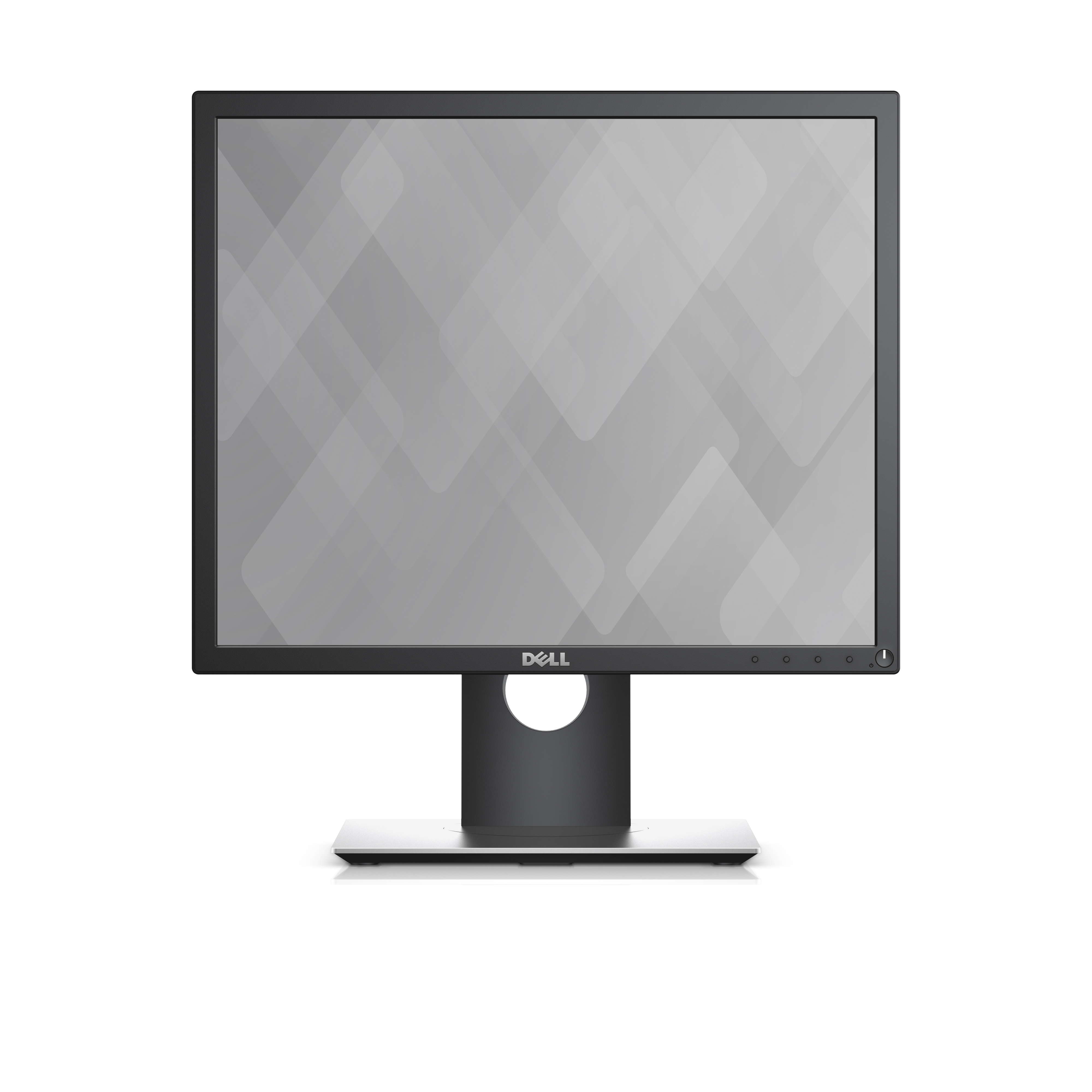

Purposefully designed for comfort and convenience.
Easily adjust your monitor to your desired angle, height, and position so you can enjoy great visuals across multiple monitors with no hassle.
A more seamless workflow: slim borders create a smoother and less obstructed visual experience when working across multiple monitors.
Versatility you can count on: enjoy full adjustability to pivot, tilt, adjust the height and swivel your monitor to your exact preference.
More ways to stay connected: multiple connectivity ports on the bottom and side of the monitor allow you to easily connect to various devices.
Enhanced viewing experience
The Dell 19 Monitor | P1917S is perfect for professionals who work long hours and depend on a monitor that will display stunning visuals without inducing eye fatigue
Complete clarity: get excellent picture quality with consistent colour representation across an ultra-wide viewing angle and a high 4 million: 1 dynamic contrast ratio.
Work comfortably with less stress: Dell's ComfortView feature helps reduces harmful blue light emission onscreen and with direct current, a flicker-free viewing experience is enabled.
Auto Mode and PowerNap: the colour settings of your applications are now customisable and allow for presets. And with PowerNap, you can worry less about wasting energy when you’re away from your computer.

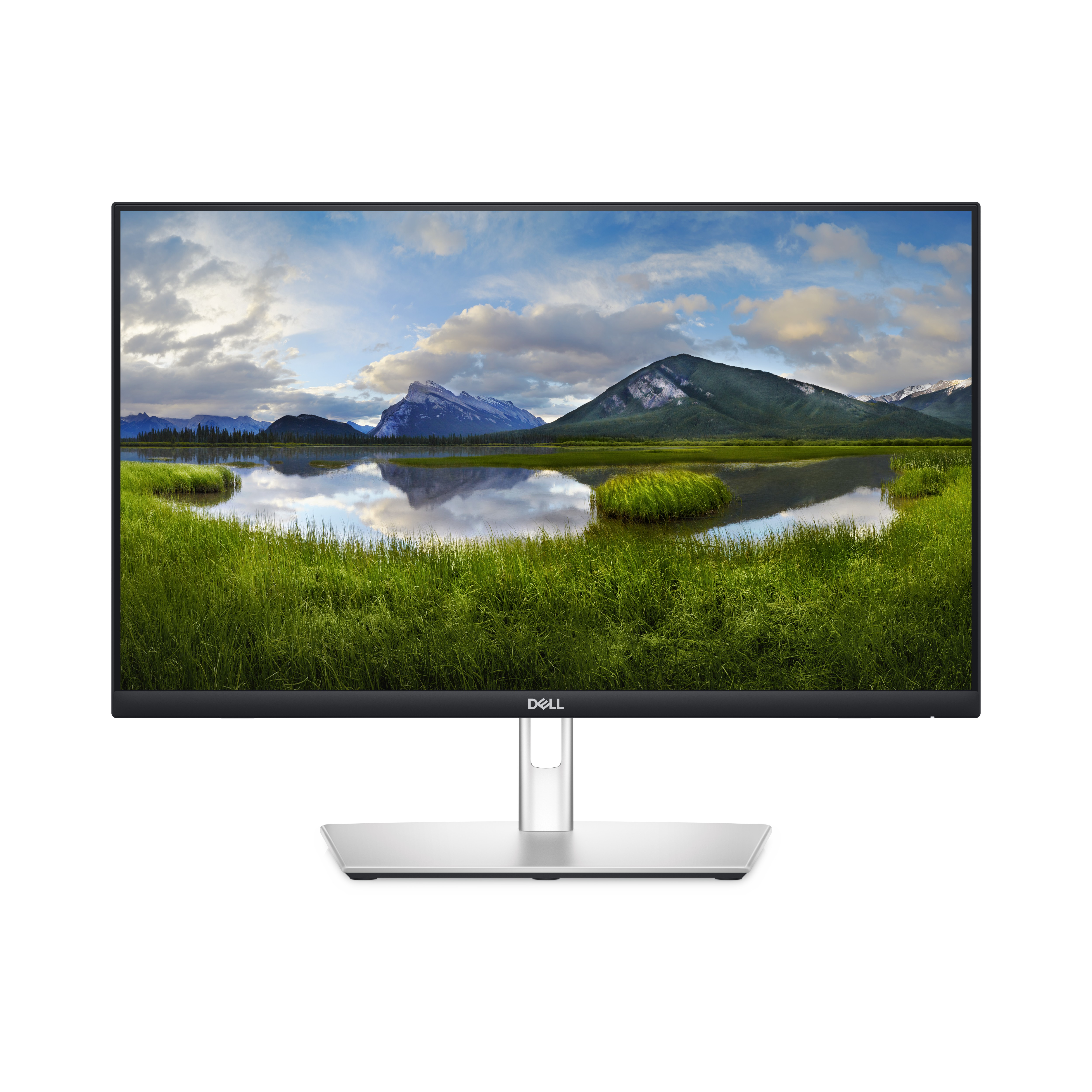
Connect. Get set. Go.
Kickstart your workflow on the World's first 23.8-inch touch monitor with RJ45 connectivity.
Tap. Swipe. Pinch.
Experience seamless productivity right at your fingertips with the edge-to-edge, up to 10-point touch feature. Annotate documents with ease, and smoothly navigate with simple tap, swipe, slide and pinch movements that feel natural and intuitive.
Plug. Connect. Sync.
This monitor provides single-cable USB-C® (up to 90W power delivery), RJ45 Ethernet and Wake-on-LAN connectivity so you have everything you need in a clutter-free setup.
Quick-access USB ports are easy to reach, allow you to quickly connect your accessories and can be covered to maintain a sleek look when not in use.
The PowerSync feature wakes up and powers on your laptop so you can be productive immediately.
Adjust. Tilt. Swivel.
Now you can have ultimate comfort and convenience thanks to the sturdy articulating stand. It easily tilts, swivels, slants and raises (up to 110 mm) without interfering with cable flow. This monitor is durable and has cushions on the bottom edge to protect against bumps.
Vibrant. Expansive. Comfortable.
See your ideas come to life with consistently vivid colours thanks to 99% sRGB coverage and In-Plane Switching (IPS) technology that enables wide viewing angles. Enjoy clear audio and a virtually edge-to-edge view with the three-sided, ultra-thin bezel that has a top-firing 3W speaker built into it. Go easy on your eyes with this anti-glare monitor that's equipped with ComfortView Plus , an always-on built-in low blue light screen that reduces potentially harmful blue light emissions without compromising colour.
Improved Dell Display Manager
Easy management. Next-level productivity. Improved multitasking: Organize your screen with Easy Arrange and save profiles with Easy Arrange Memory.
Smooth deployment: Manage your fleet of monitors with features that are automatic, comprehensive and compatible with several tools.
Convenient customization: Quickly access your favorite features and functions with the menu launcher and hot keys.
Green thinking for today and tomorrow
Environmental standards: This monitor uses 85% PCR (Post-consumer Recyclable) plastic in the design and meets the latest environmental standards such as ENERGYSTAR® and TCO Certified Edge, and is EPEAT® Gold registered.
Eco-conscious packaging: Designed with the environment in mind, Dell commercial monitors come in up to 90% recyclable cardboard packaging.
Energy conservation: Save energy when your monitor's not in use with PowerNap, a feature that dims or puts your monitor to sleep when it's not in use.
Advanced sustainability: Dell Technologies is committed to reducing environmental impact throughout the product lifecycle.
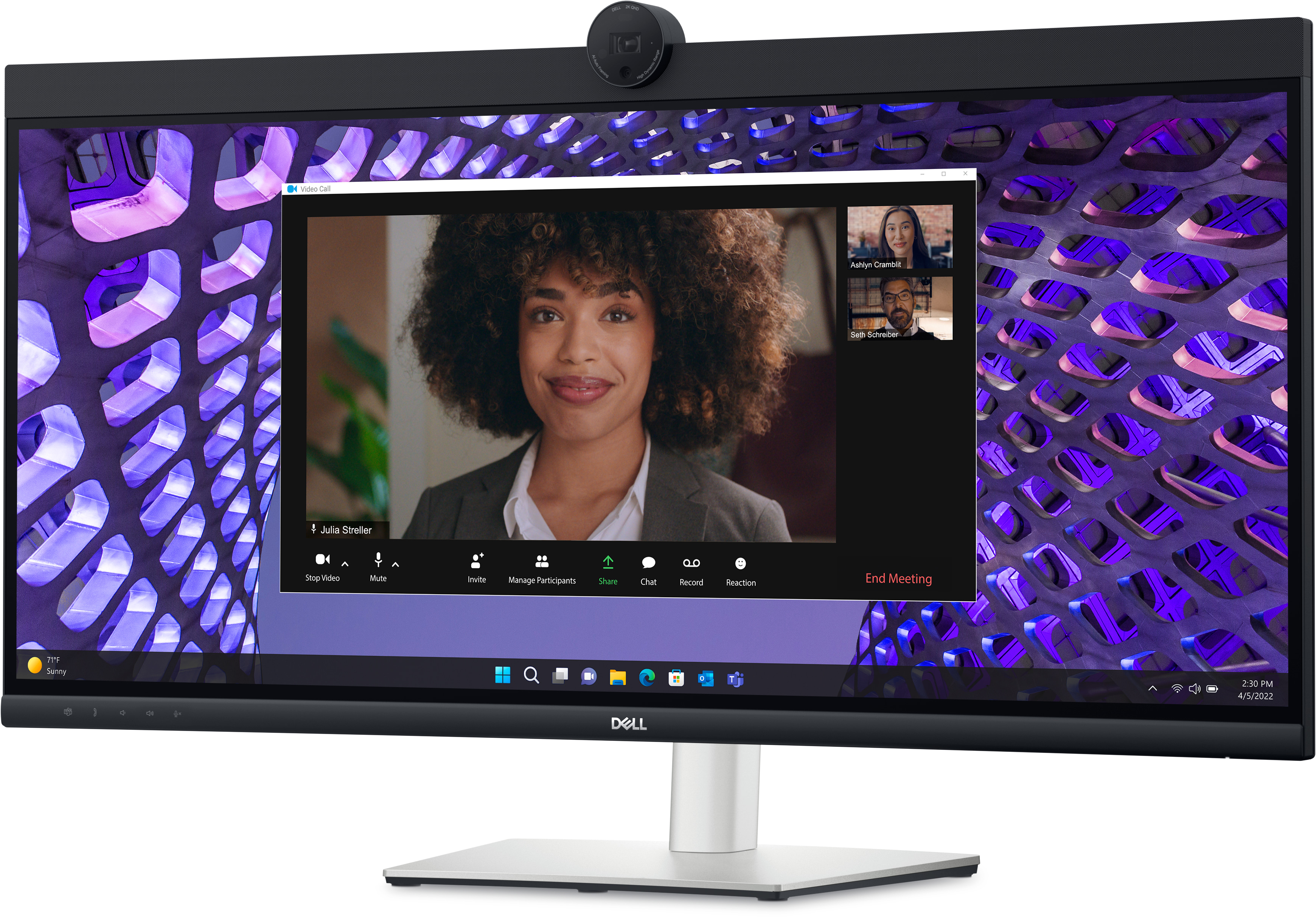
Effortless collaboration
Powerful webcam: ake center stage with a 2K QHD webcam that packs a punch. The large Sony STARVIS™ sensor is 29.5% larger than the previous model , takes in substantial light to give you vibrant picture clarity and a vivid image.
Look great in low light: Temporal (3D) and Spatial (2D) Noise Reduction automatically eliminates motion blur and grainy images in low light, while AI Auto Framing keeps you in the middle of the frame even as you move around.
Loud and clear: Collaborate like you're there with built-in, dual echo cancellation mics and dual 5W speakers, strategically positioned at the top of the monitor for an immersive audio experience.
Interaction secured: The manual webcam shutter and convenient microphone mute button on this Zoom-certified monitor helps ensure that you're only communicating what you want to share, when you want to share it.
Easier connections: Launch Teams meetings effortlessly with the quick access touch control on this certified for Microsoft Teams monitor.
Collaborate on a curve: Increased screen curvature improves your field of view, reduces reflections and creates near-uniform visual focus. This reduces your eye movement across the screen, so you can work comfortably for a longer period.
Seamless access
Get to work fast with Dell Express Sign-in, featuring a proximity sensor that detects your presence when you are close and uses Windows Hello™ to automatically log you in. When you walk away, it locks your system for increased security.
Easy on the eyes
Work without straining your eyes with the always-on, built-in ComfortView Plus, which reduces low blue light without compromising colour.
Your productivity hub
Connect to productivity: With wired connectivity options like RJ45 and USB-C®, your monitor delivers reliable Ethernet , power, audio and video—all in a clutter-free setup.
The power of USB-C: Get up to 90W of power delivery via USB-C, and charge your laptop (even when the monitor is off) with the Always On Power Delivery feature. This single-cable solution also reduces cable clutter and transmits power, data and audio—all at once.
Quick convenience: Plug in whatever you need and keep it in reach with the two, super speed USB 5Gbps (USB 3.2 Gen1) quick-access ports. There’s even space to charge your mobile phone (up to 15W power charging) with the USB-C quick-access port.
Enhanced manageability: Managing your monitor is easy with MAC Address pass-through , PXE Boot, and Wake-on-LAN conveniently built in.
Multitask efficiently: Connect two PC sources to the monitor—our intelligent Auto KVM feature detects the second connected PC and seamlessly switches controls over. KVM (keyboard, video and mouse) allows you to control both PCs with a single keyboard and mouse.
Make smooth connections: View content from both PC sources with Picture-by-Picture (PbP) and Picture-in-Picture (PiP).
Improved Dell Display Manager
Easy management. Next-level productivity. Improved multitasking: Organise your screen with Easy Arrange and save profiles with Easy Arrange Memory.
Easy navigation: Share a single keyboard, mouse and monitor between multiple PCs with USB KVM wizard. Quickly switch between PCs with the quick-access menu or hot keys.
Smooth deployment: Manage your fleet of monitors with features that are automatic, comprehensive and compatible with several tools.
Convenient customisation: Quickly access your favorite features and functions with the menu launcher and hot keys.
Stay updated: Get automatic notifications anytime there's new updates on monitor firmware and software.
Dell Peripheral Manager
Design how they see you: Dell Peripheral Manager offers an amazing range of features like HDR, AI Auto Framing, different Field of Views and Presets - allowing you to easily customise settings based on your preferences.
Green thinking. For today and tomorrow.
Environmental standards: Dell monitor uses 85% PCR (Post-consumer Recyclable) plastic in the design , 90% recycled aluminum, and meets the latest environmental standards such as EnergyStar®, and TCO Certified Edge, and is EPEAT® Gold registered.
Eco-conscious packaging: Dell monitors ship in boxes made with 100% renewable content that is also 100% recyclable.
Energy conservation: Save energy when your monitor’s not in use with PowerNap , a feature that dims or puts your monitor to sleep when it’s not in use.
Advanced sustainability: Dell Technologies is committed to reducing environmental impact throughout the product lifecycle.
Comfort is key
Tilt, swivel and adjust the height of your monitor up to a maximum of 150mm.
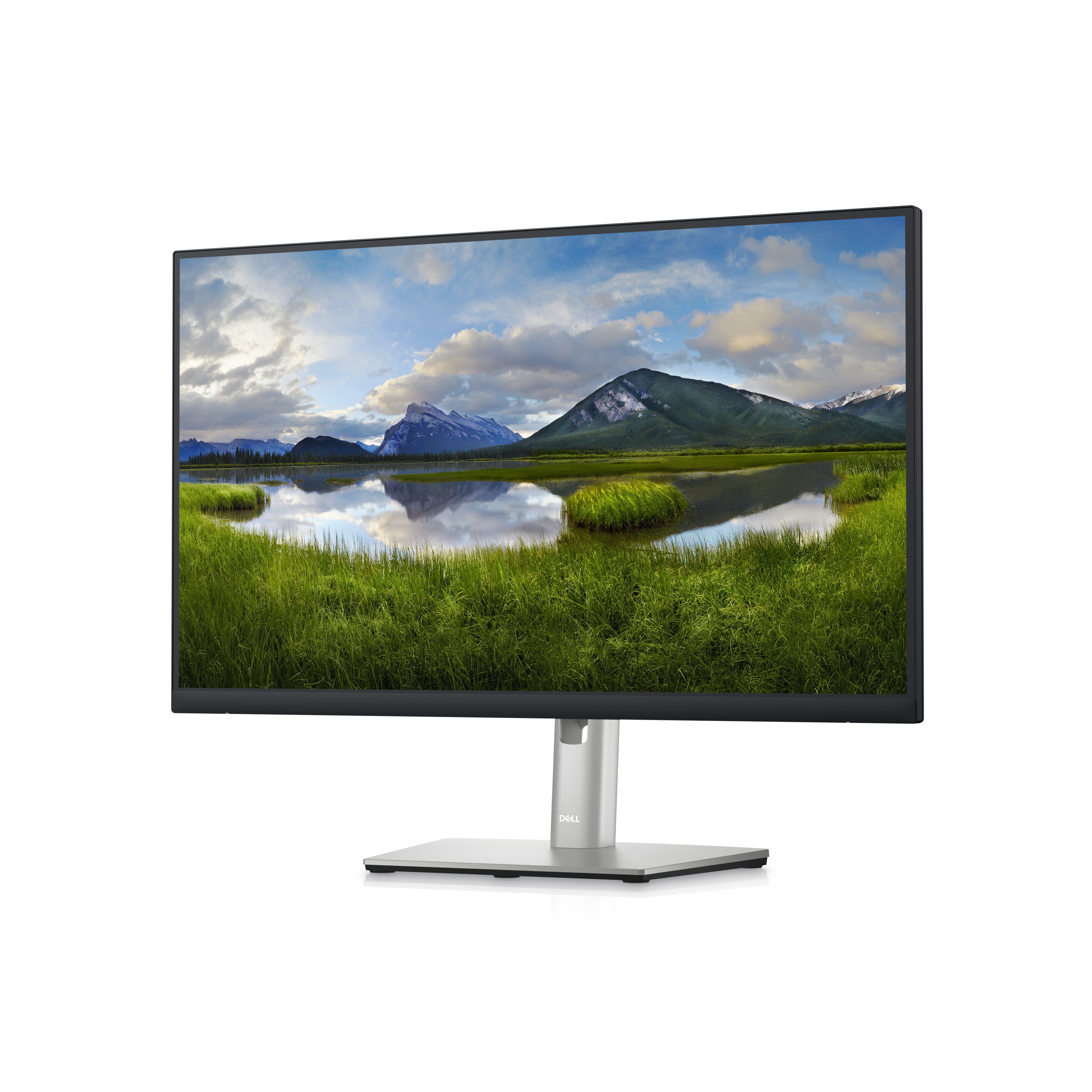
A QHD hub monitor optimized for productivity
QHD Screen: Optimized to deliver high performance details and clarity.
Extensive connectivity: Easily connect to your devices with DisplayPort (in), DisplayPort (out), USB-C, RJ45, HDMI, 4x SuperSpeed USB 5Gbps and more.
Comfortable and efficient productivity
Designed with wellness in mind: ComfortView Plus—an always-on, built-in low blue light screen—reduces potentially harmful blue light emissions without compromising color.
Color consistency comes standard: See consistent, vibrant colors across a wide viewing angle enabled by In-Plane Switching (IPS) technology. With 99% sRGB coverage, you get precise colors right out of the box.
Moves with you: Optimize your monitor’s orientation by tilting, swiveling and pivoting the height to a maximum of 150mm.
Turn your workspace into an organized productivity hub
Extensive connectivity: Easily connect to your devices with DisplayPort (in), DisplayPort (out), USB-C, HDMI, 4x SuperSpeed USB 5Gbps and more.
Clutter-free setup: Your monitor serves as your own productivity hub with RJ45 for wired Ethernet connectivity and USB-C providing up to 90W power delivery, all in a clutter-free setup.
Jumpstart productivity: Simply press the monitor power button and the power sync feature seamlessly starts your monitor and connected Dell PC, even when the laptop lid is closed. Compatible with select Dell PCs.
Advanced multitasking with Dell Display Manager
Productivity at every level: Easy Arrange allows you to easily tile multiple applications across one or more screens with 38 pre-set window partitions and the ability to personalize up to five windows, giving you improved multitasking abilities.
Seamless transitions: The auto-restore feature remembers where you left off, so applications will go back to where you left them, even after you’ve unplugged.
The key to convenience: Shortcut keys can save you even more time, letting you easily configure your display management settings so you can get to work faster.
More ways to manage: Asset management reports allow IT managers to quickly capture and track monitor information as well as configure multiple monitors at once through a single setup.
Advanced multitasking with Dell Display Manager
Productivity at every level: Easy Arrange allows you to easily tile multiple applications across one or more screens with 38 pre-set window partitions and the ability to personalize up to five windows, giving you improved multitasking abilities.
Seamless transitions: The auto-restore feature remembers where you left off, so applications will go back to where you left them, even after you’ve unplugged.
The key to convenience: Shortcut keys can save you even more time, letting you easily configure your display management settings so you can get to work faster.
More ways to manage: Asset management reports allow IT managers to quickly capture and track monitor information as well as configure multiple monitors at once through a single setup.
Green thinking: for today and tomorrow
Environmental standards: This monitor uses 85% PCR (Post-consumer Recyclable) plastic in the design and meets the latest environmental standards such as EnergyStar®, and TCO Certified Edge, and is EPEAT® Gold registered.
Eco-conscious packaging: Designed with the environment in mind, Dell commercial monitors come in 100% recyclable cardboard packaging.
Energy conservation: Save energy with PowerNap, a feature that dims or puts your monitor to sleep when your monitor is not in use.

Experience pure productivity on a DELL-P3223DE 31.5-inch QHD monitor featuring extensive connectivity and ComfortView Plus.
A QHD hub monitor optimised for productivity.
QHD Screen: Optimised to deliver high performance details and clarity.
Extensive connectivity: Easily connect to your devices with DisplayPort (in), DisplayPort (out), USB-C, RJ45, HDMI, 4x SuperSpeed USB 5Gbps and more.
Comfortable and efficient productivity
Designed with wellness in mind: ComfortView Plus—an always-on, built-in low blue light screen—reduces potentially harmful blue light emissions without compromising colour.
Colour consistency comes standard: See consistent, vibrant colours across a wide viewing angle enabled by In-Plane Switching (IPS) technology. With 99% sRGB coverage, you get precise colours right out of the box.
Beautifully functional: The stunning black finish and small base complement an improved cable management system that hides cords in the monitor riser.
Moves with you: Optimise your monitor’s orientation by tilting, swiveling and adjusting the height to a maximum of 150 mm.
Turn your workspace into an organised productivity hub
Extensive connectivity: Easily connect to your devices with DisplayPort (in) , DisplayPort (out) , USB-C, HDMI, 4x SuperSpeed USB 5Gbps and more.
Clutter-free setup: Your monitor serves as your own productivity hub with RJ45 for wired Ethernet connectivity and USB-C providing up to 90W power delivery, all in a clutter-free setup.
Jumpstart productivity: Simply press the monitor power button and the power sync feature seamlessly starts your monitor and connected Dell PC, even when the laptop lid is closed. Compatible with select Dell PCs.
Advanced multitasking with Dell Display Manager
Productivity at every level: Easy Arrange allows you to easily tile multiple applications across one or more screens with 38 pre-set window partitions and the ability to personalise up to five windows, giving you improved multitasking abilities.
Seamless transitions: The auto-restore feature remembers where you left off, so applications will go back to where you left them, even after you’ve unplugged.
The key to convenience: Shortcut keys can save you even more time, letting you easily configure your display management settings so you can get to work faster.
More ways to manage: Asset management reports allow IT managers to quickly capture and track monitor information as well as configure multiple monitors at once through a single setup.
Green thinking: for today and tomorrow
Environmental standards: This monitor uses 85% PCR (Post-consumer Recyclable) plastic in the design and meets the latest environmental standards such as EnergyStar®, and TCO Certified Edge, and is EPEAT® Gold registered.
Eco-conscious packaging: Designed with the environment in mind, Dell commercial monitors come in 100% recyclable cardboard packaging.
Energy conservation: Save energy with PowerNap, a feature that dims or puts your monitor to sleep when your monitor is not in use.