
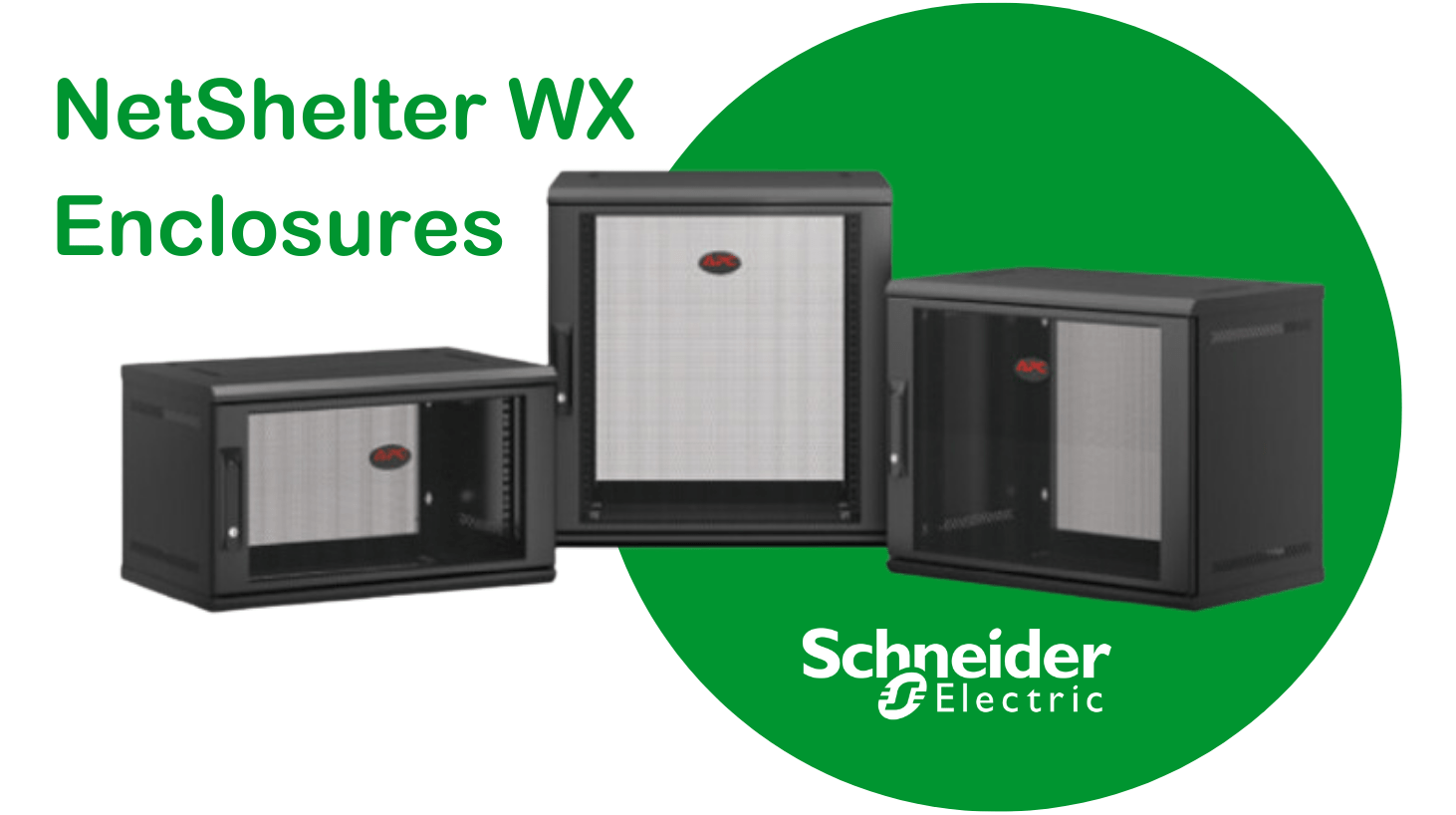
In today’s fast-paced IT landscape, not every business has the luxury of a dedicated, climate-controlled server room. Whether you are managing a busy retail branch, a local school, or a compact medical clinic, space is often your most valuable and scarcest asset.
The APC NetShelter WX series is specifically engineered to solve this “space-starved” dilemma. By shifting your infrastructure from the floor to the wall, these racks provide enterprise-grade protection without consuming a single square foot of floor tiles.
Why Choose APC NetShelter WX?
Unlike generic wall boxes, the NetShelter WX (Wallmount Enclosure) series is built by Schneider Electric to meet the rigorous demands of Edge computing and high-density networking.
- Zero Floor Footprint: Mounts directly to the wall, keeping walkways clear and equipment out of reach.
- Double-Hinged Accessibility: The unique swing-out design allows you to access the back of your equipment effortlessly for maintenance and cabling.
- Ready for “Rack & Stack”: Ships fully assembled (or in space-saving flat-packs) and is vendor-neutral, ensuring your switches, routers, and patch panels fit perfectly.
- Enhanced Security: Lockable front doors (available in glass or vented steel) and side panels prevent unauthorised access.
- Climate Ready: Integrated knockouts for fan modules ensure your high-performance gear stays cool in tight spaces.
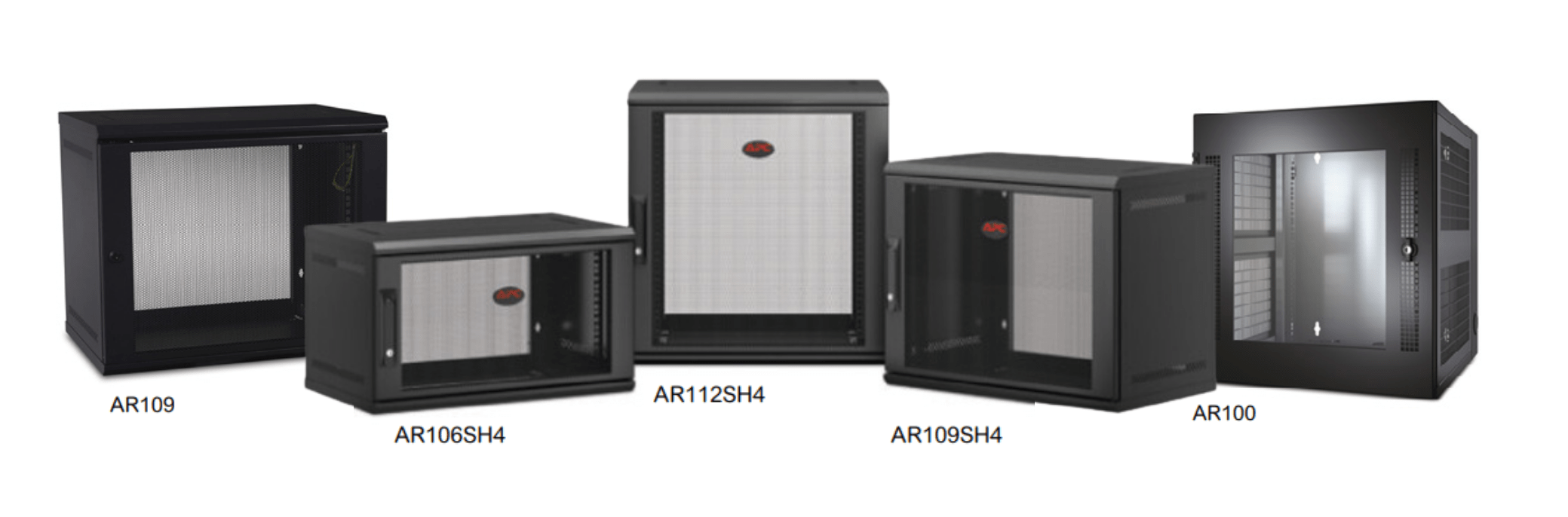
Recommendations: Which APC WX Rack is Best for You?
| Need | Recommendation | Best For… |
| Micro Offices | APC 6U NetShelter WX | Routers, 24-port switches, and small patch panels. |
| Retail & Branches | APC 9U NetShelter WX | POS systems and small server deployments. |
| Standard Edge IT | APC 12U NetShelter WX | Full-depth switches and UPS integration. |
| High Visibility | APC 13U Glass Door WX | Front-office use where monitoring status LEDs is key. |
How to: Optimising Your Wallmount Installation
- Verify Weight Capacity: Ensure the wall can support the static load (up to 90kg/200lbs). Use the included mounting template for precision.
- Plan for Depth: Always measure your deepest piece of equipment. The WX series accommodates various depths; ensure you leave room for cable radius at the rear.
- Active Cooling: For high-density gear, install an APC Fan Module to extract heat.
- Cable Management: Use Horizontal Cable Managers to keep patch leads tidy and maintain airflow.
Comparison: NetShelter WX vs. Standard Server Cabinets
| Feature | NetShelter WX (Wallmount) | Standard SX (Floor Standing) |
| Mounting | Wall-mounted / Optional Casters | Floor-standing |
| Capacity | 6U to 13U | 24U to 48U |
| Space Usage | Minimal (Elevated) | Significant (Floor tiles) |
| Maintenance | Rear swing-out access | Side and rear door access |
| Ideal Environment | Small offices, Retail, Healthcare | Data centres, Large server rooms |
Expert Verdict
If you are deploying IT in a non-dedicated space, the APC NetShelter WX is the gold standard. Its ability to swing away from the wall for rear access saves hours of frustration during hardware upgrades. For businesses looking to scale their Edge computing without renting more floor space, this is a “set-and-forget” investment that pays for itself in reliability and ease of use.
Frequently Asked Questions (FAQ)
What is the maximum weight capacity of an APC WX Rack? The standard APC NetShelter WX models are rated for a weight capacity of approximately 90kg (200 lbs). This is sufficient for several switches, patch panels, and a small UPS.
Can I fit a full-size server in a wallmount rack? It depends on the depth. The “Server Depth” WX models can accommodate deeper equipment, but always check the internal mounting depth (max ~529mm for some models) against your server’s specifications.
Are the doors on NetShelter WX racks reversible? Yes. To accommodate different room layouts, the front door can be easily reversed to open from either the left or the right.
How do I manage heat in a small wall cabinet? Passive venting is built into the side panels. However, for active heat extraction, we recommend installing an optional 120V Fan Tray in the top or bottom knockouts.
Further Reading & Technical Guides
- How to Organise Network Equipment Properly – A deep dive into rack layout and cable management.
- Buying Guide: Choosing the Right Server Rack – Learn about U-heights, depths, and widths.
- Installing Server Racks: Best Practices – Tips for cooling, power, and security.
- APC Rack Solutions for Any Environment – Overview of the full APC NetShelter range.
Shop the Full Range at Comms Express
Browse the UK’s most trusted brands and high-performance infrastructure solutions.
- Cabling & Racks
- Buy Network Cables
- Shop RJ45 Patch Leads
- Buy Patch Panels
- Shop Cat6 Cable
- Buy Fibre Patch Leads
- Shop Server Racks
- Buy Data Cabinets
- Networking & Power
- Shop Network Switches
- Buy UPS Systems
- Shop Rack PDUs
- Buy IP CCTV & Cameras
- Offers & Savings
- Shop Discounts
- Buy Multi-Buy Offers
- Our Top Brands
- Shop Ubiquiti | Buy TP-Link
- Shop Cisco | Buy Netgear
- Shop DrayTek | Buy D-Link
- Shop HPE Aruba | Buy APC
- Shop Teltonika | Buy Eaton
- Shop Excel | Buy Lindy
- Own Brands
- Shop Datacel | Buy CE Networking
Project Planning? Get expert technical advice and custom quotes for large installations. Contact our expert sales team today.
