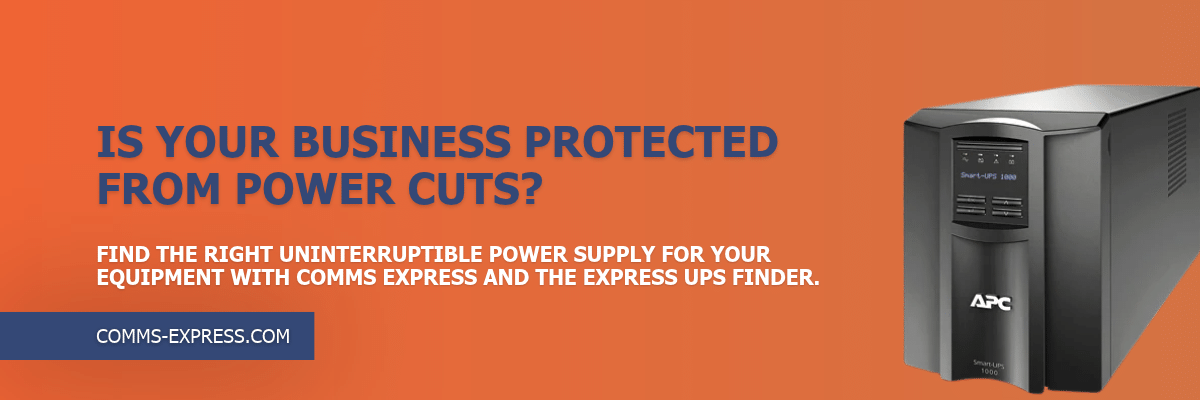

Key takeaways:
- A UPS supplies temporary battery power, so equipment keeps running or shuts down safely when mains power fails.
- A UPS differs from a surge protector because it adds battery backup and, on many models, voltage regulation.
- Desktop computers, routers, network switches, servers and shared storage are the equipment most worth protecting.
- Entry-level UPS units provide minutes, not hours, of backup. Runtime depends on the battery and the connected load.
- APC Back-UPS is a practical starting point for small businesses and home offices. Match the model to your equipment’s power requirements.
A short power cut can shut down computers and network equipment without warning, taking unsaved work and your internet connection with it. An uninterruptible power supply (UPS) prevents that by switching to battery power the moment mains electricity fails. Whether you need one depends on the equipment you rely on and how much a sudden shutdown would disrupt your business. This guide explains how a UPS works, how long it lasts and the signs that a UPS makes sense for a small business.
What Is an Uninterruptible Power Supply (UPS) and How Does It Work?
An uninterruptible power supply is a battery unit that sits between the mains socket and your equipment. While mains power is normal, it passes electricity through and keeps its battery charged. If the supply fails, it switches to battery power almost immediately, so connected devices keep running for a short time. That gives you time to save work and shut down properly.
A UPS is different from a surge protector. APC by Schneider Electric, explains that a basic surge protector responds to electrical spikes, while a Back-UPS adds power filtering and surge suppression on top of its battery backup. Protection varies by model, so check the specification for features such as automatic voltage regulation (AVR), which steadies mains voltage.
A UPS typically protects desktop computers, routers, network switches and storage devices.
How Do Power Cuts Affect Small Business Equipment?
The impact of a power cut depends on which equipment loses power and how much your business relies on it. The main risks are:
- Lost work: unsaved files on a desktop computer are lost when it shuts down without warning.
- Lost connectivity: a router or switch that loses power takes email, cloud applications and customer communications offline, even if a laptop battery is still running.
- Interrupted local systems: servers, shared storage and point-of-sale equipment stop abruptly.
- Data corruption and hardware faults: files being written at the point of shutdown can be left incomplete, and repeated sudden shutdowns may contribute to hardware problems.
A UPS reduces these risks but does not remove downtime altogether. It bridges short interruptions and allows an orderly shutdown, but it will not keep a business running through a long outage.
5 Signs You Need a UPS for Your Small Business
- You rely on desktop computers. Desktops have no internal battery, so a power cut ends the session instantly. A UPS gives you time to save your work and shut down properly.
- Internet access is essential. A UPS connected to your router and network switch can maintain connectivity through a short outage, provided your broadband provider’s network stays up.
- You run servers or shared storage. A UPS gives these systems time to shut down cleanly, reducing the risk of file corruption caused by sudden power loss.
- You work from home. A UPS for a home office protects your workstation and router, so a short power cut is less likely to interrupt your working day.
- You have had power interruptions before. Previous outages or voltage fluctuations show your equipment is exposed and would benefit from battery backup and surge protection.
These are indicators, not strict requirements. If one or two apply, a UPS is worth considering.
How Long Does a UPS Last During a Power Cut?
UPS runtime depends on the battery capacity and the load connected to it. Eaton defines runtime as how long a UPS can support equipment from its battery at a given load, and a larger battery extends it. A heavier load drains the battery faster, and an ageing battery holds less charge.
Entry-level units are designed for short-term protection. Schneider Electric puts typical runtime at 5 to 20 minutes for safe shutdowns, depending on the load and model. That is enough to save work and power down, not to ride out an extended outage.
UPS ratings are given in watts and VA (volt-amperes). Watts measure the real power your devices draw, while VA measures the apparent power the UPS is rated to supply. The two differ because of the power factor, so VA is usually higher than watts. Your load needs to sit within both ratings, so check both figures against your equipment. Always check the manufacturer’s runtime information for your model and load rather than assuming a fixed time. For a step-by-step sizing method, read our guide to choosing the right UPS for your small business.
APC UPS for Small Business and Home Office Use
The APC Back-UPS range is a practical starting point for a home office or small workplace. Models provide battery backup for compatible computers and network equipment, with surge protection on relevant models, across a range of power capacities and outlet configurations.
Many Back-UPS models have both battery-backed and surge-only outlets. Schneider Electric notes that surge-only outlets protect secondary devices without using battery power reserved for primary equipment. Connect anything that must keep running, such as a computer or router, to the battery-backed outlets.
Choose a model whose capacity matches your equipment’s power requirements. Businesses with more demanding server or infrastructure needs may need a higher-capacity or rack-mounted UPS instead.
Comms Express supplies APC Back-UPS alongside wider UPS ranges, from home offices to larger business environments, and the Express UPS Finder helps you narrow the options by requirement.
Is a UPS Worth It for Your Business?
A UPS is worth considering if your business relies on desktop computers, network equipment or shared storage, or if you work from home and can’t afford a sudden shutdown. The right model comes down to the devices you need to protect and how much backup time you need, so list your essential equipment first and then compare options.
Explore the range of Uninterruptible Power Supplies at Comms Express to find a model that matches your setup, and use the Express UPS Finder if you’d like a shortlist based on your requirements.
FAQs
What does an uninterruptible power supply do?
A UPS supplies battery power when mains electricity fails, so connected equipment keeps running briefly or shuts down safely. Many models also filter power and protect against surges and voltage fluctuations, which helps keep sensitive equipment stable.
Do I need a UPS for my computer?
A UPS is worth considering for a desktop computer because a desktop has no internal battery and loses unsaved work when power fails. Laptops have their own battery, but the router and network equipment they rely on can still lose power. The answer depends on how much a sudden shutdown would disrupt your work.
What is the difference between a UPS and a surge protector?
A surge protector guards against voltage spikes but provides no power during an outage. A UPS offers that protection on most models and adds a battery, so equipment keeps running for a short time and can shut down properly.
What size UPS do I need for a small business?
The right size depends on the total power your equipment draws, measured in watts, and how much backup time you need. Check both the watt and VA ratings of a model against your equipment. Our guide to choosing the right UPS for your small business covers sizing in detail.