
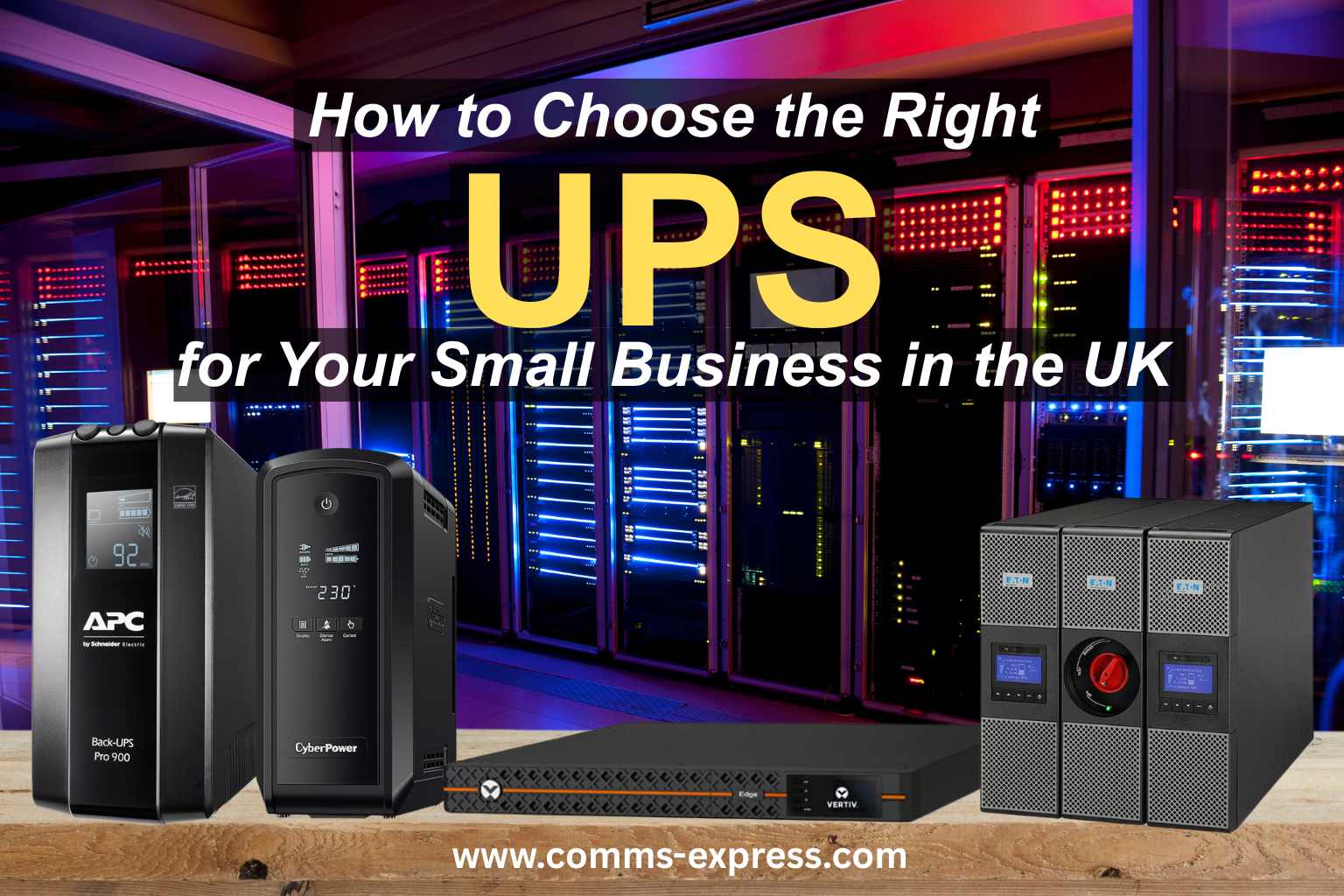
Unplanned power outages and voltage fluctuations can cause loss of data, damaged equipment, expensive downtime – especially for small UK businesses. That’s where a UPS (Uninterruptible Power Supply) comes in: it keeps critical systems running long enough to save work, perform an orderly shutdown, or bridge short power interruptions without disruption.
In this guide, you’ll learn how to choose the right UPS for your small business, what features matter most, which models to consider from APC, CyberPower, Vertiv, and Eaton, and how to size your UPS correctly for your setup.
Why Your Small Business Needs a UPS
A UPS isn’t just a “nice-to-have” – it’s essential for:
- Protecting computers, servers & NAS devices
- Preventing data loss and corruption
- Powering network infrastructure during outages
- Shielding equipment from surges & voltage spikes
- Improving business continuity
In the UK, where power quality can vary by region and outages happen unexpectedly, a UPS helps ensure your business stays online, reliable, and resilient.
Key UPS Features Every Business Should Consider
When choosing a UPS, focus on these critical factors:
1. Capacity (VA / Watt Rating)
UPS capacity is expressed in VA (Volt-Amp) and Watt ratings. To size your UPS correctly:
- List the devices you want to protect (PCs, servers, switches, routers).
- Add up the total watts they consume.
- Choose a UPS with at least 25-30% more capacity than your total load.
2. Runtime (Backup Time)
Runtime is how long the UPS will supply power during an outage. For small businesses:
-
5-10 minutes is usually enough to save work and shutdown safely.
-
15-30 minutes+ may be needed for critical servers or devices.
If longer runtime is needed, look for models that support external battery packs.
3. Type of UPS
There are three main types:
| UPS Type | Best For | Pros | Cons |
|---|---|---|---|
| Standby (Offline) | Desktops & small setups | Affordable | Limited surge protection |
| Line Interactive | Small offices & network equipment | Good regulation | Mid-range pricing |
| Online Double-Conversion | Servers & mission-critical | Best protection | Higher cost |
For most small UK businesses, Line Interactive models offer the best balance of protection and value.
4. Surge Protection & AVR
-
Surge protection guards against voltage spikes.
-
AVR (Automatic Voltage Regulation) ensures stable output without draining the battery.
Both features are essential for protecting sensitive IT hardware.
5. Management & Monitoring
Smart UPS units support:
- USB / Network management
- Software alerts
- Remote shutdown
- SNMP cards
These tools help you monitor UPS health and power events – great for business continuity planning.
Recommended UPS Models for UK Small Businesses
Here are some reliable choices from top brands:
APC UPS – Trusted & Widely Supported
Why choose APC: Market leader with proven reliability.
-
APC Back-UPS Pro – Great for PCs, NAS, and network gear
-
APC Smart-UPS (SMT/SMX) – Ideal for servers & rack deployments
Excellent build quality | Software support
CyberPower UPS – Value & Performance
CyberPower units often deliver strong surge protection and backups at competitive prices.
-
CyberPower Intelligent LCD Series – Clear display & smart features
-
CyberPower PR Series – High efficiency for business equipment
Cost-effective | Strong feature set
Vertiv UPS – Enterprise-Grade Protection
Vertiv (formerly Emerson Liebert) offers robust solutions for demanding environments.
-
Vertiv Liebert GXT5 – Lithium-Ion battery for maximum uptime
-
Vertiv Edge – Compact & reliable for network closets
Excellent waveform quality | Scalable options
Eaton UPS – Flexible & Scalable
Eaton models are solid performers with good expandability.
-
Eaton 5S / 5P Series – Reliable line-interactive options
-
Eaton 9PX – High efficiency for server environments
Energy efficient | Wide product range
How to Size Your UPS (Step-by-Step)
- Make a load list: PCs, servers, routers, switches, etc.
- Record wattage for each: Often printed on power adapters.
- Add them up: Total = your baseline power draw.
- Factor in headroom: Add ~30% extra capacity.
- Check runtime curves: Ensure 5–10 mins at minimum.
Tip: For server racks or multiple devices, consider a rack-mount UPS.
UPS Installation Tips (UK Focus)
- Place UPS in a ventilated, cool area.
- Connect only critical equipment for shutdown safety.
- Test your UPS quarterly.
- Replace batteries every 3–5 years.
Conclusion
Choosing the right UPS for your small business protects your IT investment and ensures continuity when power fails. Whether you’re buying an APC Smart-UPS for a server rack, a CyberPower unit for workstations, a Vertiv online UPS for mission-critical systems, or an Eaton model for energy efficiency, the right UPS boosts resilience and reduces risk.
Ready to protect your network and systems? Visit Comms-Express UPS categories to compare prices, specs, and find UK-appropriate models suited to your business.
FAQs – UPS for Small Business (UK)
1. What size UPS do I need for my small business?
Calculate the total wattage of devices you want to protect, then choose a UPS with at least 25–30% more capacity than that total.
2. How long will a UPS keep my equipment running?
Small UPS units typically provide 5–15 minutes of runtime – enough to save data and shut down safely. Larger models or external battery packs deliver longer runtimes.
3. Is an online UPS better than line-interactive?
Online UPS systems offer the best protection (continuous power conditioning), but line-interactive is usually sufficient and more cost-effective for most small businesses.
4. How often should UPS batteries be replaced?
UPS batteries generally last 3–5 years and should be replaced based on runtime performance or end-of-life alerts.
5. Can a UPS protect my network equipment too?
Yes – connect your routers, switches, VoIP phones and other network hardware to ensure continuous connectivity during outages.
