| Product Code: | |
| Options: | |
| Qty: | |
| Unit Price: | £ |

Warranty: |
| Part No: | FELTU-Pro |
| Manufacturer No: | LTU-Pro |
| Delivery: | In Stock: Next Day |




 |
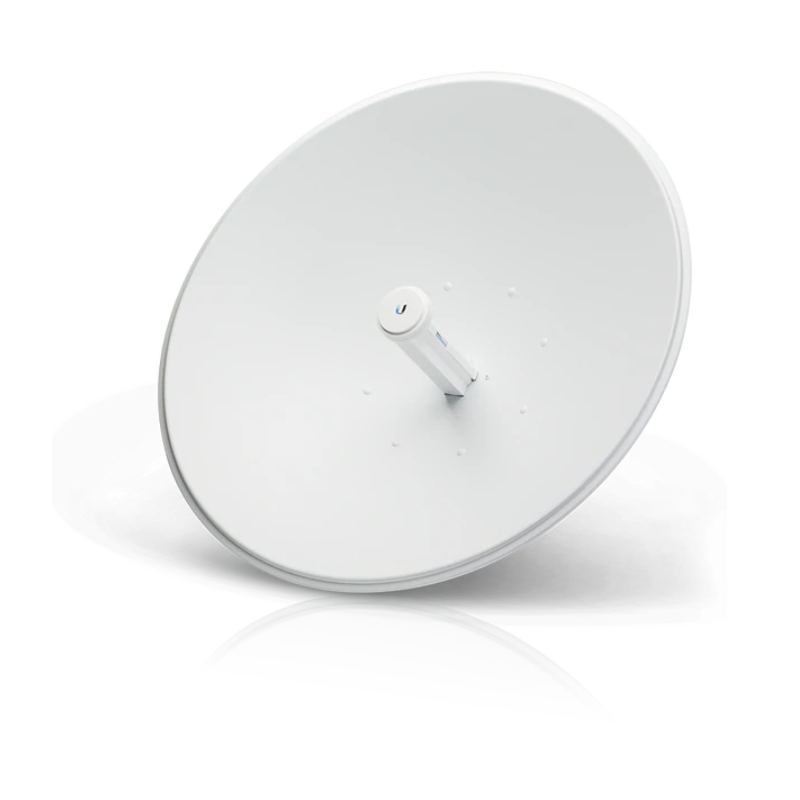
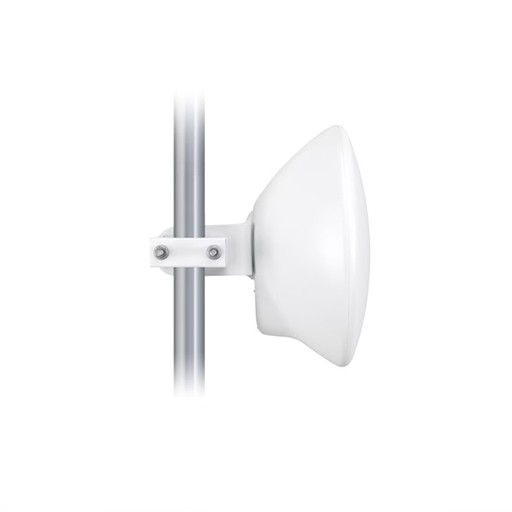
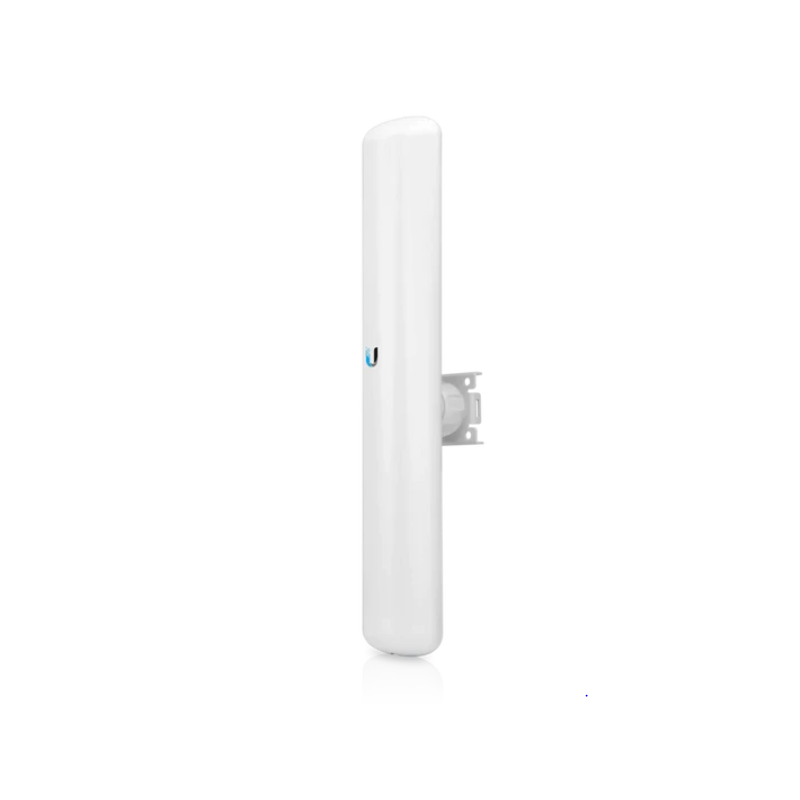
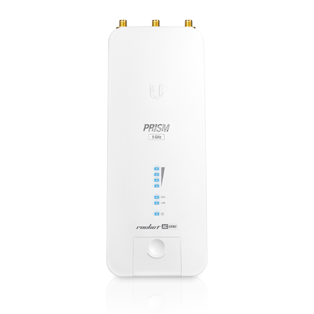
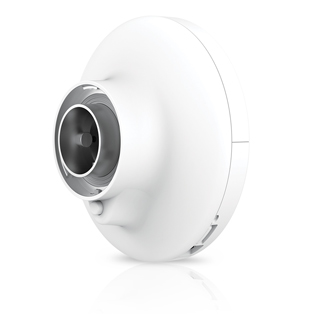
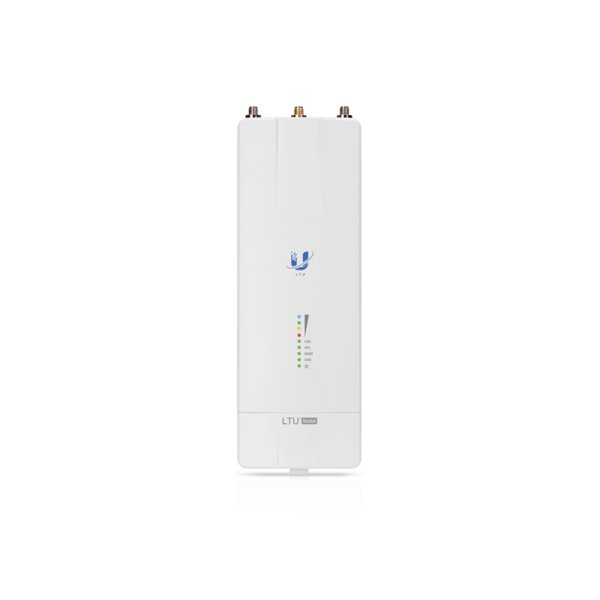
The Ubiquiti LTU-Pro is a directional subscriber station engineered for long-distance wireless links in Point-to-MultiPoint setups. Built to operate within the 5GHz spectrum, it features a high-gain antenna and advanced signal processing that keeps connections steady, even in challenging outdoor conditions. Designed for use with LTU-based base stations like the LTU-Rocket, this unit helps maintain efficient data flow between access points and end locations without relying on conventional Wi-Fi standards.
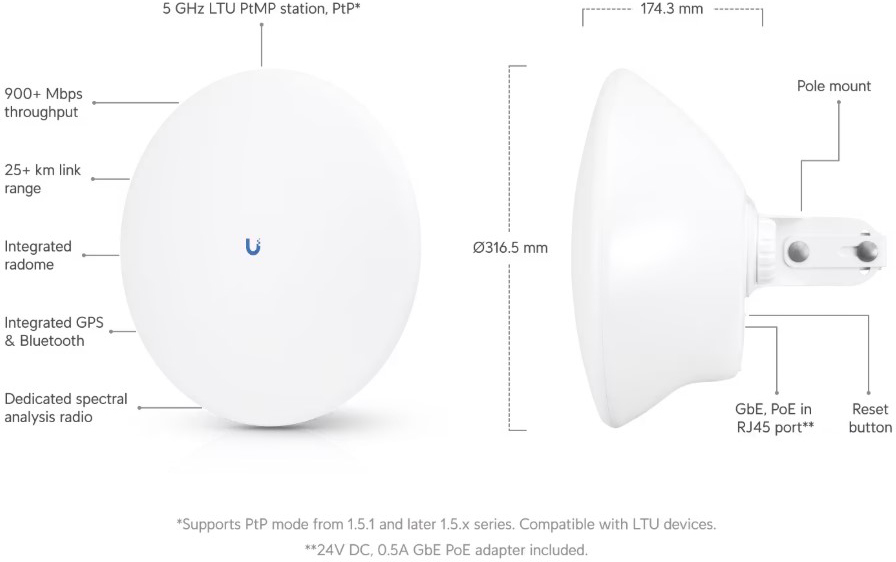
Based on Ubiquiti's LTU technology, the LTU Pro is not impeded by the limitations of standard 802.11 Wi-Fi technology. Its custom LTU silicon and radio architecture provide up to 600+ Mbps of real TCP/IP throughput and modulation rates of up to 4096QAM2.
The LTU Pro supports both bridged and built-in hardware NAT router modes to suit your specific deployment.
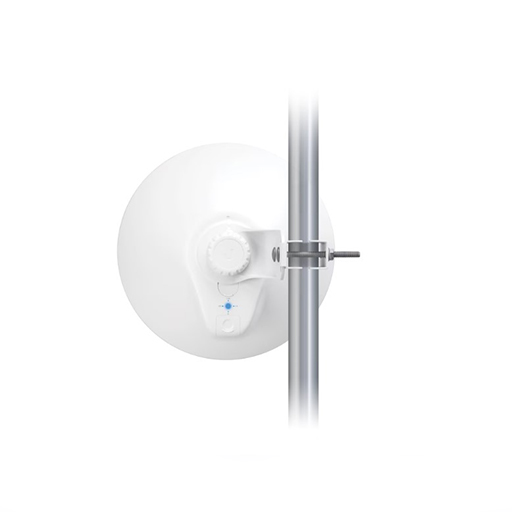
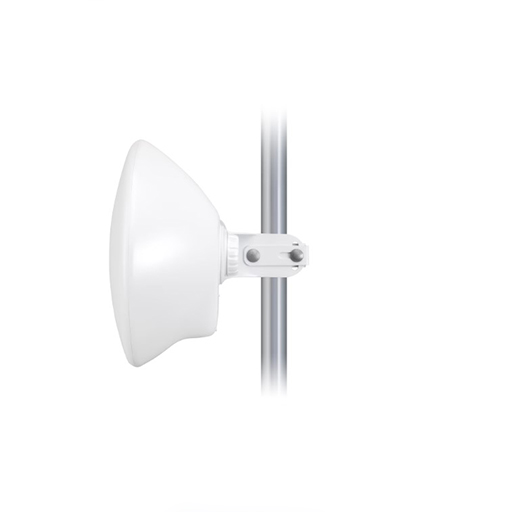
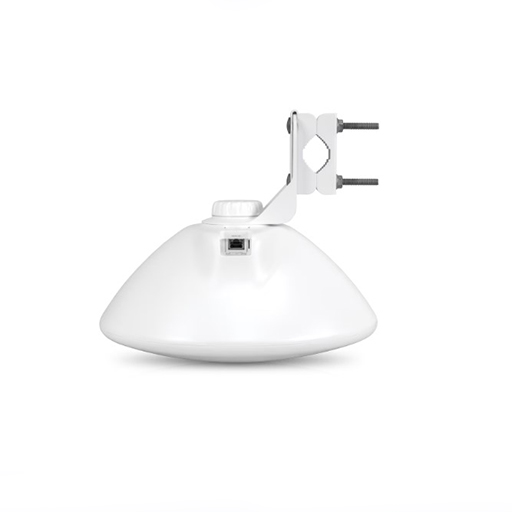
The LTU Pro is designed for quick yet reliable mounting on a pole. It features a built-in mechanical tilt; the mounting bracket allows convenient adjustments to the elevation with a range of ± 15°.
Channel width flexibility allows independent TX and RX channel frequency configurations anywhere within the radio band to avoid local interference.
By default, the Auto Output Power option allows the LTU Pro to set the output power (EIRP) to the appropriate level.
The LTU Pro's TX output power is controlled by the AP's target TX output power. A PtMP network can manage signal levels to enhance network stability and achieve optimal wireless performance with the highest possible modulation.
To manage the LTU Pro, you have two options: the LTU Configuration Interface and Ubiquiti Network Management System (UNMS™). Either option lets you manually configure the LTU Pro. Within the LTU Configuration Interface, you can manually configure the LTU Pro or manage it from the AP side using the Find My AP feature. The LTU Pro will automatically scan for APs using the same channel bandwidth. Select the appropriate AP and then use it to configure the LTU Pro.
The Dashboard offers map and Fresnel views* so you can visualize the network. The map view shows your PtMP links overlaid on a geographic map, while the Fresnel view shows the link calculated for your selected CPE, including line of sight, first Fresnel zone, and 60% clearance zone.
airView® spectral analysis runs on a dedicated and independent receiver, which has excellent EVM (Error Vector Magnitude) performance.
The receiver can also perform other tasks, such as a search for channel occupancy, DFS detection, and automatic channel/frequency assignment. Calibration (signal level measurement accuracy) and resolution bandwidth options are enhanced.
The Ubiquiti LTU-Pro is a directional subscriber station engineered for long-distance wireless links in Point-to-MultiPoint setups. Built to operate within the 5GHz spectrum, it features a high-gain antenna and advanced signal processing that keeps connections steady, even in challenging outdoor conditions. Designed for use with LTU-based base stations like the LTU-Rocket, this unit helps maintain efficient data flow between access points and end locations without relying on conventional Wi-Fi standards.
Based on Ubiquiti's LTU technology, the LTU Pro is not impeded by the limitations of standard 802.11 Wi-Fi technology. Its custom LTU silicon and radio architecture provide up to 600+ Mbps of real TCP/IP throughput and modulation rates of up to 4096QAM2.
The LTU Pro supports both bridged and built-in hardware NAT router modes to suit your specific deployment.
The LTU Pro is designed for quick yet reliable mounting on a pole. It features a built-in mechanical tilt; the mounting bracket allows convenient adjustments to the elevation with a range of ± 15°.
Channel width flexibility allows independent TX and RX channel frequency configurations anywhere within the radio band to avoid local interference.
By default, the Auto Output Power option allows the LTU Pro to set the output power (EIRP) to the appropriate level.
The LTU Pro's TX output power is controlled by the AP's target TX output power. A PtMP network can manage signal levels to enhance network stability and achieve optimal wireless performance with the highest possible modulation.
To manage the LTU Pro, you have two options: the LTU Configuration Interface and Ubiquiti Network Management System (UNMS™). Either option lets you manually configure the LTU Pro. Within the LTU Configuration Interface, you can manually configure the LTU Pro or manage it from the AP side using the Find My AP feature. The LTU Pro will automatically scan for APs using the same channel bandwidth. Select the appropriate AP and then use it to configure the LTU Pro.
The Dashboard offers map and Fresnel views* so you can visualize the network. The map view shows your PtMP links overlaid on a geographic map, while the Fresnel view shows the link calculated for your selected CPE, including line of sight, first Fresnel zone, and 60% clearance zone.
airView® spectral analysis runs on a dedicated and independent receiver, which has excellent EVM (Error Vector Magnitude) performance.
The receiver can also perform other tasks, such as a search for channel occupancy, DFS detection, and automatic channel/frequency assignment. Calibration (signal level measurement accuracy) and resolution bandwidth options are enhanced.