| Product Code: | |
| Options: | |
| Qty: | |
| Unit Price: | £ |

| Part No: | FETL-SF1005P |
| Manufacturer No: | TL-SF1005P |
| Delivery: | In Stock: Next Day |

 |
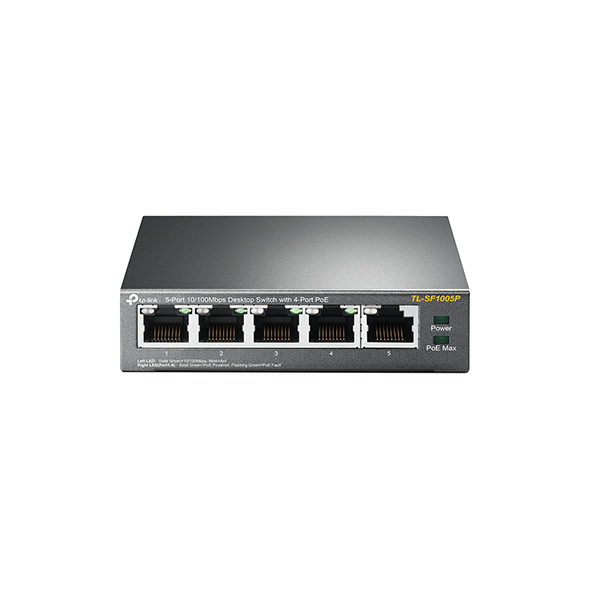
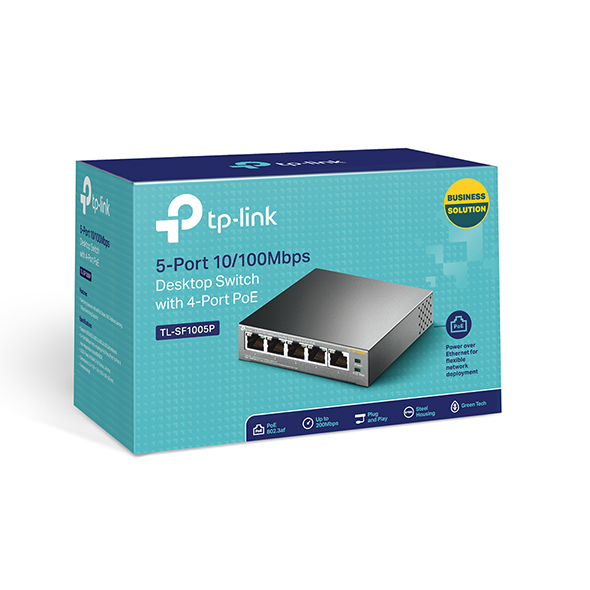
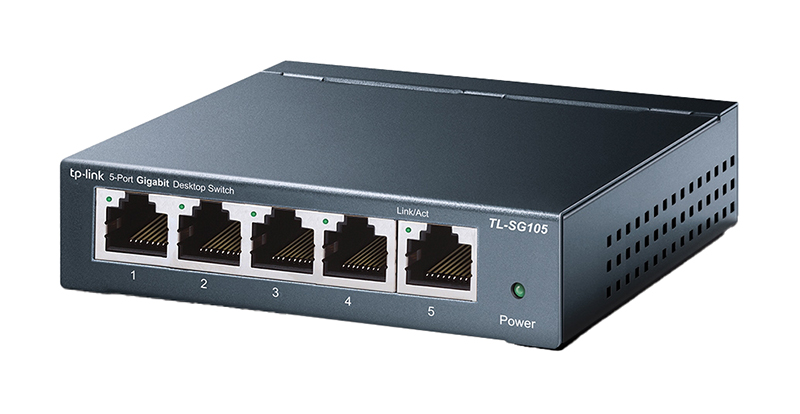
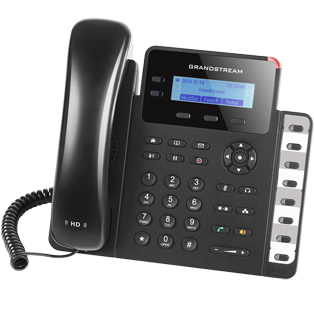
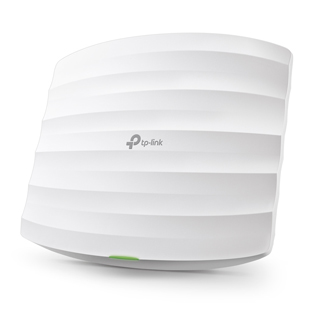
The TP-Link TL-SF1005P is a 5 10/100Mbps ports unmanaged switch that requires no configuration and provides 4 PoE (Power over Ethernet) ports. It can automatically detect and supply power with all IEEE 802.3af compliant Powered Devices (PDs). In this situation, the electrical power is transmitted along with data in one single cable allowing you to expand your network to where there are no power lines or outlets, where you wish to fix devices such as APs, IP Cameras or IP Phones, etc.
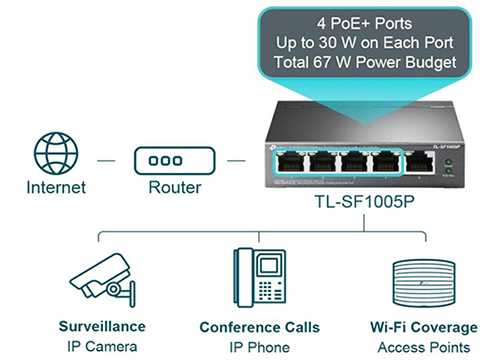
TL-SF1005P has the priority* function which will help protect the system when the system power is overloaded. If all PoE PDs power consumption is >= 58W, a priority will be arranged among the PoE ports, then the system will cut off the power of the lowest-priority port.
Priority (port-1>port-2>port-3>port-4): This function will help protect the system if the system power becomes overloaded. For example, Port 1, 2 and 4 are using 15.4w (maximum power per port is 15.4W), the system power is 46.2w in total (PoE max LED is red ). If there is an additional PD inserted to Port 3 with 10w then the system will cut off Port 4 to protect the system, this means Port 1, 2 will use 15.4w, and Port3 will use 10w, and no power will be supplied to Port 4.
TL-SF1005P is easy to install and use. It requires no configuration and installation. With desktop design, outstanding performance and quality, the TP-LINK TL-SF1005P 5-Port 10/100Mbps Desktop Switch with 4-Port PoE is a great selection for expanding your home or office network.
4 of the 5 Auto-Negotiation RJ45 ports (port-1 to port-4) of the switch support Power over Ethernet (PoE) function. These PoE ports can automatically detect and supply power with those IEEE 802.3af compliant Powered Devices (PDs).
TL-SF1005P has the priority function which will help protect the system when the system power is overloaded. If all PoE PDs power consumption is >= 58W, a priority will be arranged among the PoE ports, then the system will cut off the power of the lowest-priority port.
Priority (port-1=port-2=port-3>port-4): This function will help to ensure the normal operation of the system, it means Port 4 will be cut off when all total PoE PDs power consumption exceed 58W. For an example, Port 1, 2 and 4 is using 15.4W (maximum power for per port is 15.4W); the system power is 46.2W in total. If there is an additional PD inserted to Port 3 with 12W, and then the system will cut off the power of Port 4 because of the overloaded power, this means Port 1, 2 will use 15.4W, and Port3 will use 12W, no power will be supplied to Port 4.
TL-SF1005P is easy to install and use. It requires no configuration and installation. With desktop design, outstanding performance and quality, the TP-Link’s TL-SF1005P 5-Port 10/100Mbps Desktop Switch with 4-Port PoE is an ideal choice for expanding your home or office network.