


| Product Code: | |
| Options: | |
| Qty: | |
| Unit Price: | £ |

| Part No: | STMX286-V5-5A |
| Manufacturer No: | MX286-V5-5A |
| Delivery: | In Stock: Next Day |



 |
Make room for more
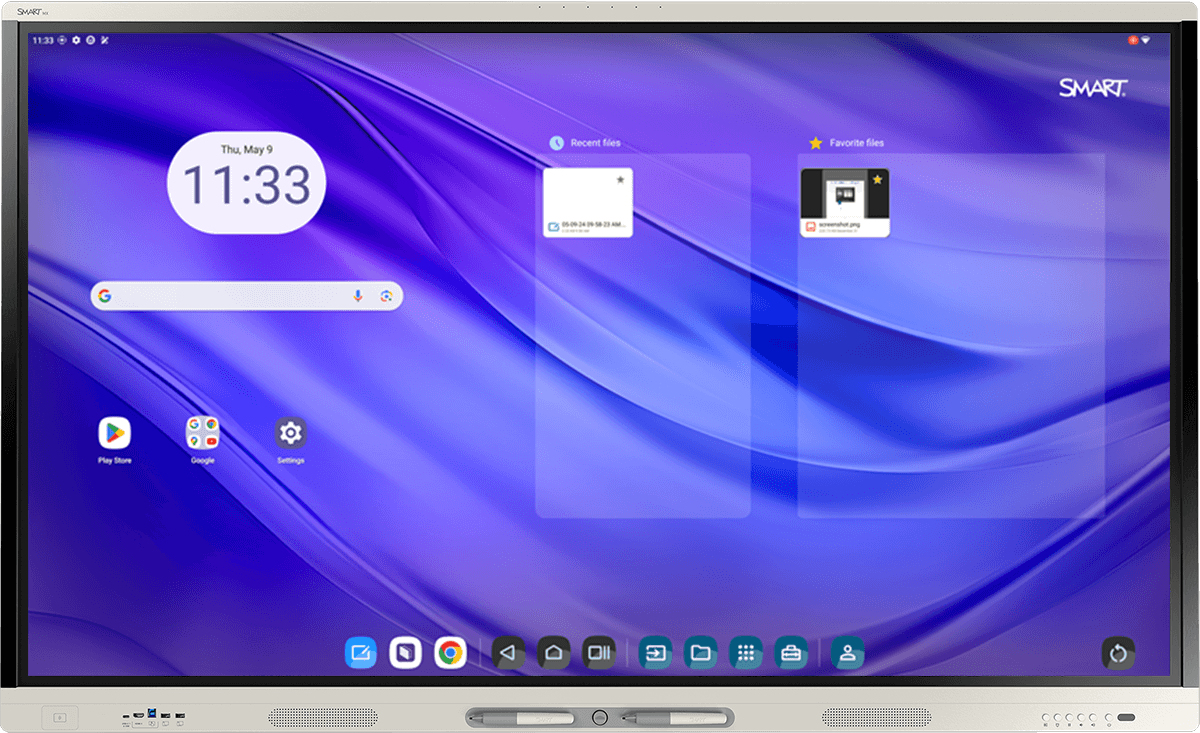
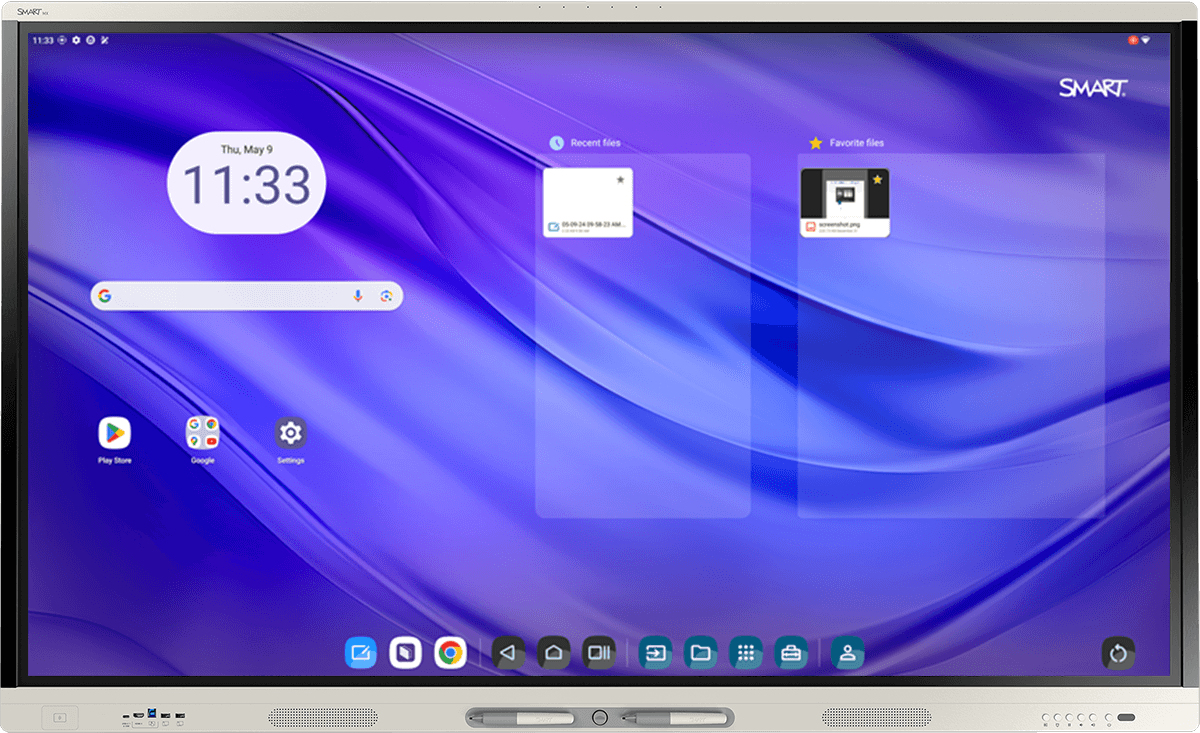
More ideas. More collaboration. More people. More brilliance. The SMART MX series offers true multi-user interactivity with a touch experience that SMART's competitors don't even come close to.
ONLY SMART gives everyone a chance to contribute effortlessly. Multiple users can write, erase, and touch simultaneously without interfering with each other's work.
Extend learning anywhere.
SMART Ink® brings your favourite learning tools and annotations to your files, web browsers, and applications – for both Windows and Mac.
Write and explore freely.
Only SMART ink keeps your annotations where you put them as you move between programs, so you never lose what you wrote.
Hold student attention.
Highlight key concepts with disappearing ink, spotlight, screen shade, and more.
Google EDLA – and more
Enjoy seamless cloud storage integration and powerful interoperability for Google for Education, Microsoft Office 365 apps, and all the other apps your teachers need with integrated access to Google Play Services.
Just pick up a pen and write. SMART displays with iQ 4 work automatically with Microsoft Ink in your Office 365 apps, and let you write and navigate over the Chrome and web apps simultaneously – without freezing the screen.
Secure multi-user profiles
Save teachers time, securely. Teachers can fully personalise with everything they use daily: apps, widgets, files, bookmarks and more.
Unlike many other solutions, this prevents others from gaining access to cloud storage and sensitive information from your signed-in services.
iQ works with you to maximise planning and class time
With built-in activities and teaching tools, teachers can count on the MX to help them plan and deliver engaging lessons.
Automatic updates mean IT teams don't waste precious time with small fixes or enhancements. It's an interactive display designed to make your life easier, not more complicated.
Make room for more
More ideas. More collaboration. More people. More brilliance. The SMART MX series offers true multi-user interactivity with a touch experience that SMART's competitors don't even come close to.
ONLY SMART gives everyone a chance to contribute effortlessly. Multiple users can write, erase, and touch simultaneously without interfering with each other's work.
Extend learning anywhere.
SMART Ink® brings your favourite learning tools and annotations to your files, web browsers, and applications – for both Windows and Mac.
Write and explore freely.
Only SMART ink keeps your annotations where you put them as you move between programs, so you never lose what you wrote.
Hold student attention.
Highlight key concepts with disappearing ink, spotlight, screen shade, and more.
Google EDLA – and more
Enjoy seamless cloud storage integration and powerful interoperability for Google for Education, Microsoft Office 365 apps, and all the other apps your teachers need with integrated access to Google Play Services.
Just pick up a pen and write. SMART displays with iQ 4 work automatically with Microsoft Ink in your Office 365 apps, and let you write and navigate over the Chrome and web apps simultaneously – without freezing the screen.
Secure multi-user profiles
Save teachers time, securely. Teachers can fully personalise with everything they use daily: apps, widgets, files, bookmarks and more.
Unlike many other solutions, this prevents others from gaining access to cloud storage and sensitive information from your signed-in services.
iQ works with you to maximise planning and class time
With built-in activities and teaching tools, teachers can count on the MX to help them plan and deliver engaging lessons.
Automatic updates mean IT teams don't waste precious time with small fixes or enhancements. It's an interactive display designed to make your life easier, not more complicated.