


| Product Code: | |
| Options: | |
| Qty: | |
| Unit Price: | £ |

| Part No: | FEUSB-WIFINT |
| Manufacturer No: | USB-WIFINT |
| Delivery: | In Stock: 5-7 Days |




 |
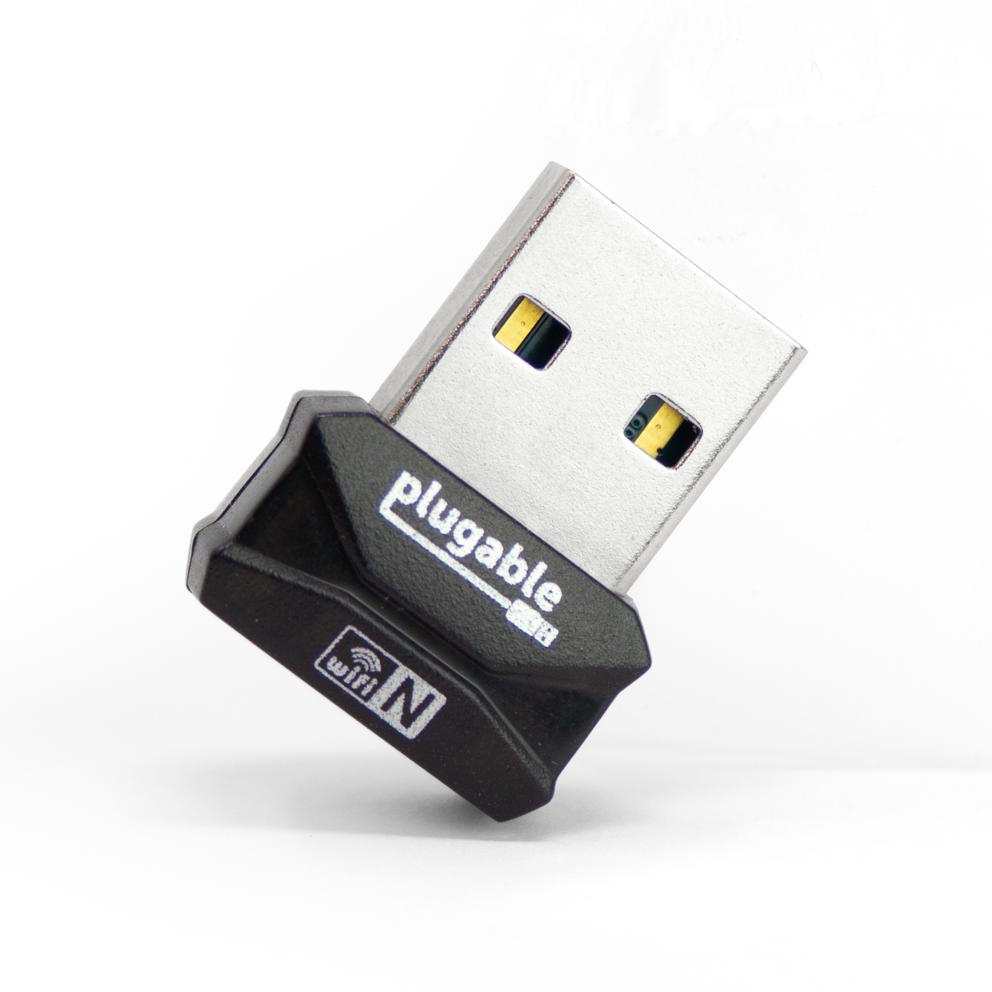
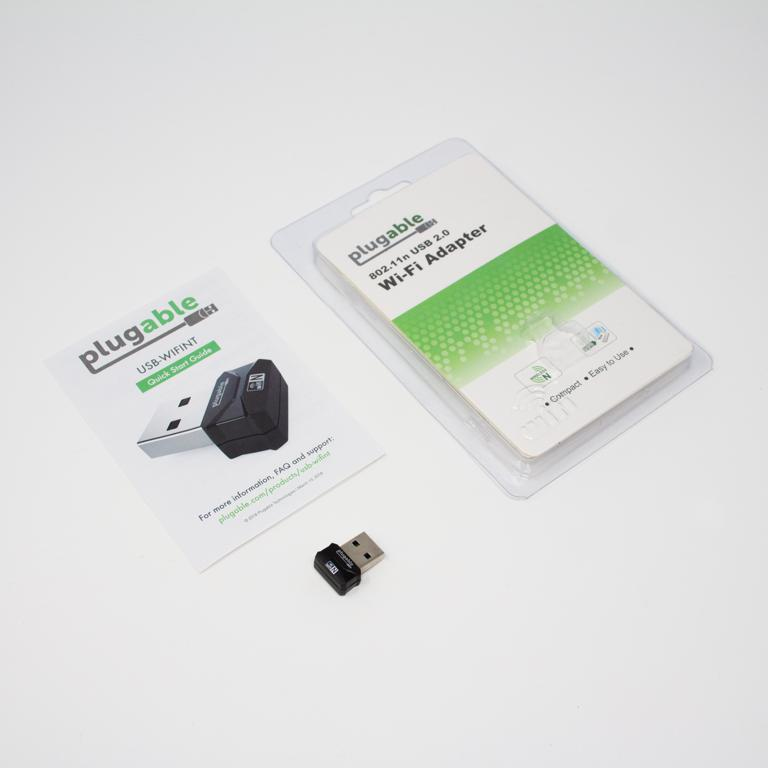
The Plugable USB-WIFINT adds basic wireless connectivity to desktops and laptops through a compact USB 2.0 nano adapter. Built for simple Wi-Fi access on systems without built-in wireless hardware, it connects to standard 2.4GHz networks using the 802.11n protocol. Its small footprint allows it to remain plugged in without blocking nearby ports, making it suitable for permanent desktop use or portable setups.
WiFi relies on a harmony between your router, and the device connecting to it. In less populated areas be sure that your access point uses 40MHz channel widths (instead of 20MHz) to get the optimal performance from the adapter, otherwise performance will be halved. However, for more dense urban environments, it may be necessary to use 20MHz channel widths to compete with surrounding radio interference. Due to being a single-band adapter, the adapter will only connect to 2.4GHz access points. 2.4GHz WiFi technology has the advantage of offering better range than those using 5GHz.
To get the best performance, there are technical considerations to make. Be sure that the adapter is plugged into the front of your computer if using a tower-style PC, use a USB 2.0 port (instead of USB 3.0), and try to keep a clear line-of-sight between your WiFi adapter and the router. This will help to avoid common sources of 2.4GHz wireless interference in order to provide optimal range and performance.
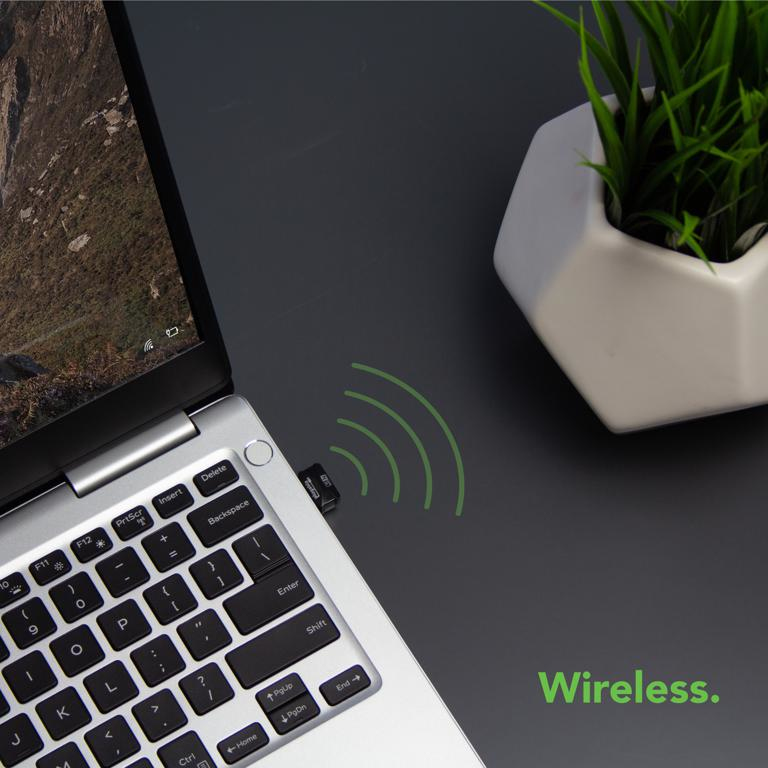
The adapter features an ultra-small form factor that sits nearly flush with the USB port. This design reduces the chance of accidental removal and keeps the device discreet when installed in laptops or desktop systems. It is suitable for users who need a low-profile wireless adapter that does not interfere with surrounding ports or workspace layout.
This adapter is suited for restoring or adding Wi-Fi capability to systems that lack internal wireless hardware. It supports typical home and office networking tasks and connects to standard 2.4GHz routers. Performance depends on environmental conditions such as distance from the router, interference, and network congestion.
The Plugable USB-WIFINT adds basic wireless connectivity to desktops and laptops through a compact USB 2.0 nano adapter. Built for simple Wi-Fi access on systems without built-in wireless hardware, it connects to standard 2.4GHz networks using the 802.11n protocol. Its small footprint allows it to remain plugged in without blocking nearby ports, making it suitable for permanent desktop use or portable setups.
WiFi relies on a harmony between your router, and the device connecting to it. In less populated areas be sure that your access point uses 40MHz channel widths (instead of 20MHz) to get the optimal performance from the adapter, otherwise performance will be halved. However, for more dense urban environments, it may be necessary to use 20MHz channel widths to compete with surrounding radio interference. Due to being a single-band adapter, the adapter will only connect to 2.4GHz access points. 2.4GHz WiFi technology has the advantage of offering better range than those using 5GHz.
To get the best performance, there are technical considerations to make. Be sure that the adapter is plugged into the front of your computer if using a tower-style PC, use a USB 2.0 port (instead of USB 3.0), and try to keep a clear line-of-sight between your WiFi adapter and the router. This will help to avoid common sources of 2.4GHz wireless interference in order to provide optimal range and performance.
The adapter features an ultra-small form factor that sits nearly flush with the USB port. This design reduces the chance of accidental removal and keeps the device discreet when installed in laptops or desktop systems. It is suitable for users who need a low-profile wireless adapter that does not interfere with surrounding ports or workspace layout.
This adapter is suited for restoring or adding Wi-Fi capability to systems that lack internal wireless hardware. It supports typical home and office networking tasks and connects to standard 2.4GHz routers. Performance depends on environmental conditions such as distance from the router, interference, and network congestion.
Product data is provided by Icecat, we do not warrant the accuracy of the material above.