| Product Code: | |
| Options: | |
| Qty: | |
| Unit Price: | £ |

| Part No: | FEB150-1A1-HDMI |
| Manufacturer No: | B150-1A1-HDMI |
| Delivery: | In Stock: 5-7 Days |


 |
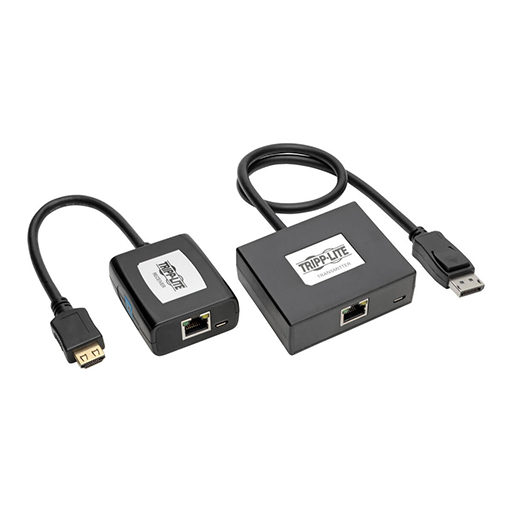
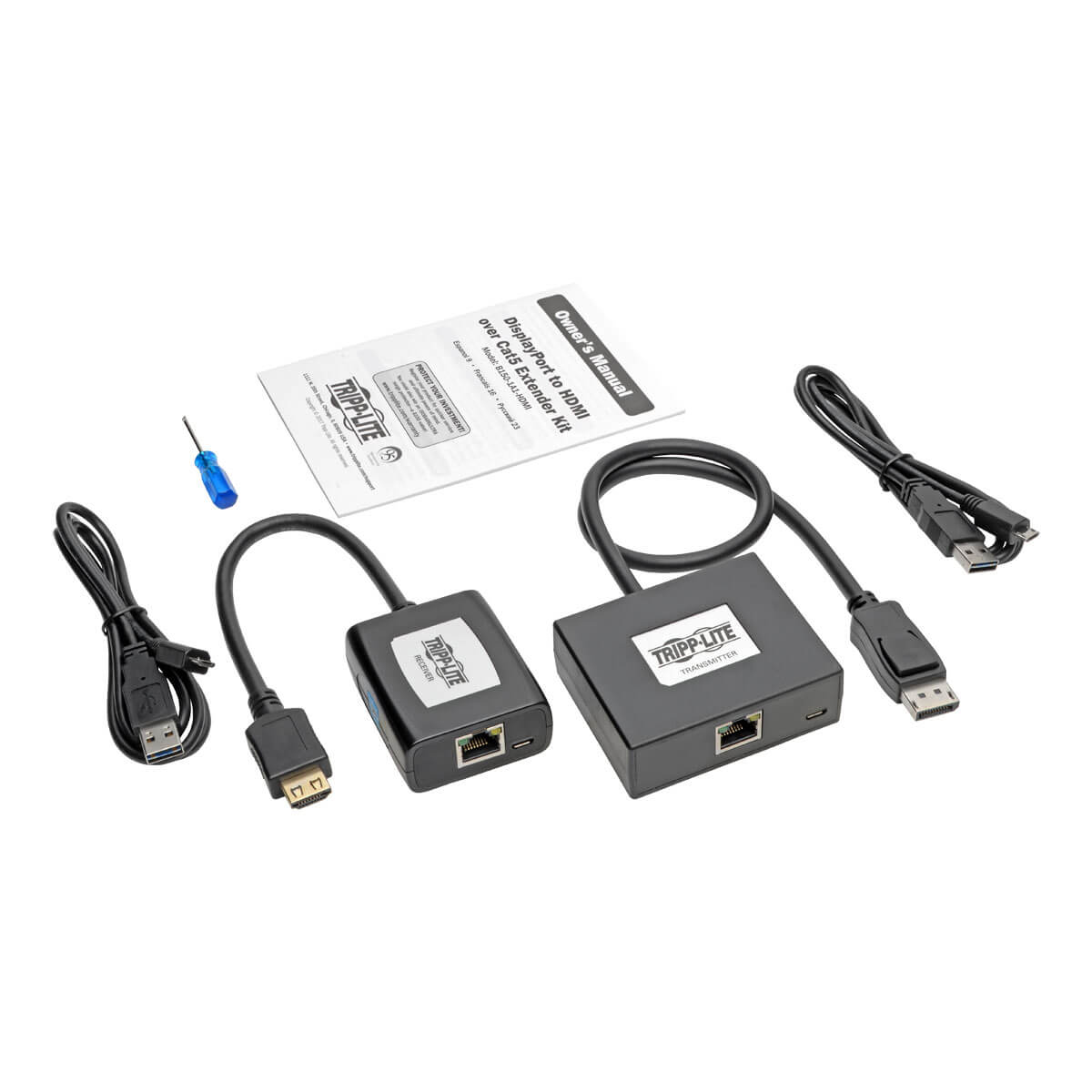
The B150-1A1-HDMI DisplayPort to HDMI extender kit lets you easily extend your video signal up to 150 feet, perfect for setting up digital signs, trade show displays, classroom lectures, and other applications where your video source needs to be located away from the main screen. With simple plug-and-play setup, you can get your extended video working in minutes.
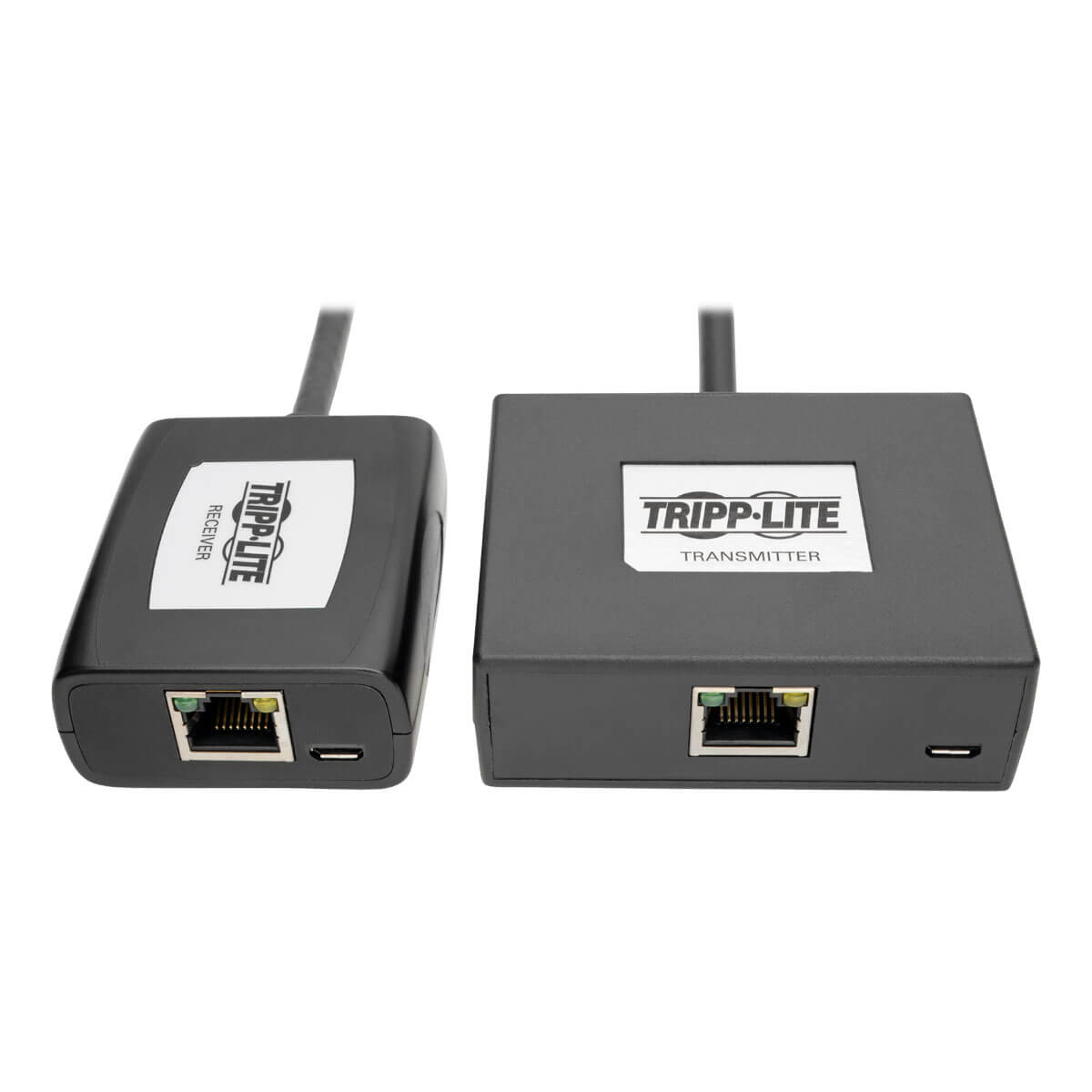
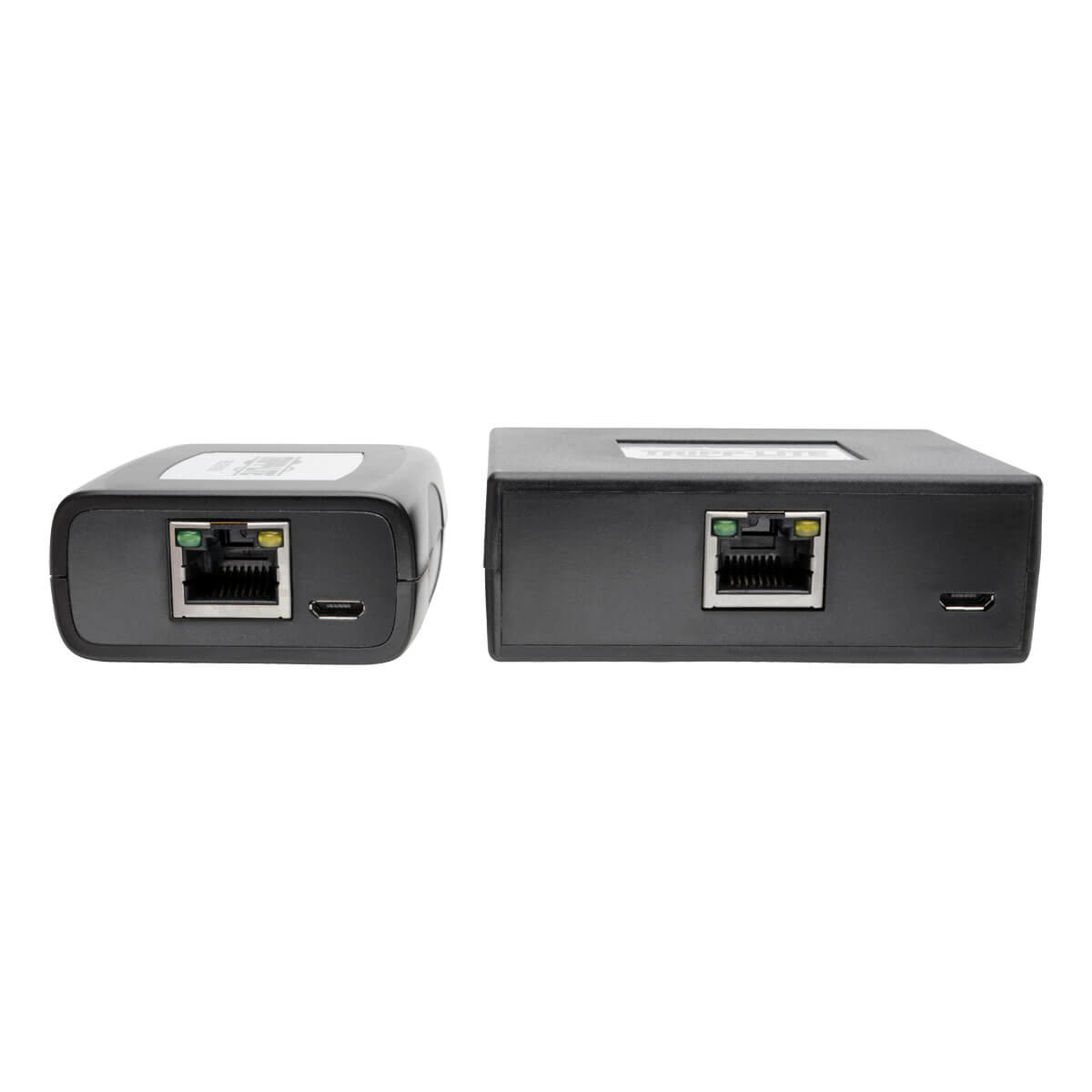
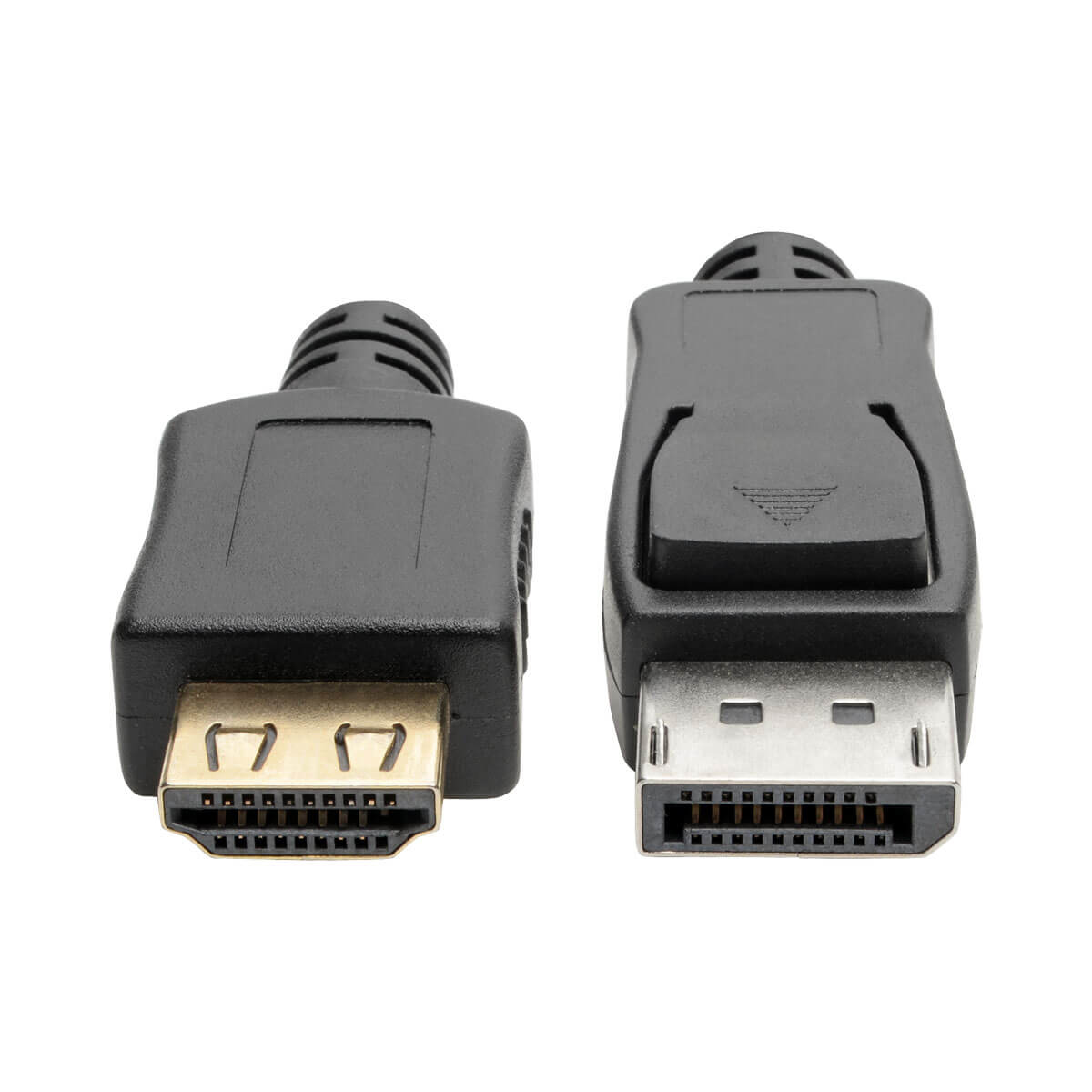
One Cat5e/6 cable connects the transmitter and receiver (for best results, use 24 AWG solid-wire Cat5e/6 cable, such as the N202-Series). A built-in DisplayPort cable connects the transmitter to the source, while a built-in HDMI cable connects the receiver to the display. The built-in HDMI cable features a latching connector that helps prevent accidental disconnection. Included USB Micro-B cables connect the transmitter to a USB port on the DisplayPort computer or a USB wall charger (such as U280-002-W12), and connect the receiver to a USB port on the HDMI display or a USB wall charger. No external power supplies are needed.
The B150-1A1-HDMI can extend a high-definition 1080i (60 Hz) signal up to 150 feetand a 1080p (60 Hz) signal up to 125 feet (38.1 meters). In addition to crystal-clear video, including 24-bit True Color (8 bits per channel), the kit delivers full, rich stereo. Green and orange LEDs on both units indicate when they are receiving power from the USB Micro-B cables and sharing a signal. Easy to set up with no software or drivers to install. Works with all operating systems.
Features
Extends 1080i signal up to 150-ft. (45.72 m), 1080p signal up to 125-ft. (38.1 m)
Supports 24-bit True Color (8 bits per channel) and stereo audio
Included USB Micro-B cables supply power to both units
Works with all operating systems
Plug and play—no software or drivers to install
HDCP 1.3 compliant
Built-in HDMI cable latches tightly for more secure connection
The B150-1A1-HDMI DisplayPort to HDMI extender kit lets you easily extend your video signal up to 150 feet, perfect for setting up digital signs, trade show displays, classroom lectures, and other applications where your video source needs to be located away from the main screen. With simple plug-and-play setup, you can get your extended video working in minutes.
One Cat5e/6 cable connects the transmitter and receiver (for best results, use 24 AWG solid-wire Cat5e/6 cable, such as the N202-Series). A built-in DisplayPort cable connects the transmitter to the source, while a built-in HDMI cable connects the receiver to the display. The built-in HDMI cable features a latching connector that helps prevent accidental disconnection. Included USB Micro-B cables connect the transmitter to a USB port on the DisplayPort computer or a USB wall charger (such as U280-002-W12), and connect the receiver to a USB port on the HDMI display or a USB wall charger. No external power supplies are needed.
The B150-1A1-HDMI can extend a high-definition 1080i (60 Hz) signal up to 150 feetand a 1080p (60 Hz) signal up to 125 feet (38.1 meters). In addition to crystal-clear video, including 24-bit True Color (8 bits per channel), the kit delivers full, rich stereo. Green and orange LEDs on both units indicate when they are receiving power from the USB Micro-B cables and sharing a signal. Easy to set up with no software or drivers to install. Works with all operating systems.
Features
Extends 1080i signal up to 150-ft. (45.72 m), 1080p signal up to 125-ft. (38.1 m)
Supports 24-bit True Color (8 bits per channel) and stereo audio
Included USB Micro-B cables supply power to both units
Works with all operating systems
Plug and play—no software or drivers to install
HDCP 1.3 compliant
Built-in HDMI cable latches tightly for more secure connection
Product data is provided by Icecat, we do not warrant the accuracy of the material above.