| Product Code: | |
| Options: | |
| Qty: | |
| Unit Price: | £ |

| Part No: | FEB024-DPU16 |
| Manufacturer No: | B024-DPU16 |
| Delivery: | Call for Leadtime |




 |
Connects 16 DisplayPort Devices to a Single DisplayPort Monitor, Keyboard and Mouse
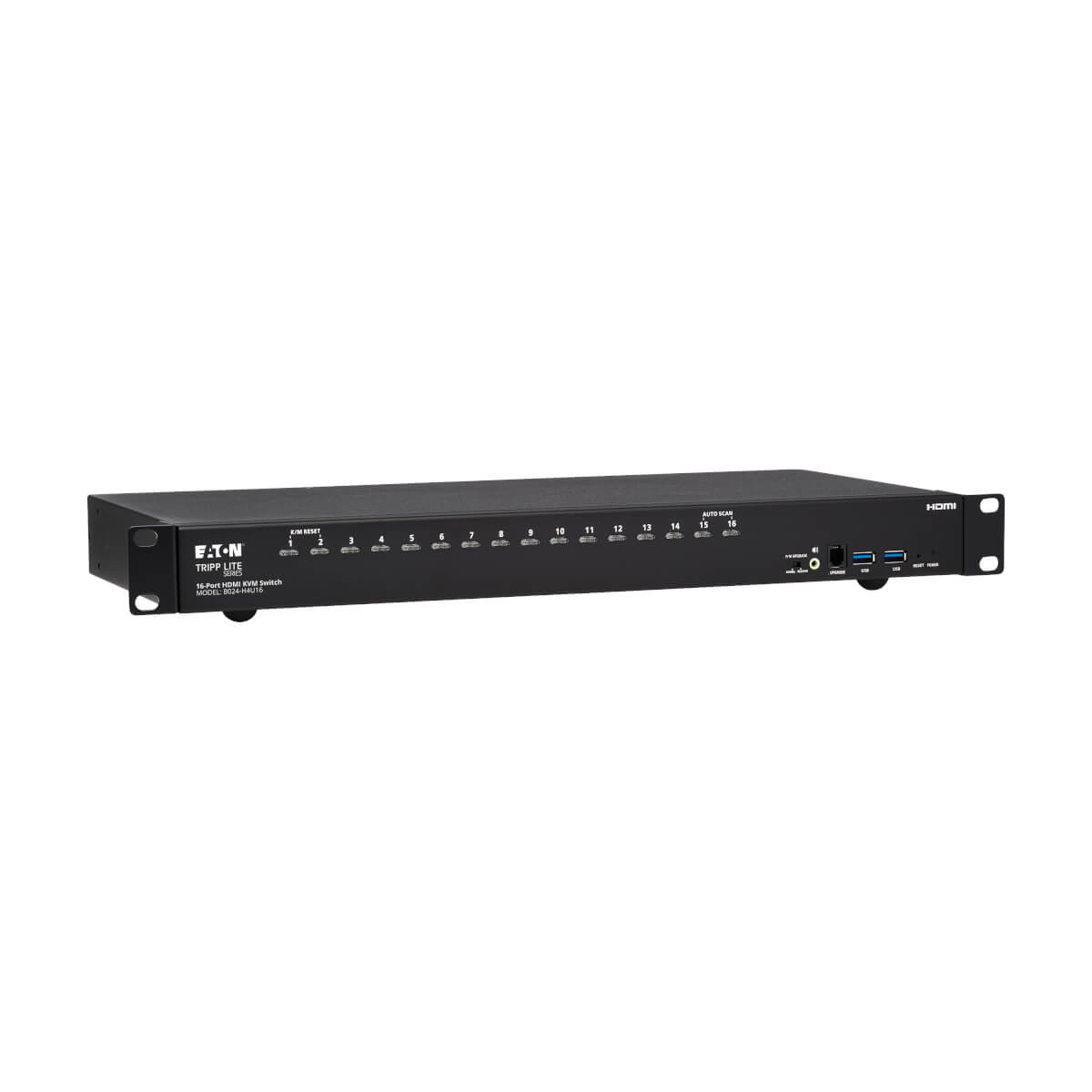
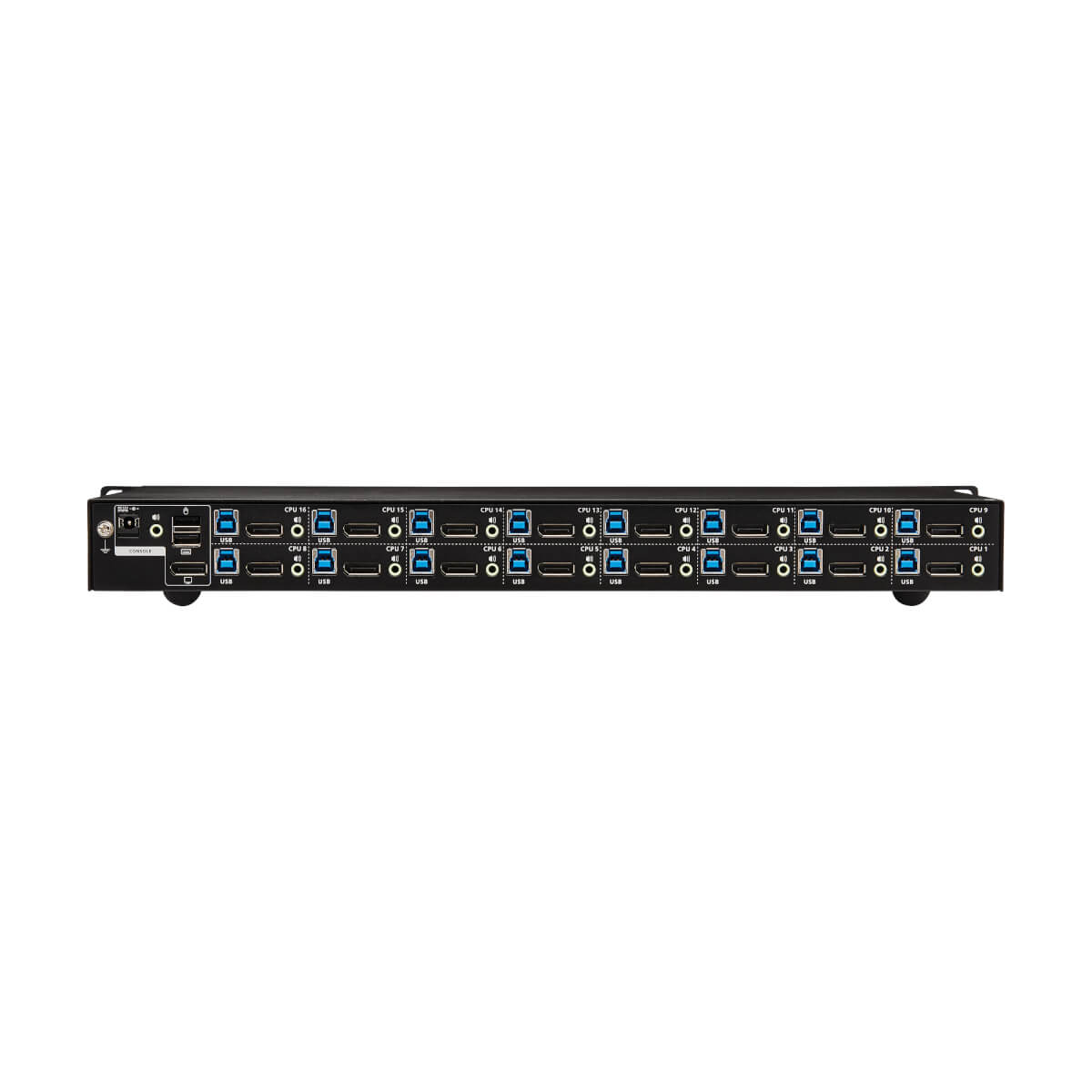
This rack-mount KVM switch lets you access, control, boot and reboot up to 16 computers or other devices with DisplayPort connectors at the same time. In addition to desktop and notebook computers, the KVM also connects up to 16 media centers, gaming systems, Blu-ray and DVD players, cable and satellite boxes, DVRs and other DisplayPort-enabled devices. All 16 computers share one DisplayPort and/or HDMI monitor, USB keyboard and USB mouse, which saves space on your desk or workspace.
Connect up to 256 Computers to One Original Console
You can also cascade two levels of B024-DPU16 KVM switches, allowing centralized access to as many as 256 computers using a single monitor, keyboard and mouse.
Switching Between Computers Is Fast and Easy
Use the front-panel pushbuttons, RS-232 commands, hotkeys or multi-lingual On-Screen Display (OSD) with text-based interface for quick and easy toggling between computers. Or you can use Auto Scan mode to scan all connected computers in five-second intervals automatically. Orange LEDs indicate which computer is currently selected.
Cables Are Included for Fast and Simple Setup
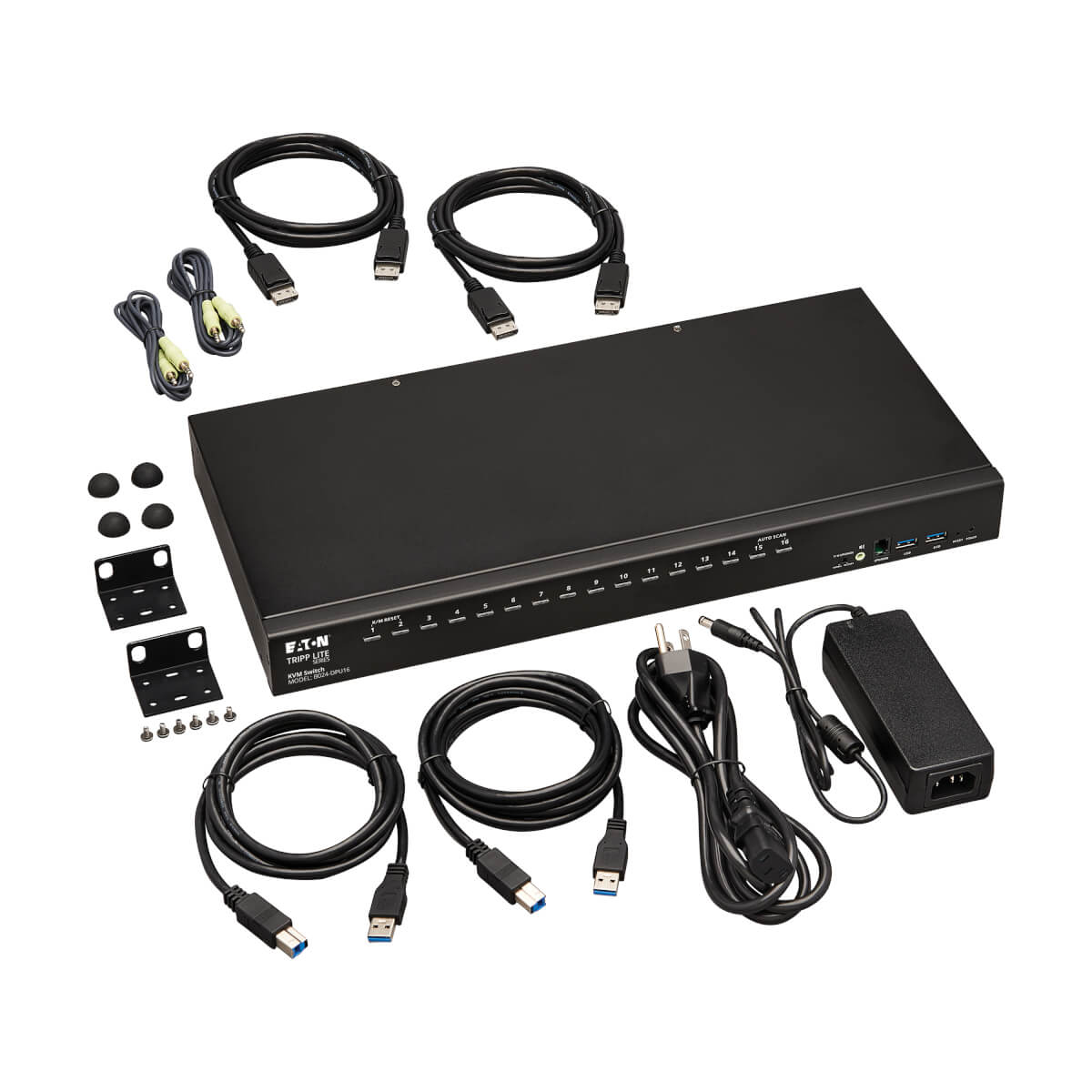
Connect your DisplayPort and/or HDMI monitor, keyboard, mouse, and (optional) speakers to the KVM’s console ports. Then, use the included DisplayPort and USB cables to connect your computers to the KVM. The plug-and-play B024-DPU16 requires no software, so you can connect and use it immediately. It works with all major operating systems, including Windows, macOS, Sun and Linux.
USB Hub Lets You Share Peripherals between Computers
The built-in dual-port USB 3.1 Gen 1 hub allows you to share USB peripherals, such as printers, hard drives, scanners, webcams and flash drives, between all connected computers. Because the USB ports operate independently, you can print documents from one computer while working on a different computer. The hub is backward compatible with earlier USB generations. LEDs indicate which computer is using the connected USB device.
Transmits Crystal-Clear 4K Video and High-Definition Audio
The B024-DPU16 supports true 4K video (4096 x 2160) at 60 Hz and 2.1-channel surround sound with full bass response. With independent audio switching, you can listen to music or other audio from one computer while working on a different computer. The front-panel audio jacks have priority over the rear-panel jacks.
Stack Units to Expand Your Workstation and Enhance Your Productivity
Stack as many as eight B024-DPU16 KVM switches on a level surface to take advantage of multi-display mode. Depending on the number of stages in your stack, your installation may offer dual-display, triple-display, quad-display or multi-display scenarios, up to eight stages.
Designed for Convenient Mounting with Included Hardware
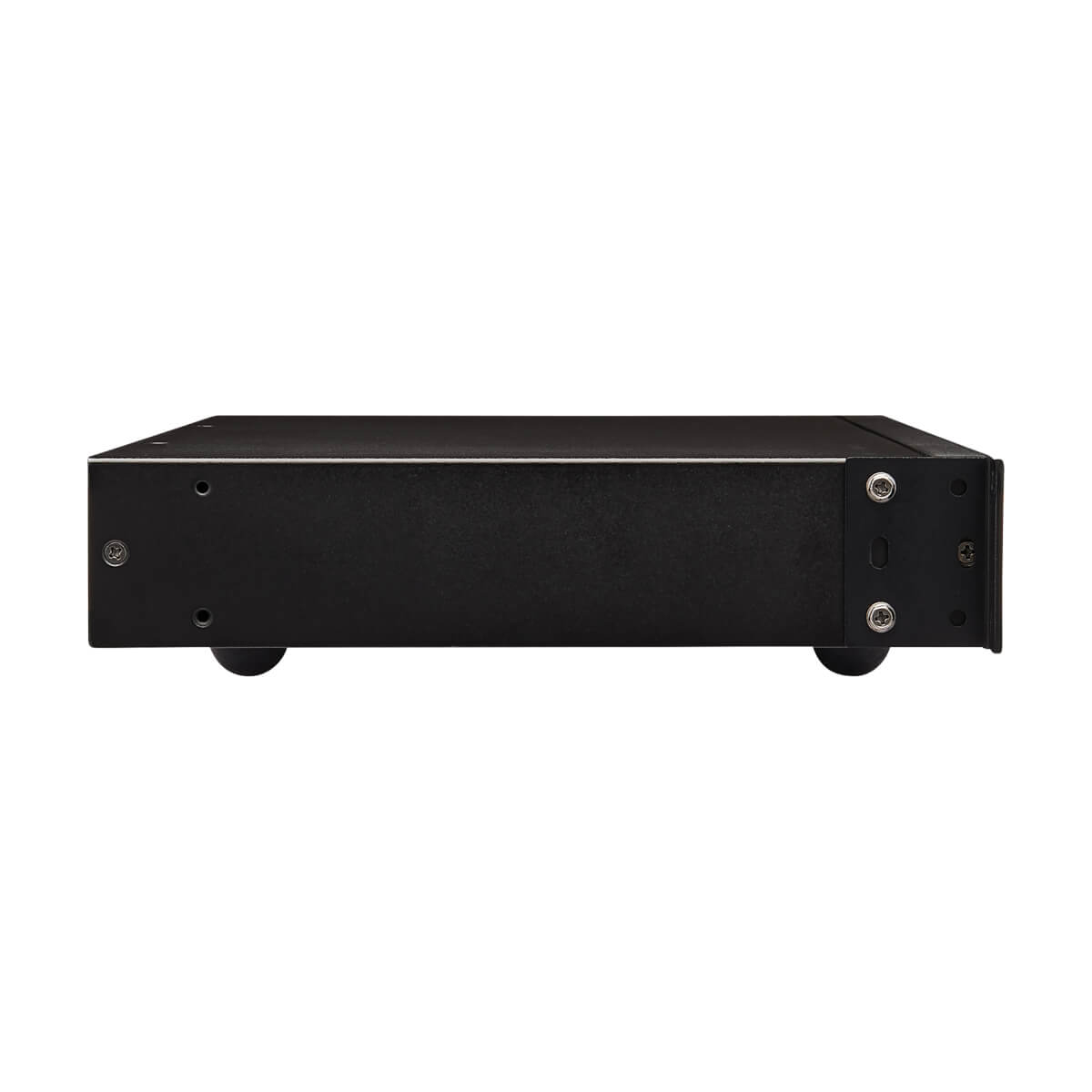
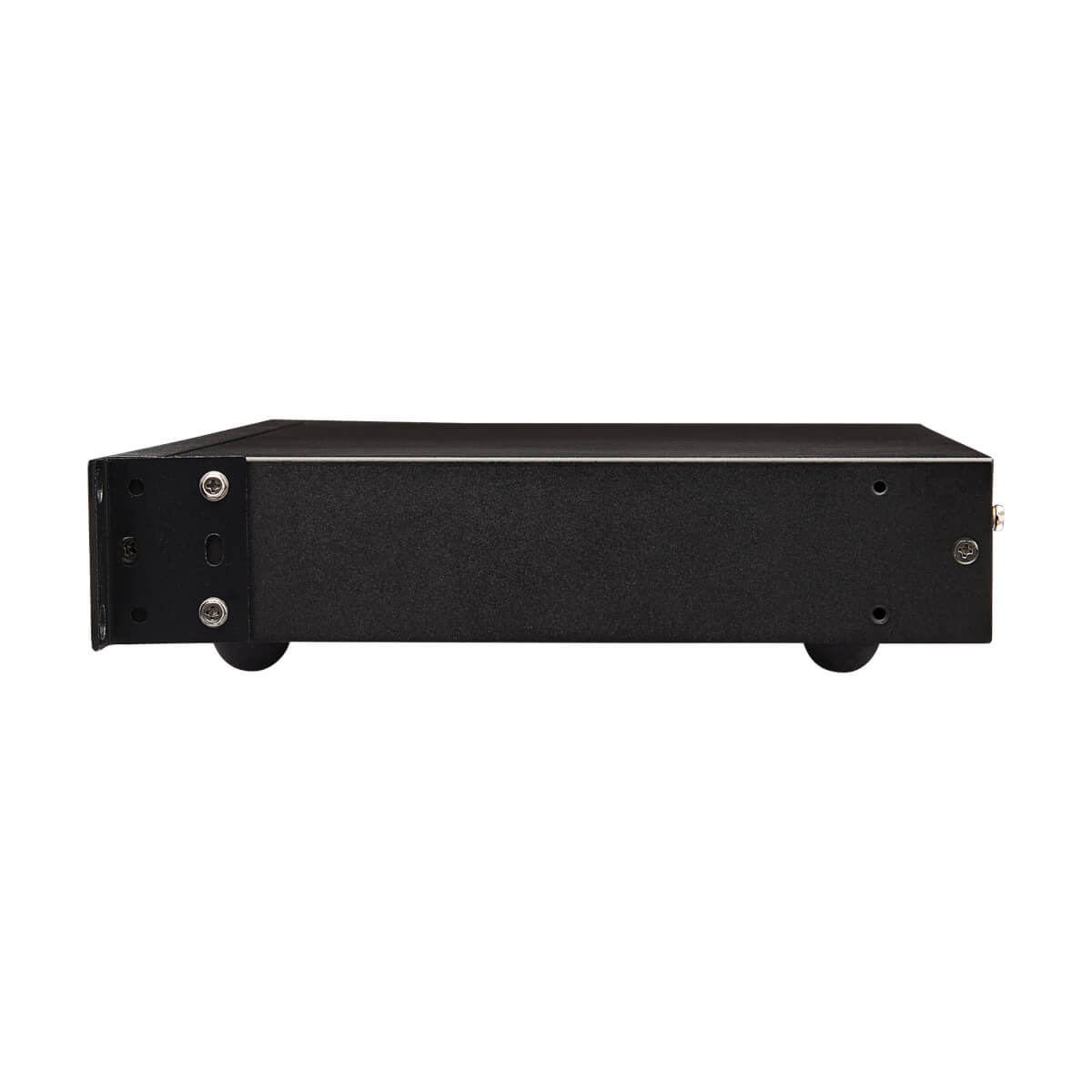
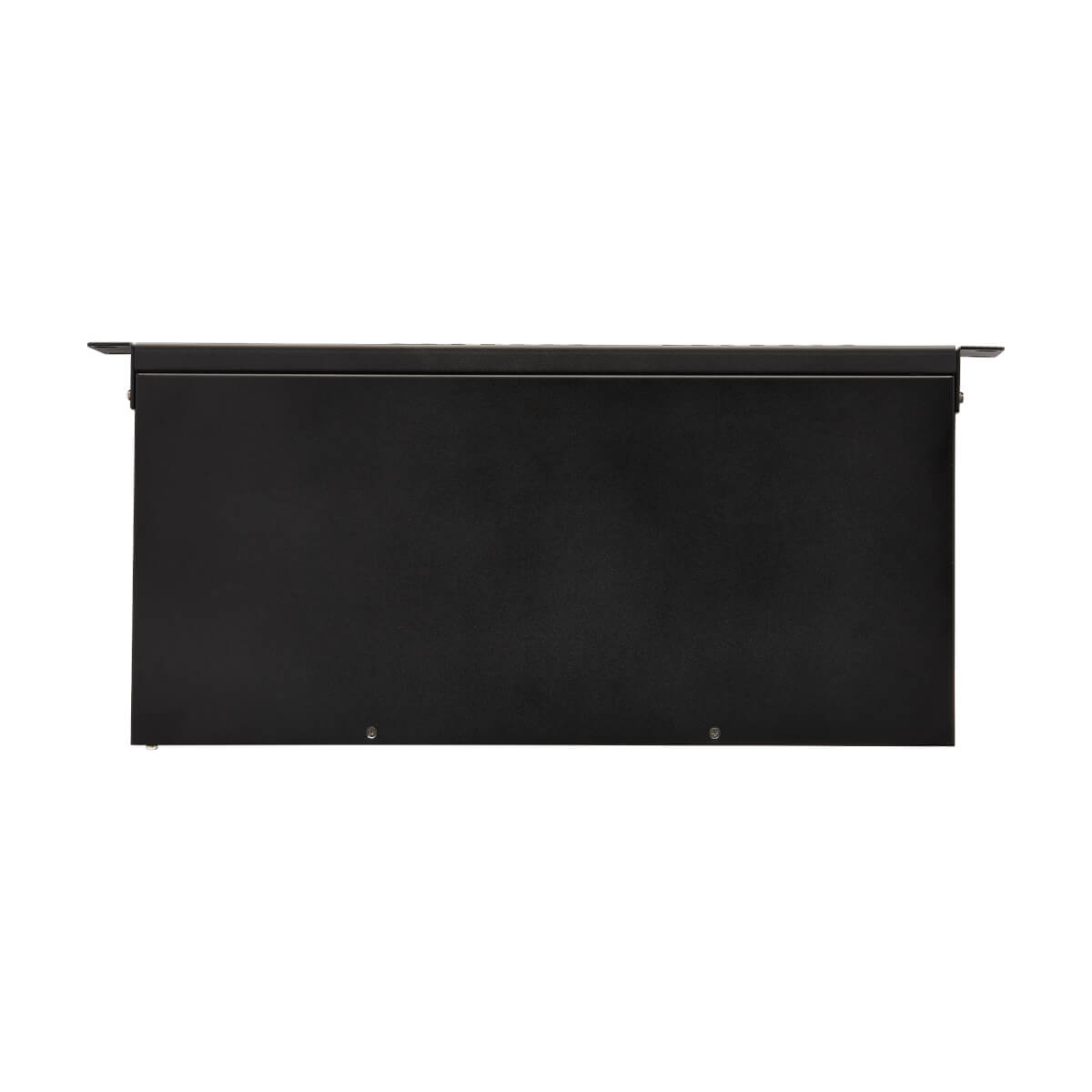
The heavy-duty metal housing comes with mounting hardware for 1U installation in an EIA-standard 19-inch rack. It also allows desktop deployment on included rubber feet that help prevent the unit from sliding. The included power supply comes with a detachable C13-to-C14 cord.
Connects 16 DisplayPort Devices to a Single DisplayPort Monitor, Keyboard and Mouse
This rack-mount KVM switch lets you access, control, boot and reboot up to 16 computers or other devices with DisplayPort connectors at the same time. In addition to desktop and notebook computers, the KVM also connects up to 16 media centers, gaming systems, Blu-ray and DVD players, cable and satellite boxes, DVRs and other DisplayPort-enabled devices. All 16 computers share one DisplayPort and/or HDMI monitor, USB keyboard and USB mouse, which saves space on your desk or workspace.
Connect up to 256 Computers to One Original Console
You can also cascade two levels of B024-DPU16 KVM switches, allowing centralized access to as many as 256 computers using a single monitor, keyboard and mouse.
Switching Between Computers Is Fast and Easy
Use the front-panel pushbuttons, RS-232 commands, hotkeys or multi-lingual On-Screen Display (OSD) with text-based interface for quick and easy toggling between computers. Or you can use Auto Scan mode to scan all connected computers in five-second intervals automatically. Orange LEDs indicate which computer is currently selected.
Cables Are Included for Fast and Simple Setup
Connect your DisplayPort and/or HDMI monitor, keyboard, mouse, and (optional) speakers to the KVM’s console ports. Then, use the included DisplayPort and USB cables to connect your computers to the KVM. The plug-and-play B024-DPU16 requires no software, so you can connect and use it immediately. It works with all major operating systems, including Windows, macOS, Sun and Linux.
USB Hub Lets You Share Peripherals between Computers
The built-in dual-port USB 3.1 Gen 1 hub allows you to share USB peripherals, such as printers, hard drives, scanners, webcams and flash drives, between all connected computers. Because the USB ports operate independently, you can print documents from one computer while working on a different computer. The hub is backward compatible with earlier USB generations. LEDs indicate which computer is using the connected USB device.
Transmits Crystal-Clear 4K Video and High-Definition Audio
The B024-DPU16 supports true 4K video (4096 x 2160) at 60 Hz and 2.1-channel surround sound with full bass response. With independent audio switching, you can listen to music or other audio from one computer while working on a different computer. The front-panel audio jacks have priority over the rear-panel jacks.
Stack Units to Expand Your Workstation and Enhance Your Productivity
Stack as many as eight B024-DPU16 KVM switches on a level surface to take advantage of multi-display mode. Depending on the number of stages in your stack, your installation may offer dual-display, triple-display, quad-display or multi-display scenarios, up to eight stages.
Designed for Convenient Mounting with Included Hardware
The heavy-duty metal housing comes with mounting hardware for 1U installation in an EIA-standard 19-inch rack. It also allows desktop deployment on included rubber feet that help prevent the unit from sliding. The included power supply comes with a detachable C13-to-C14 cord.