


| Product Code: | |
| Options: | |
| Qty: | |
| Unit Price: | £ |

| Part No: | FEDELL-WR221 |
| Manufacturer No: | DELL-WR221 |
| Delivery: | In Stock: Next Day |



 |
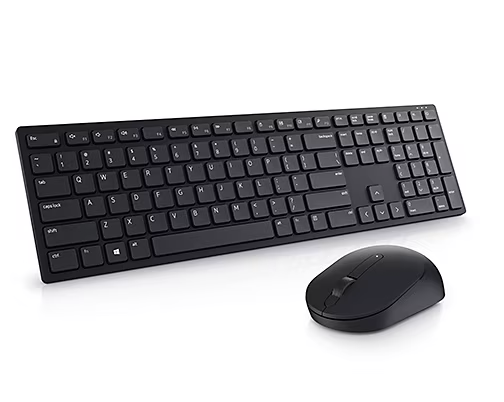
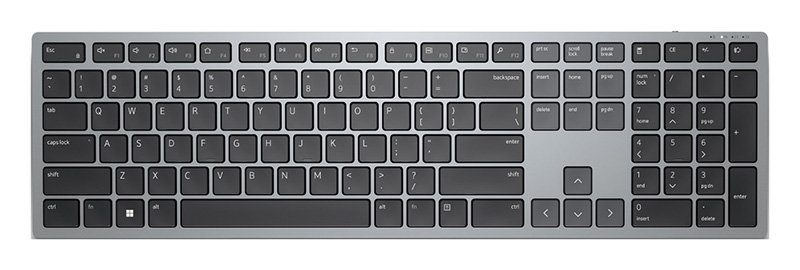
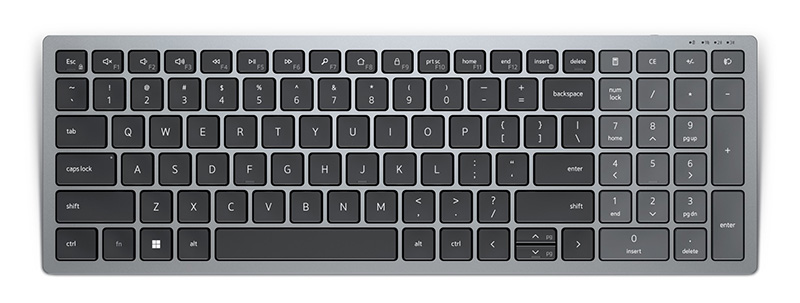
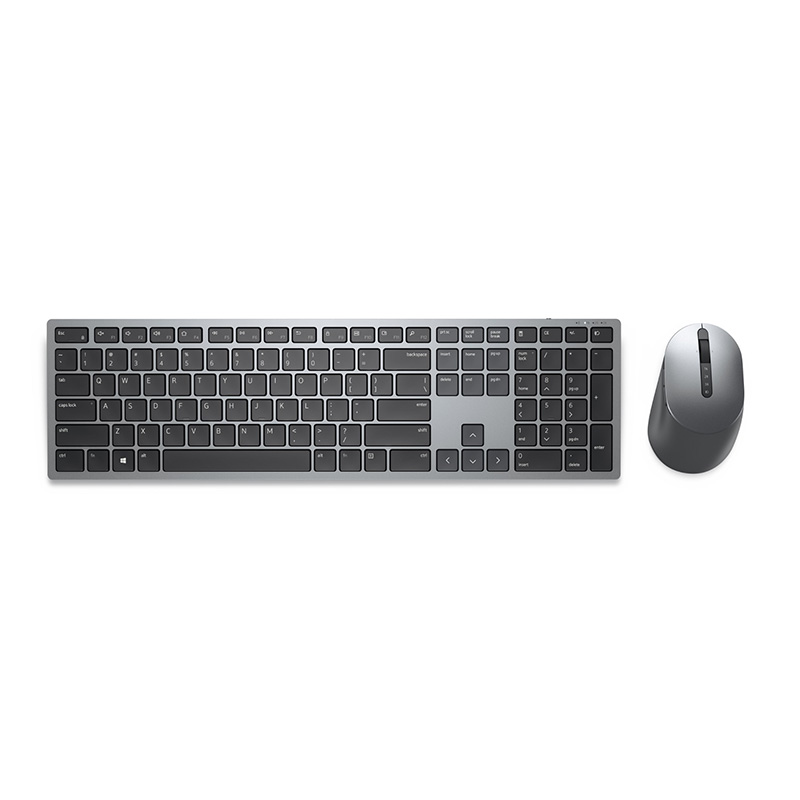
Plug in the Dell DELL-WR221 Universal Pairing Receiver to your PC and connect up to six different compatible keyboards and mice. Now you can switch between devices without needing multiple receivers.
Dell Universal Pairing feature
All keyboards and mice with the Dell Universal pairing icon can be paired with the Dell Universal Pairing Receiver. Enjoy the convenience of leaving your keyboard and mouse set at home and another mouse in the office without having to carry them around.
Manage your devices easily
Pairing the compatible keyboards and mice with your universal wireless receiver is easy. Simply install the Dell Universal Pairing Software or Dell Peripheral Manager* from and begin adding the devices you would like to pair with.
*For complete specifications see the documentation tab above.
Plug in the Dell DELL-WR221 Universal Pairing Receiver to your PC and connect up to six different compatible keyboards and mice. Now you can switch between devices without needing multiple receivers.
Dell Universal Pairing feature
All keyboards and mice with the Dell Universal pairing icon can be paired with the Dell Universal Pairing Receiver. Enjoy the convenience of leaving your keyboard and mouse set at home and another mouse in the office without having to carry them around.
Manage your devices easily
Pairing the compatible keyboards and mice with your universal wireless receiver is easy. Simply install the Dell Universal Pairing Software or Dell Peripheral Manager* from and begin adding the devices you would like to pair with.
*For complete specifications see the documentation tab above.