


| Product Code: | |
| Options: | |
| Qty: | |
| Unit Price: | £ |

| Part No: | FEIMOUSE X1 |
| Manufacturer No: | IMOUSE X1 |
| Delivery: | In Stock: 5-7 Days |


 |
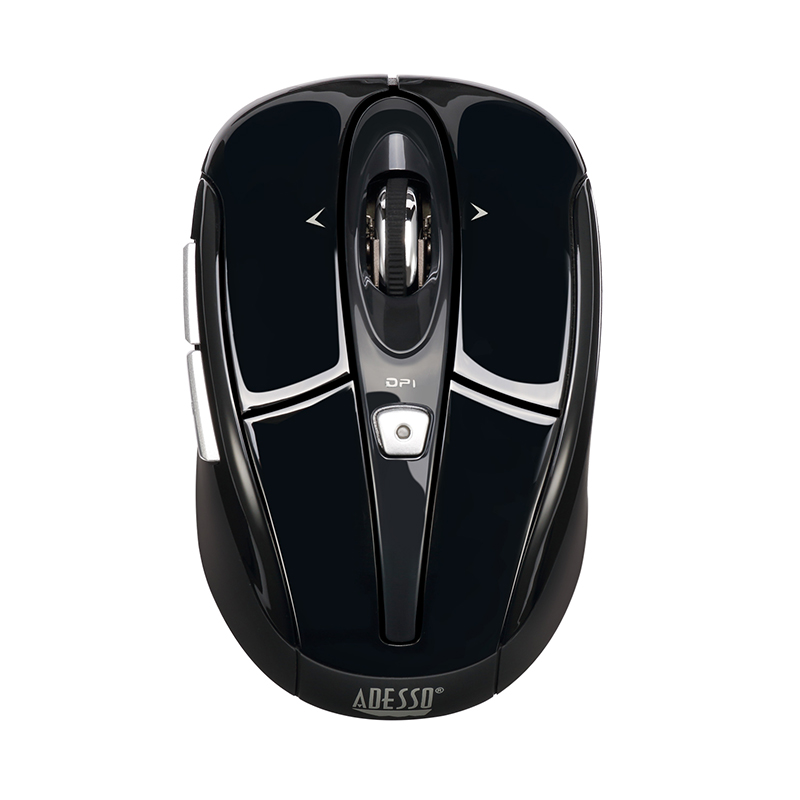
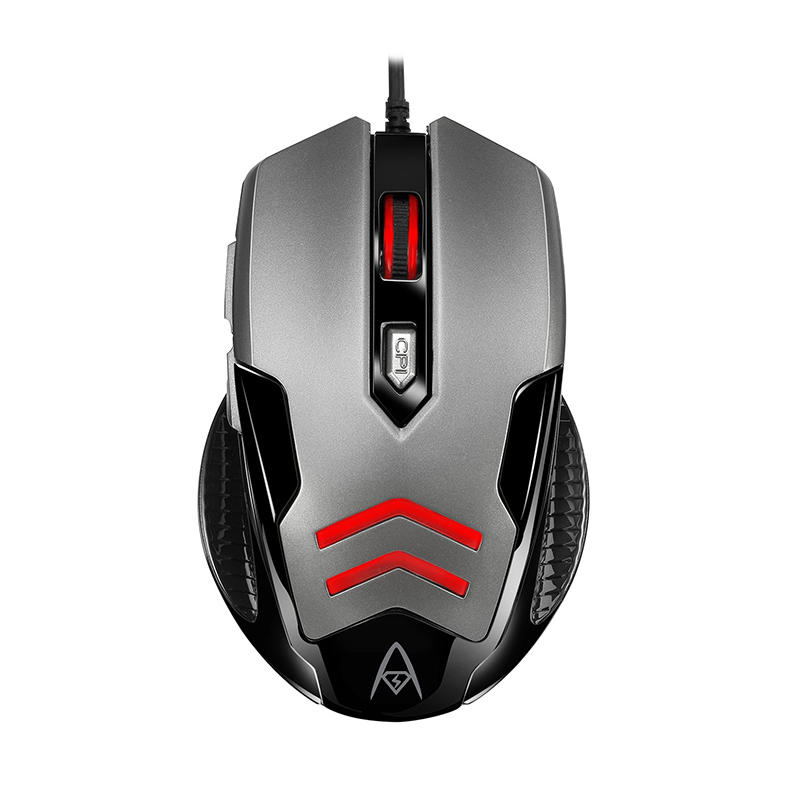
The Adesso iMouse X1 Gaming Mouse is a wired USB optical mouse built for everyday computing and casual gaming use. It features a straightforward design with adjustable sensitivity levels and additional side controls that support smoother navigation and gameplay. The shape is designed with a right-hand orientation in mind, offering a steady grip for extended use sessions.
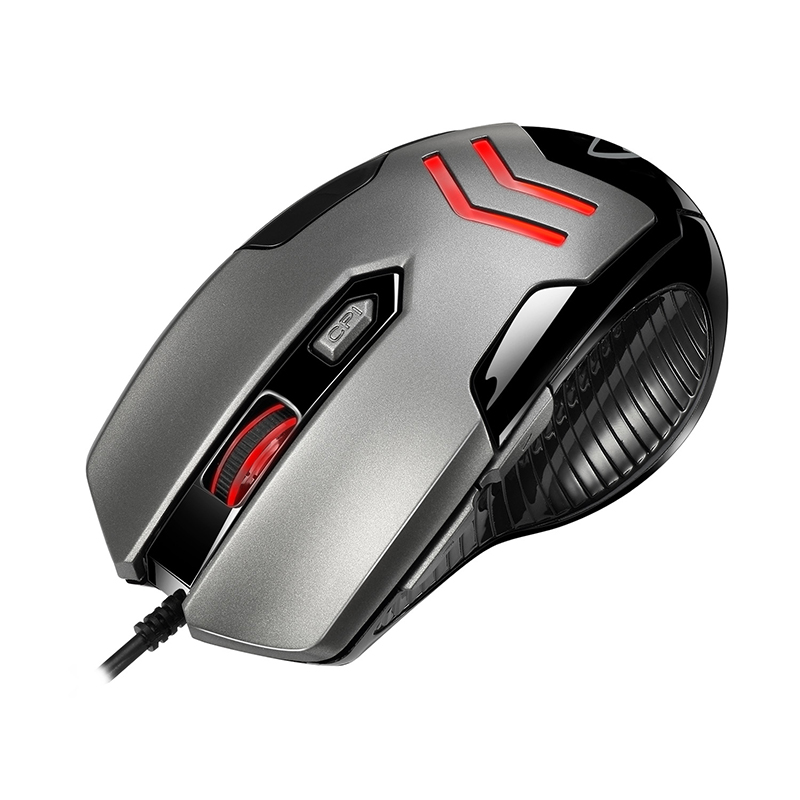
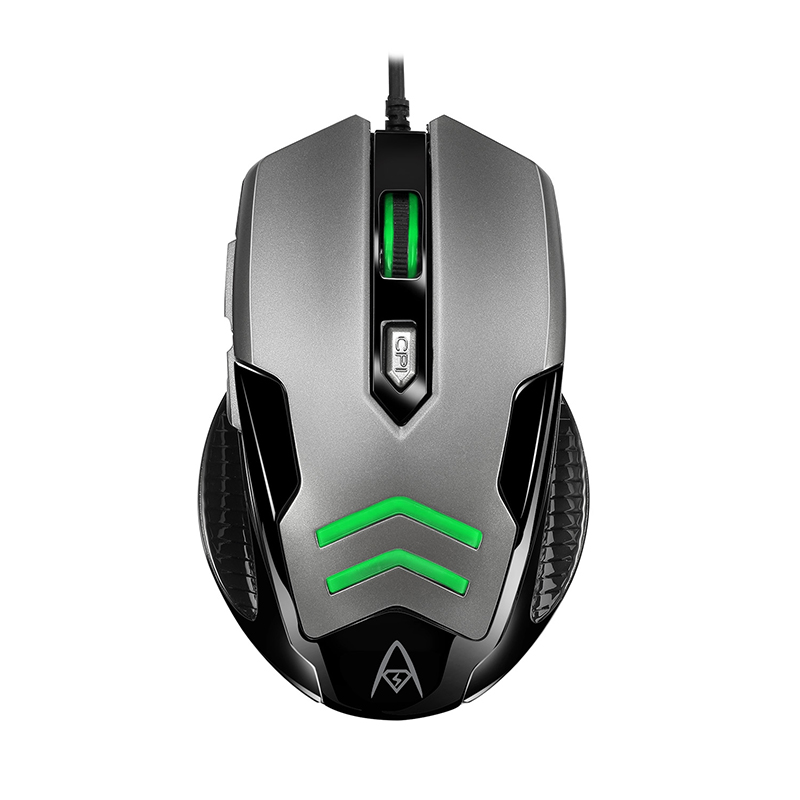
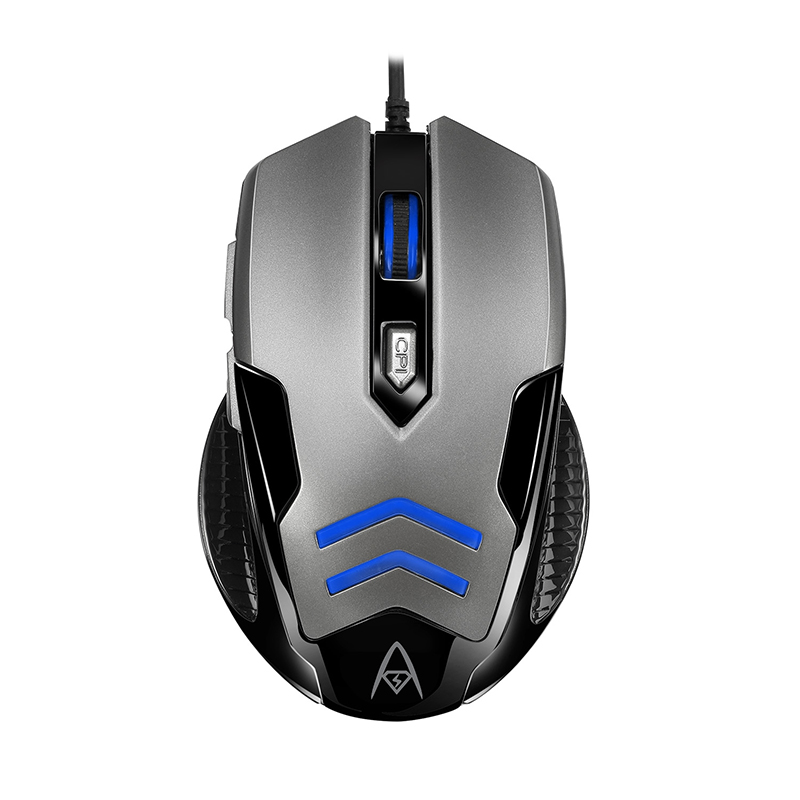
The multi-color LED backlight allows for users to work or play in dark environments with different lighting colors (white/green/blue/red).
The adjustable DPI switch provides control of the mouse with 4 different customized sensitivities (4 default speed at 1000/1600/2400/3200 DPI). Located conveniently just below the scroll wheel, the DPI adjustment buttons let you quickly adjust cursor speed between the various computer tasks throughout your day.
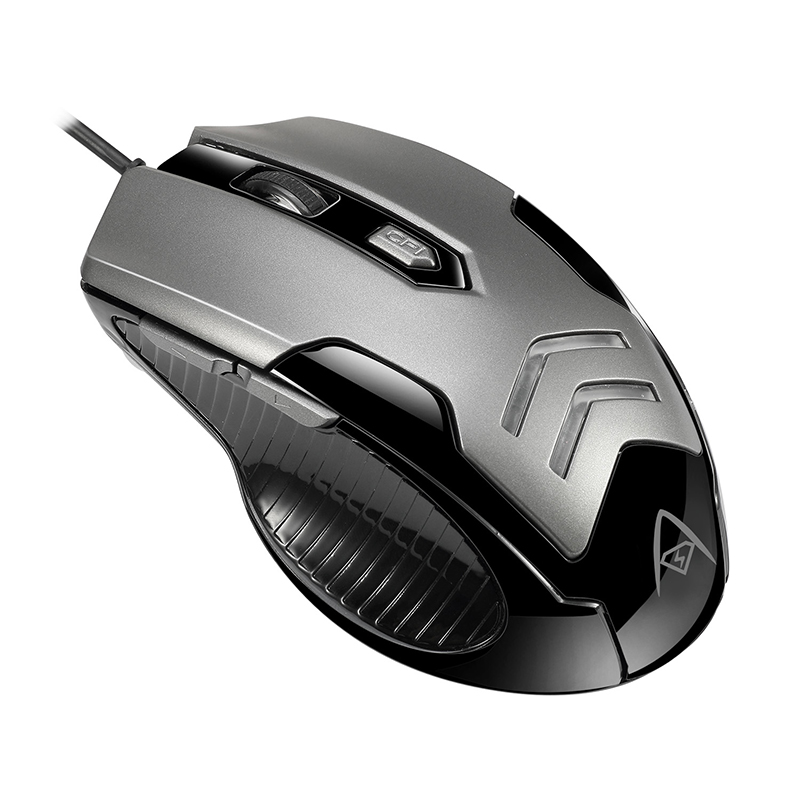
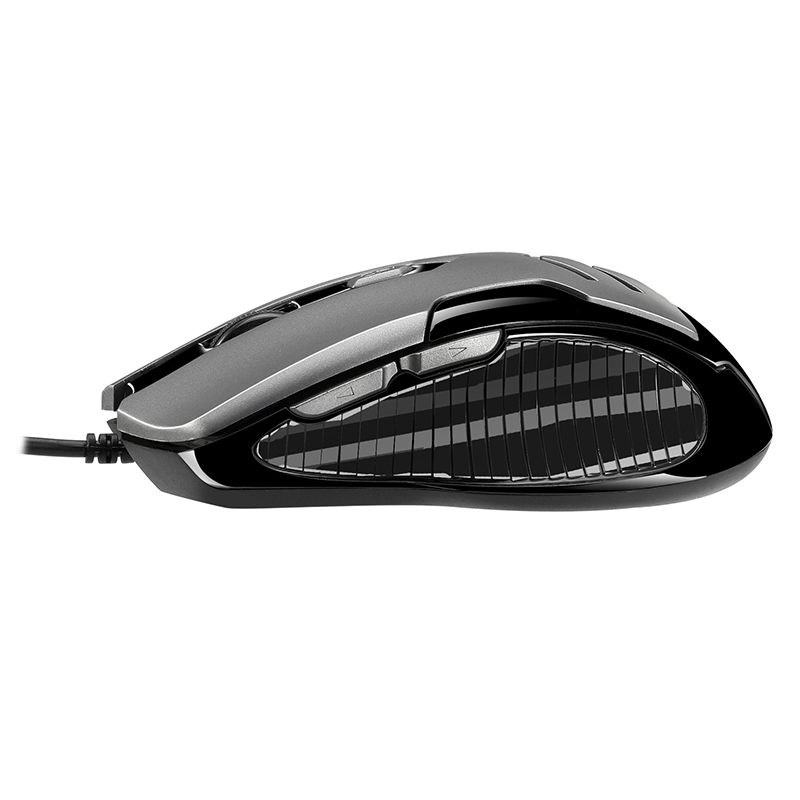
Two Internet navigational buttons, back and forward, are conveniently located on the left side of mouse to provide you with Internet browser control with minimal hand movement.
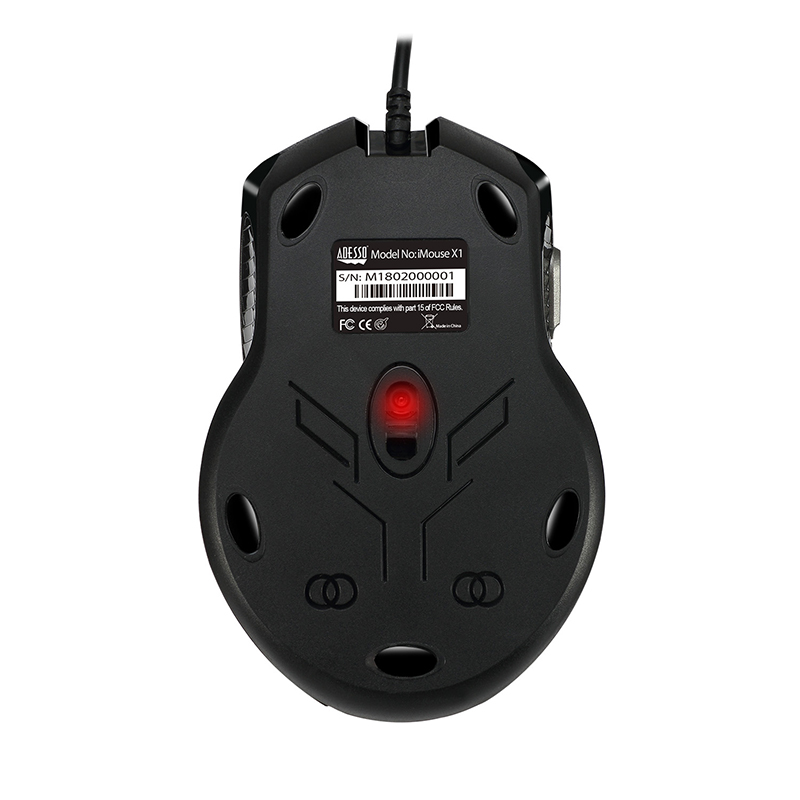
The advanced optical sensor offers pinpointing tracking precision for your various computing and gaming activities.
The ergonomic design and the texturized rough surface on both sides of the mouse provide comfort and better grip for both left and right handed users.
The Adesso iMouse X1 Gaming Mouse is a wired USB optical mouse built for everyday computing and casual gaming use. It features a straightforward design with adjustable sensitivity levels and additional side controls that support smoother navigation and gameplay. The shape is designed with a right-hand orientation in mind, offering a steady grip for extended use sessions.
The multi-color LED backlight allows for users to work or play in dark environments with different lighting colors (white/green/blue/red).
The adjustable DPI switch provides control of the mouse with 4 different customized sensitivities (4 default speed at 1000/1600/2400/3200 DPI). Located conveniently just below the scroll wheel, the DPI adjustment buttons let you quickly adjust cursor speed between the various computer tasks throughout your day.
Two Internet navigational buttons, back and forward, are conveniently located on the left side of mouse to provide you with Internet browser control with minimal hand movement.
The advanced optical sensor offers pinpointing tracking precision for your various computing and gaming activities.
The ergonomic design and the texturized rough surface on both sides of the mouse provide comfort and better grip for both left and right handed users.