
When something goes wrong with your IT infrastructure, you call out an expert to fix your issues on-site as quickly as possible…or at least that’s how it used to be. The Omada cloud-based controller lets you monitor and manage access points, switches, and gateways from a single cloud interface. No hardware controller or on-site installation is needed.
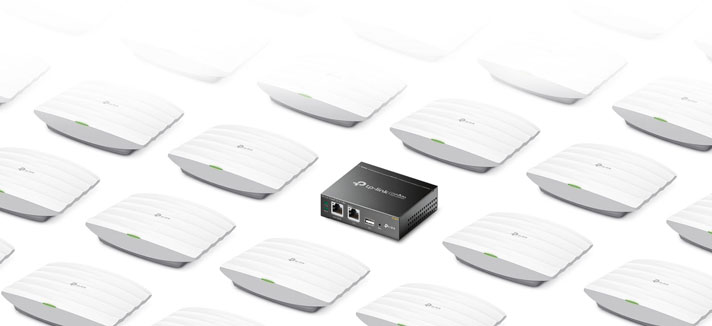
Why Omada?
- No on-site visits to troubleshoot, manage, or monitor your IT infrastructure.
- User privacy protection: TP-Link Omada separates network management data from user data to ensure better protection of users’ privacy.
- Automated fault detection 24/7
- Real-time network status
- Powerful scheduling (Wi-Fi schedule, Reboot schedule, Backup schedule etc.)
- Check network usage and traffic distribution
- Receive condition logs, abnormal event warnings, and notifications
- Track key data
- Isolated backup servers



How to set up Omada Cloud Controller:
Step 1: Plug in on-site and connect the Omada devices to the Internet
Step 2: Set up your devices through the Omada dashboard (app or web browser)
Step 3: Devices start their configuration file from the cloud
Step 4: You have remote cloud management
The Omada Cloud Controller is not the only option.
TP-Link Omada offers a range of controllers – and while the cloud-based controller offers the most, there are other options to consider for your business. Choose the right controller that fits your business:
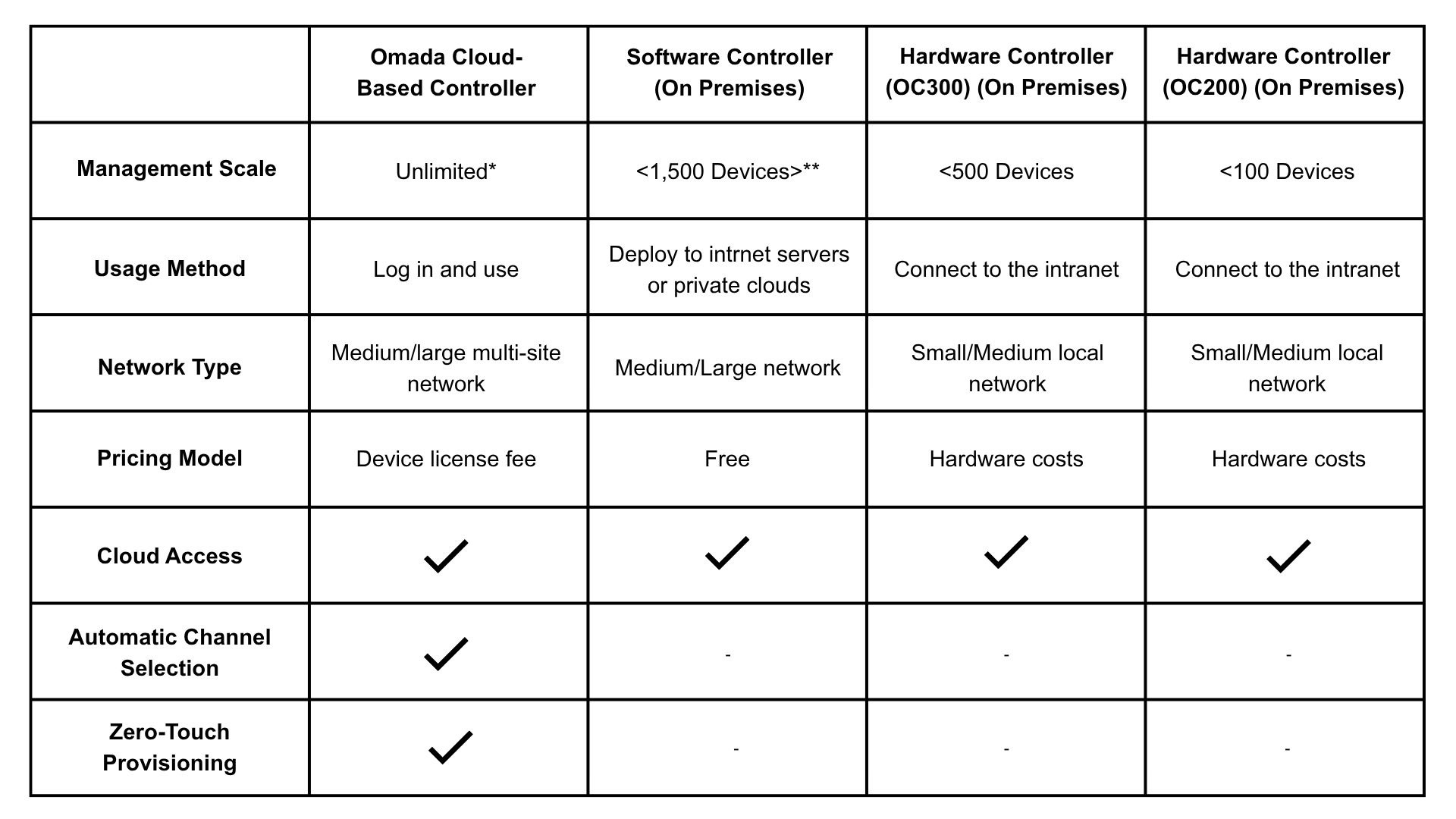
*Device management capacity of the Omada Cloud-Based Controller v4.x is 1,500 and can be upgraded to v5.0 for unlimited capacity. V5 is currently in development.
**Actual management scale of the Omada Software Controller depends on the PC/server’s hardware specifications.
Explore TP-Link today at Comms Express
Still not feeling sure? Get in touch with our Sales Team on 0800 488 0000 who are more than happy to help!