

Choosing the Right Smart Security Camera for a Safer Home
Building a smarter, safer home starts with choosing the right security camera system. Thanks to today’s smart home ecosystems Amazon Alexa, Google Home, and Apple HomeKit it’s easier than ever to integrate security cameras with voice control, automation, and mobile monitoring.
In this guide, we highlight standout IP security cameras for different use cases, featuring trusted models from Axis, Ubiquiti, TP-Link, and Ezviz, and explain what to look for when choosing the right solution for your home or property.
Why Smart Home Compatibility Matters
Smart home compatibility turns a standard security camera into a connected security hub. With the right setup, you can:
- View live camera feeds remotely
- Display footage on smart screens using voice commands
- Trigger alerts and automations based on motion
- Create routines (e.g. arm cameras when doors lock at night)
Whether you use Alexa, Google Home, or a more advanced platform like Home Assistant, compatibility ensures your cameras work seamlessly with the rest of your smart home.
Key Features to Look For
Before choosing a camera, consider whether it supports:
- Smart home integration (Alexa / Google / Home Assistant)
- High-resolution video (1080p or 4K)
- Night vision and motion detection
- Two-way audio
- Cloud and/or local storage options
- App notifications and automation support
Different brands excel in different areas here’s how the leading options compare.
Best Smart Security Cameras for Homes
Axis M1075-L Box IP Security Camera
Best for: Professional-grade home and small business installations
The Axis M1075-L is a compact, high-performance IP camera delivering HDTV 1080p video with deep learning analytics. Designed for continuous operation, it offers excellent image quality day and night.
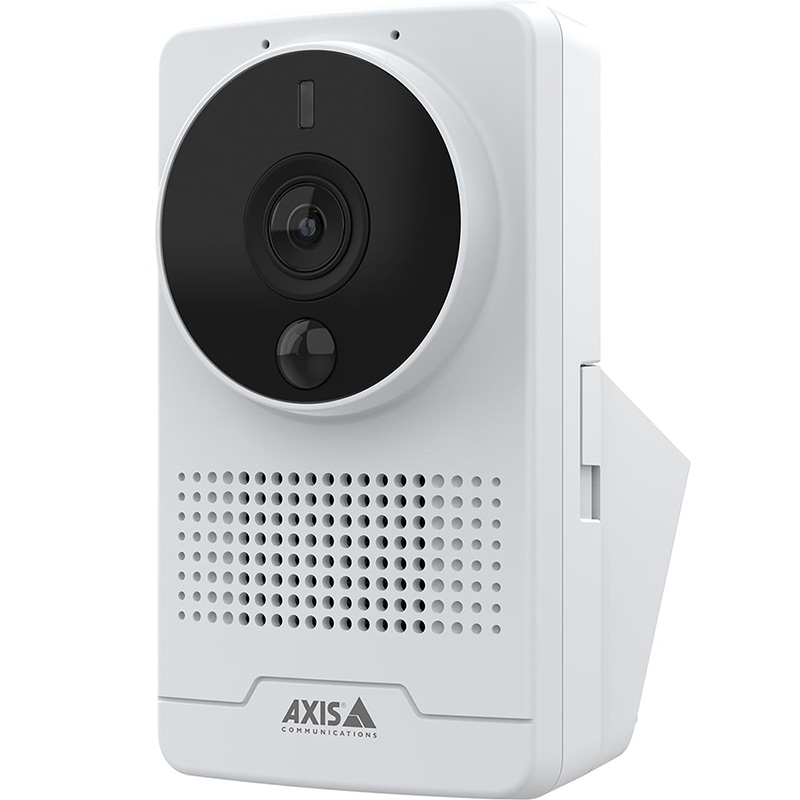
Key features:
- Day/night recording with IR illumination
- Built-in PIR motion sensor
- Two-way audio communication
- Deep learning analytics on the edge
- HDMI output and strong privacy controls
Smart home compatibility:
Works well with platforms like Home Assistant and third-party integrations (not natively Alexa/Google).
Ubiquiti UVC-G4-BULLET UniFi Protect G4-Bullet
Best for: UniFi Protect ecosystems and local storage users
The G4-Bullet is a rugged outdoor IP camera built for reliability and clarity. Integrated with UniFi Protect, it offers local recording without subscription fees.
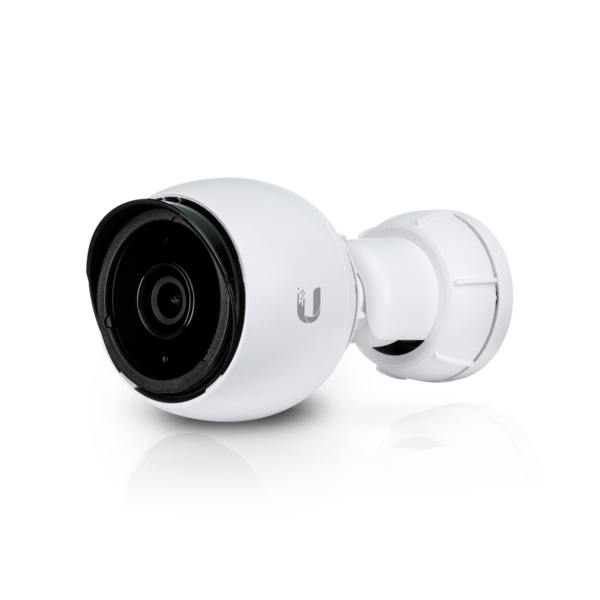
Key features:
- 4MP video with strong low-light performance
- Infrared night vision
- PoE-powered for stable connectivity
- Local NVR-based storage
Smart home compatibility:
Not natively supported by Alexa or Google Home, but widely integrated via Home Assistant.
Ubiquiti UVC-G4-PTZ UniFi Protect G4-Dome IP security camera
Best for: Discreet indoor or covered outdoor installations
The G4-Dome delivers enterprise-grade security in a compact, vandal-resistant design ideal for hallways, entrances, and shared spaces.
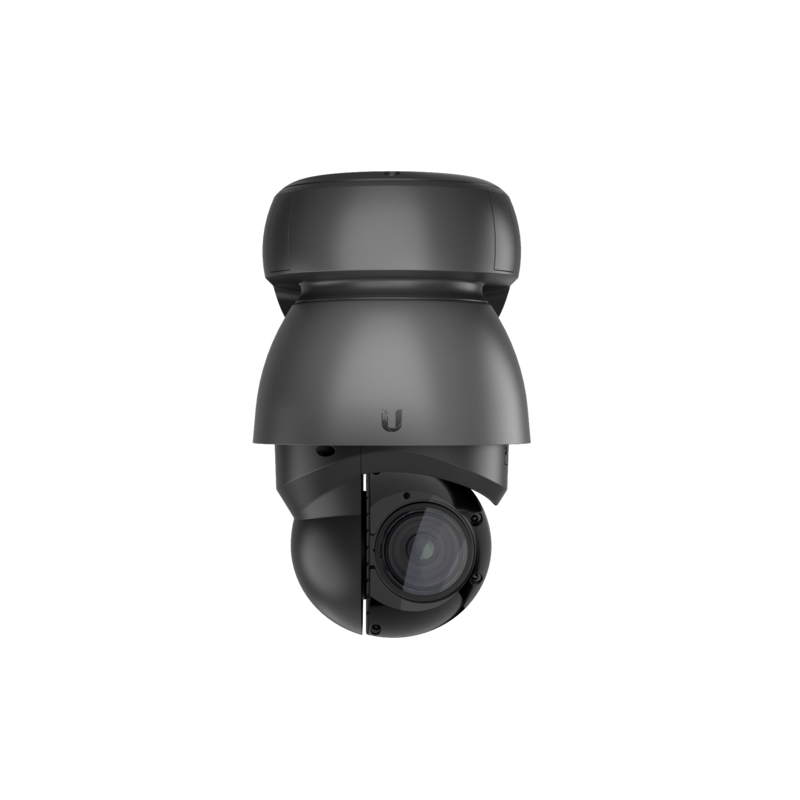
Key features:
- 4MP high-resolution video
- Wide viewing angle
- PoE-powered reliability
- Seamless UniFi Protect integration
Smart home compatibility:
Best suited for advanced users using UniFi Protect with third-party smart home platforms.
Ubiquiti UVC-G5-Pro UniFi Protect G5-Pro
Best for: High-end, large-area coverage
Ubiquiti’s UVC-G5-Pro camera delivers top-tier surveillance, combining 4K clarity with advanced features for all-around security. With its sleek design and built-in infrared night vision, this camera is perfect for monitoring both day and night. Equipped with PoE for easier installation, the UVC-G5-Pro ensures you get more out of your surveillance without extra hassle.
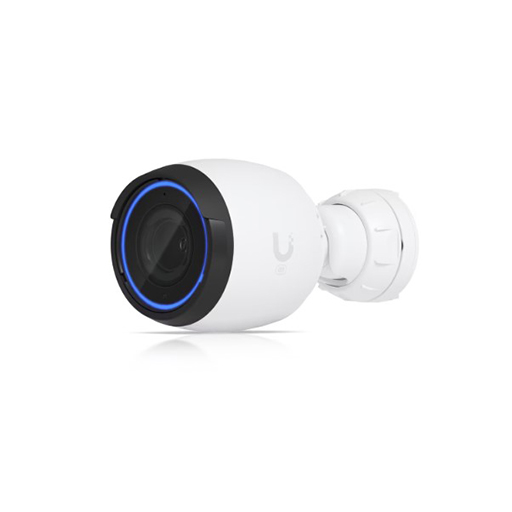
Key Features:
- 4K Ultra HD resolution for clear, detailed footage
- IP67-rated weatherproof design, ensuring durability in harsh outdoor conditions
- Integrated infrared night vision for clear video up to 30 meters
- H.265 video compression for reduced bandwidth and storage use
- PoE support for simple, hassle-free installation
- Smart motion detection with alerts for important activity
Smart home compatibility:
Advanced integrations available through Home Assistant rather than native voice assistants.
Ezviz C2C Full HD Indoor Smart Camera
Best for: Simple indoor monitoring
The Ezviz C2C is a compact, plug-and-play indoor camera designed for quick setup and everyday home use.
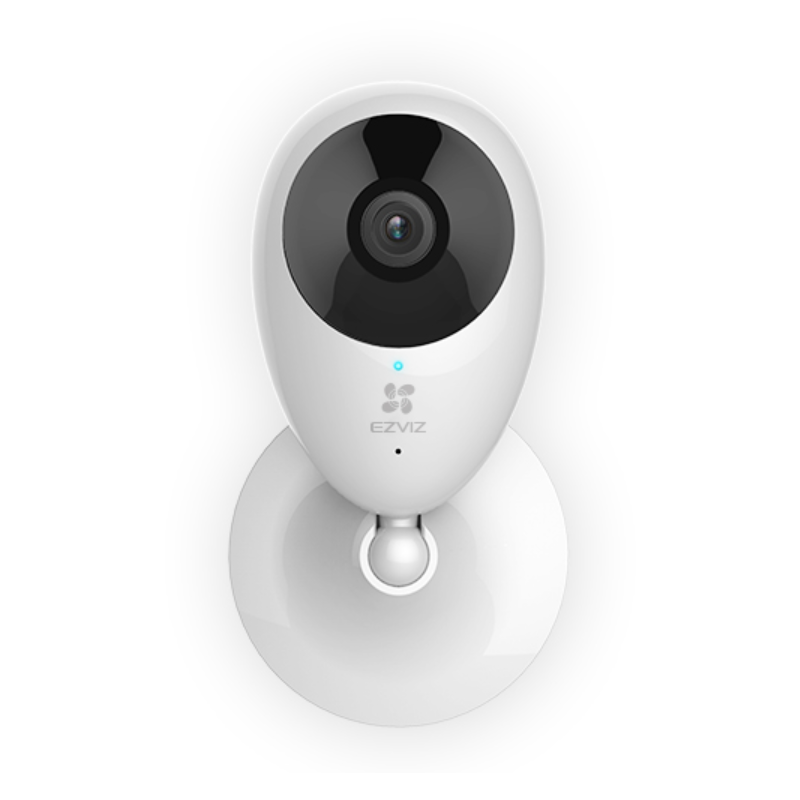
Key features:
- 1080p Full HD video
- Two-way audio
- Motion detection alerts
- Easy app-based setup
Smart home compatibility:
Works with Amazon Alexa and Google Home for viewing feeds on smart displays.
TP-Link Tapo C120 Indoor/Outdoor Wi-Fi Camera
Best for: Affordable indoor and outdoor smart security
The Tapo C120 delivers solid performance with strong smart home integration at an accessible price point.
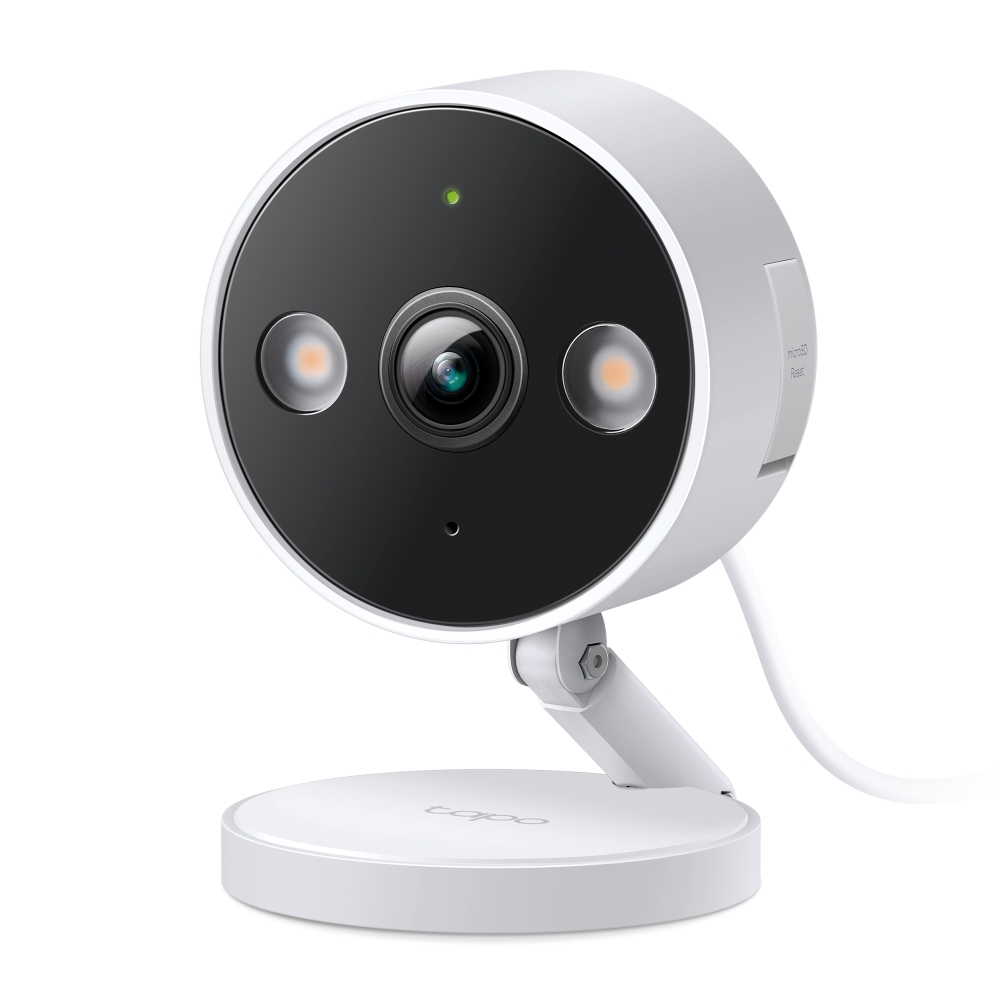
Key features:
- Full HD video
- Colour night vision with spotlight
- Two-way audio
- Weather-resistant design
Smart home compatibility:
Native support for Alexa and Google Home, including routines and live views.
TP-Link Tapo C410 KIT Solar-Powered Camera
Best for: Cable-free outdoor security
The Tapo C410 KIT is a solar-powered security solution designed for locations without easy access to power.

Key features:
- Wire-free installation
- Solar panel charging
- Motion detection with alerts
- Weather-resistant design
Smart home compatibility:
Works with Alexa and Google Home, making it ideal for smart outdoor monitoring.
Installation Tips for Smart Camera Setups
- Place cameras at entry points: doors, driveways, and back gardens
- Ensure strong Wi-Fi coverage or use PoE for wired reliability
- Configure motion zones to reduce false alerts
- Link cameras to smart routines (e.g. night mode or away mode)
Cloud vs Local Storage
Cloud Storage
- Accessible from anywhere
- Subscription-based
- Automatic backups
Local Storage
- No monthly fees
- Faster access
- Full control of data
Ubiquiti and Axis favour local storage, while TP-Link and Ezviz offer flexible cloud options.
Conclusion
- Best for advanced smart home users: Ubiquiti UniFi Protect cameras
- Best professional-grade security: Axis M1075-L
- Best budget smart integration: TP-Link Tapo range
- Best plug-and-play indoor camera: Ezviz C2C
The right camera depends on your priorities whether that’s deep smart home integration, local storage, ease of use, or professional-grade analytics.
If you’re ready to upgrade your home security, the right smart camera system will give you peace of mind, streamlined control, and seamless integration with your existing smart home setup.
Want specific recommendations for your home size or budget? Speak to our sales team on 08004880000 or email [email protected]
Frequently Asked Questions (FAQs)
1. Are smart security cameras compatible with Alexa and Google Home?
Yes, many smart cameras from brands like TP-Link, and Axis can be controlled and monitored through Alexa or Google Home once linked in the respective app.
2. Do Ubiquiti UniFi cameras work with smart assistants?
Ubiquiti UniFi Protect doesn’t natively support Alexa or Google Home, but you can integrate them using third-party platforms like Home Assistant for broader control.
3. Can smart cameras notify me when motion is detected?
Absolutely. Most smart camera systems provide push notifications when motion is detected and can even distinguish people versus pets with advanced detection.
4. Which security cameras work with smart home systems like Alexa and Google Home?
Many consumer-focused cameras, such as TP-Link Tapo and Ezviz, offer native support for Amazon Alexa and Google Home, allowing you to view live feeds on smart displays and use voice commands. Professional systems like Ubiquiti UniFi Protect and Axis typically integrate via platforms such as Home Assistant rather than direct voice assistant support.
5. Do Ubiquiti UniFi Protect cameras require a subscription?
No. Ubiquiti UniFi Protect cameras use local storage via a UniFi Protect NVR, meaning there are no monthly subscription fees. This makes them a popular choice for users who want full control over their footage.
6. What is the difference between PoE and Wi-Fi security cameras?
PoE (Power over Ethernet) cameras, like those from Axis and Ubiquiti, receive power and data through a single Ethernet cable, offering greater reliability and stability. Wi-Fi cameras, such as TP-Link Tapo and Ezviz models, are easier to install but depend on wireless signal strength.
7. Are solar-powered security cameras reliable?
Yes. Solar-powered cameras like the TP-Link Tapo C410 KIT are designed for low-power operation and are ideal for outdoor areas without easy access to power. Performance depends on sunlight availability and proper placement of the solar panel.
8. Do these cameras support night vision?
All featured cameras include night vision. Some models offer infrared (IR) night vision, while others such as the TP-Link Tapo C120 support colour night vision using built-in spotlights.
9. Can security cameras send motion alerts to my phone?
Yes. Most smart security cameras provide real-time push notifications when motion is detected. Advanced systems can differentiate between people, vehicles, or general motion depending on the model and software.
10. Is local storage better than cloud storage?
Local storage offers no recurring fees, faster access, and full data control, while cloud storage provides remote access, backups, and easier sharing. Cameras from Ubiquiti and Axis focus on local storage, while TP-Link and Ezviz offer optional cloud plans.
11. Are indoor and outdoor security cameras interchangeable?
Not always. Outdoor cameras are weather-resistant and designed to handle temperature changes, while indoor cameras are not. Models like the TP-Link Tapo C120 are suitable for both indoor and outdoor use.
12. Do smart security cameras support two-way audio?
Many models, including Axis M1075-L, TP-Link Tapo cameras, and Ezviz C2C, feature two-way audio, allowing you to speak and listen through the camera using a mobile app.
13. Which security camera is best for beginners?
For beginners, TP-Link Tapo and Ezviz cameras are ideal thanks to their simple setup, app-based control, and smart assistant support. Advanced users may prefer Ubiquiti UniFi Protect or Axis for greater control and scalability.
